
Press Kit
FlashAnzan Press Kit
Everything you need to write about FlashAnzan in one place. The text, the icon and the screenshots are free to use as they are.
At a glance
- Name
- FlashAnzan
- From
- MusicFlow (an independent developer)
- Runs on
- iPhone, iPad, Mac and Apple Watch
- Pricing
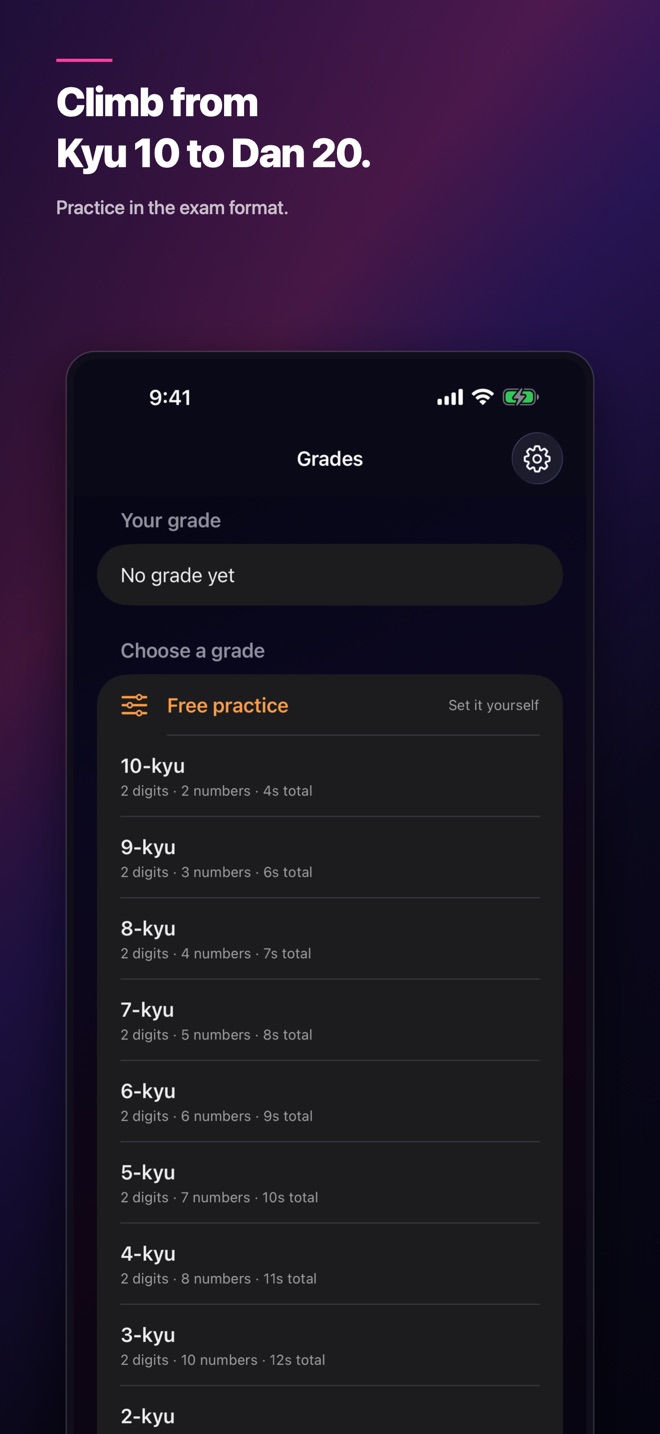
- 10-kyu to 8-kyu are free. One purchase opens every grade, and it works with Family Sharing.
- Why it’s different
- Numbers flash by and you add them in your head. Ten-problem exams modeled on the Japanese grading format take you up 30 grades, from 10-kyu to 20-dan. Answer on a number pad or by voice, with recognition on your device.
Descriptions
Three lengths. Use whichever fits.
One line
FlashAnzan is a flash mental-math trainer: numbers flash by one at a time and you add them in your head.
Three lines
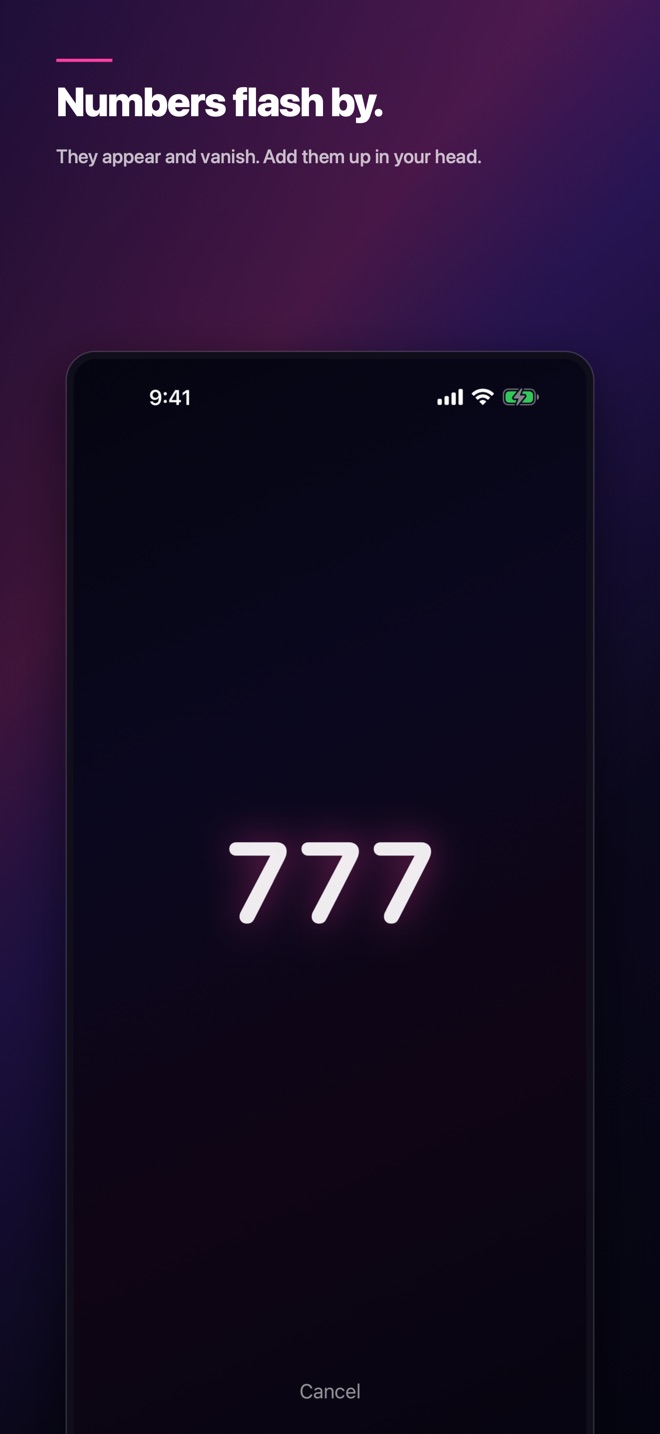
Numbers light up and vanish one by one. Add them in your head and give the total.
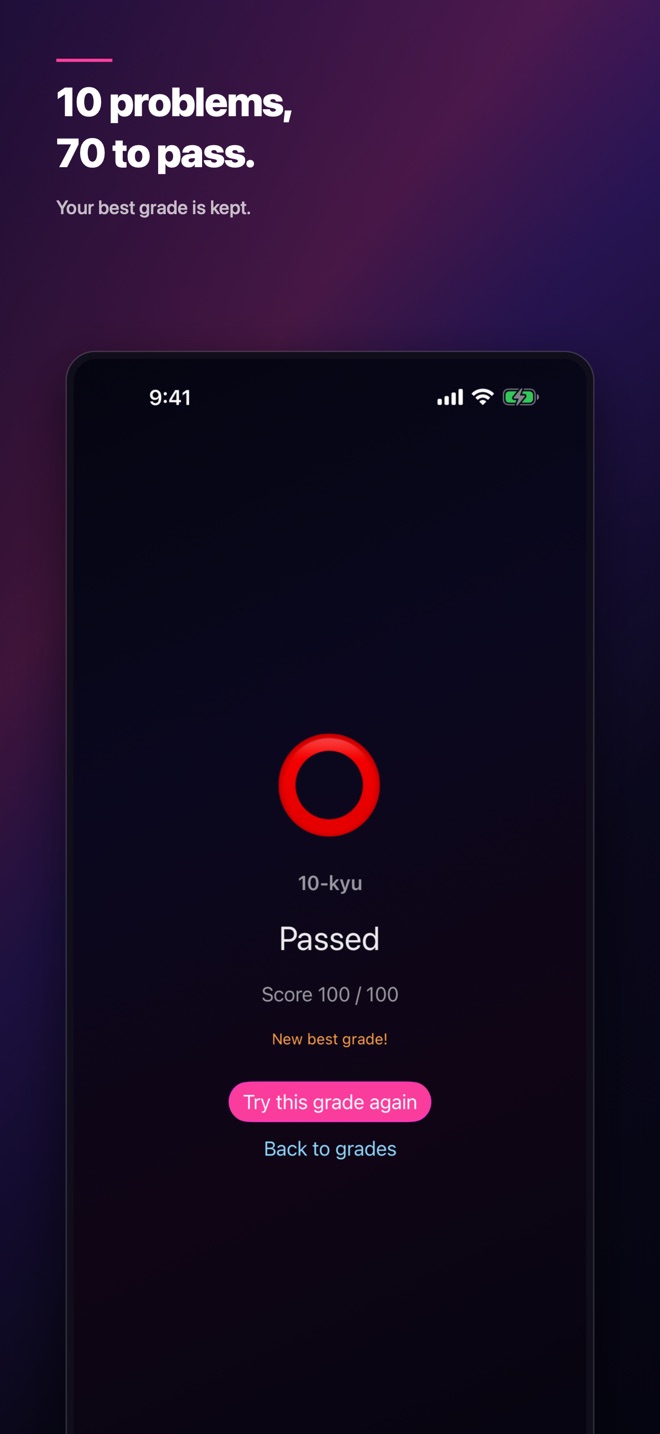
Ten-problem exams, modeled on the Japanese grading format, take you up 30 grades from 10-kyu to 20-dan. 70 points passes.
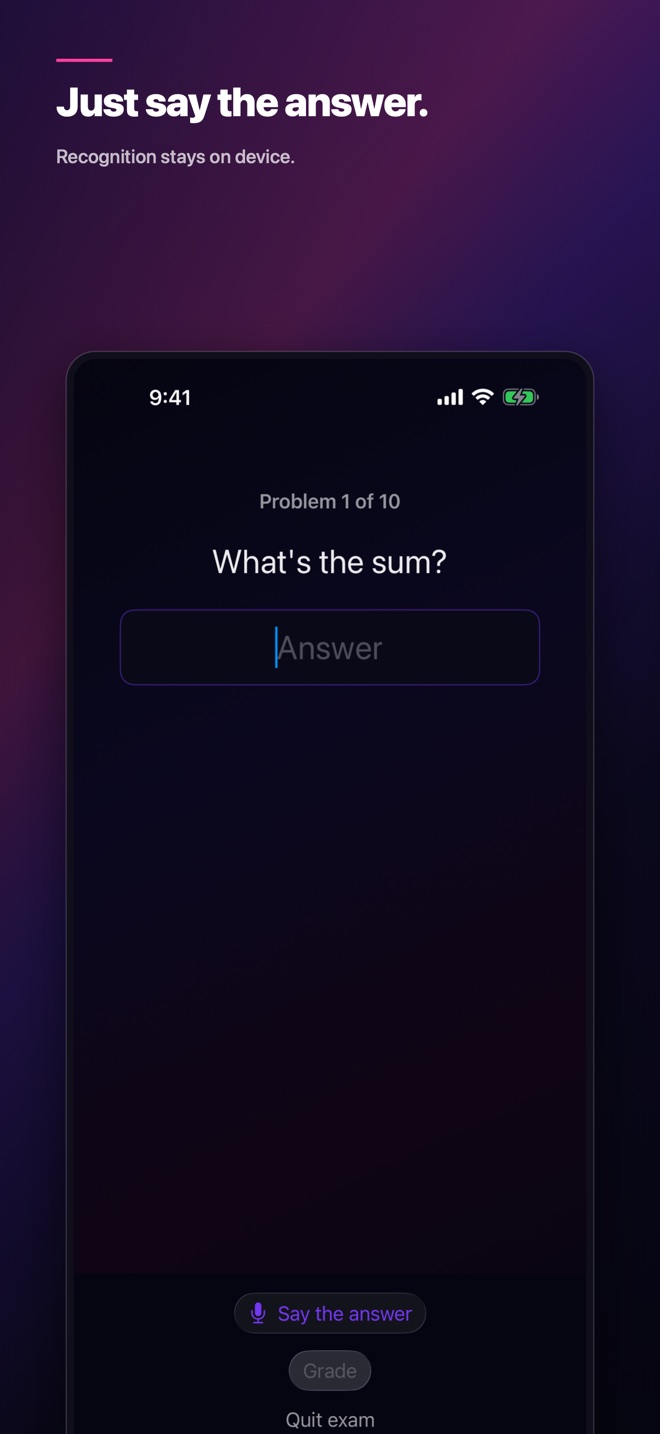
Answer on a number pad or by voice, with recognition on your device.
One paragraph
FlashAnzan lets you practice flash anzan, the abacus-style mental arithmetic discipline, on your own. Numbers flash on screen one at a time; you add them in your head and answer with the total. The graded mode follows the publicly known format of the Japanese grading exam: ten problems per exam, 70 points to pass. As the grade rises, the numbers get more digits, there are more of them, and each one stays on screen for less time. There are 30 grades from 10-kyu to 20-dan, and 10-kyu to 8-kyu are free. Answer on the number pad or by voice, with recognition on your device. After an exam you can review all ten answers next to the correct ones. Free practice lets you set the digits, the count and the seconds yourself. It runs on iPhone, iPad, Mac and Apple Watch; the one-time purchase works with Family Sharing, and the app is in nine languages.
Icon

1024 × 1024 px (PNG).
Download the iconScreenshots
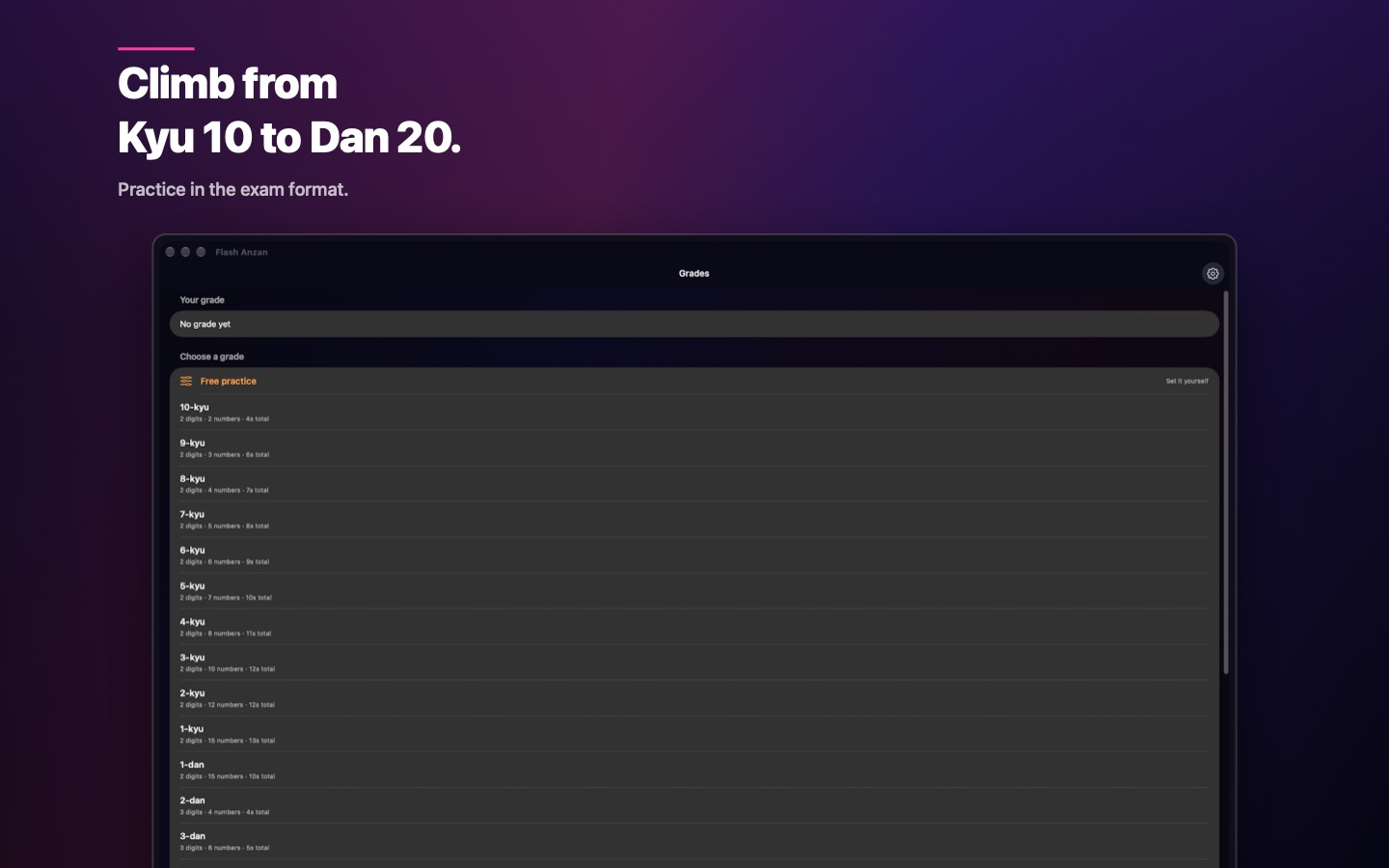
The English set from the App Store. Click one to open it at full size.
iPhone
iPad
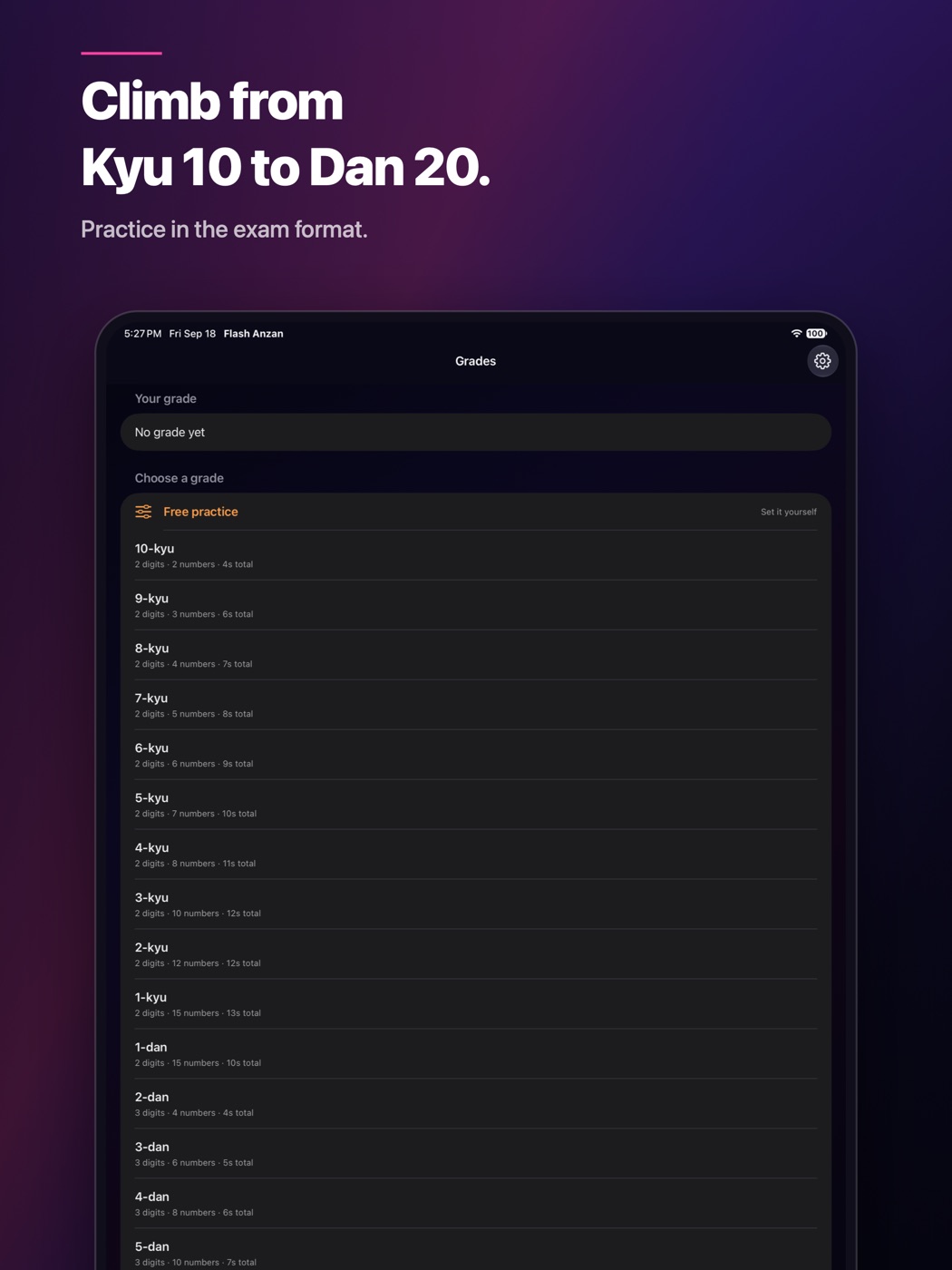
Mac
iPhone Duo (FlashAnzan 1.3.0)
Version 1.3.0, planned for October 23, is made for iPhone Duo. Held half open like a notebook, the upper display flashes the numbers while the lower display shows your progress and becomes the number pad.
- Half open, like a notebook — The numbers flash on the upper display; the lower display shows which problem you are on and your progress, and turns into the number pad when it is time to answer. Eyes stay on the flash, thumbs stay on the keys. Nothing sits on the fold.
- Held like a book — With a vertical fold, the same split runs left and right: the flash on the left, progress and the number pad on the right.
- Fully open and closed — Fully open and closed, the regular layout fits each display.
Screenshots and a video on iPhone Duo. Click a screenshot to open it at full size.
 Closed (outer display): home
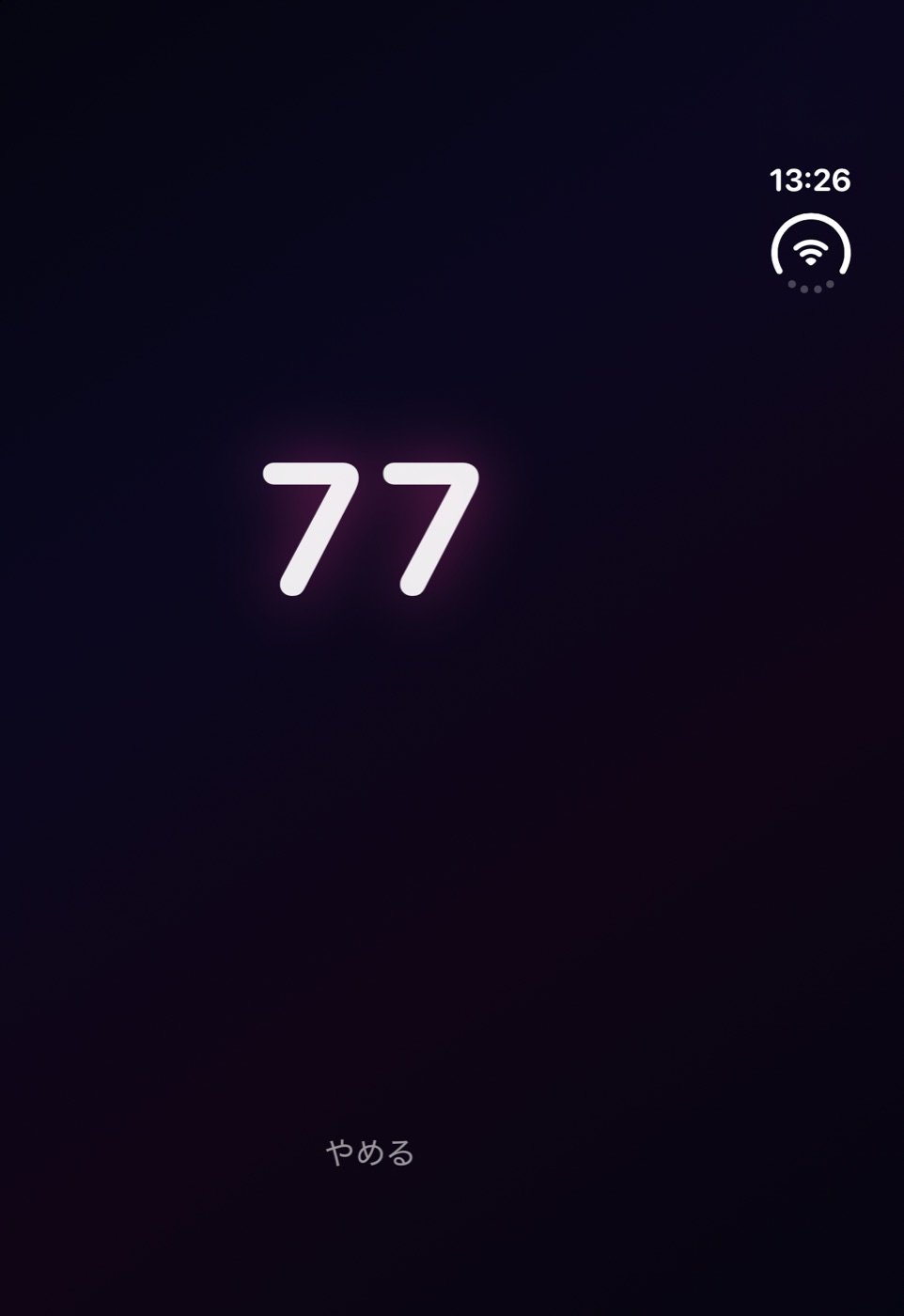 Closed (outer display): the flash
 Fully open: the flash
 Half open: problem and progress (problem 3 shown above)
 Half open: flash above, progress below
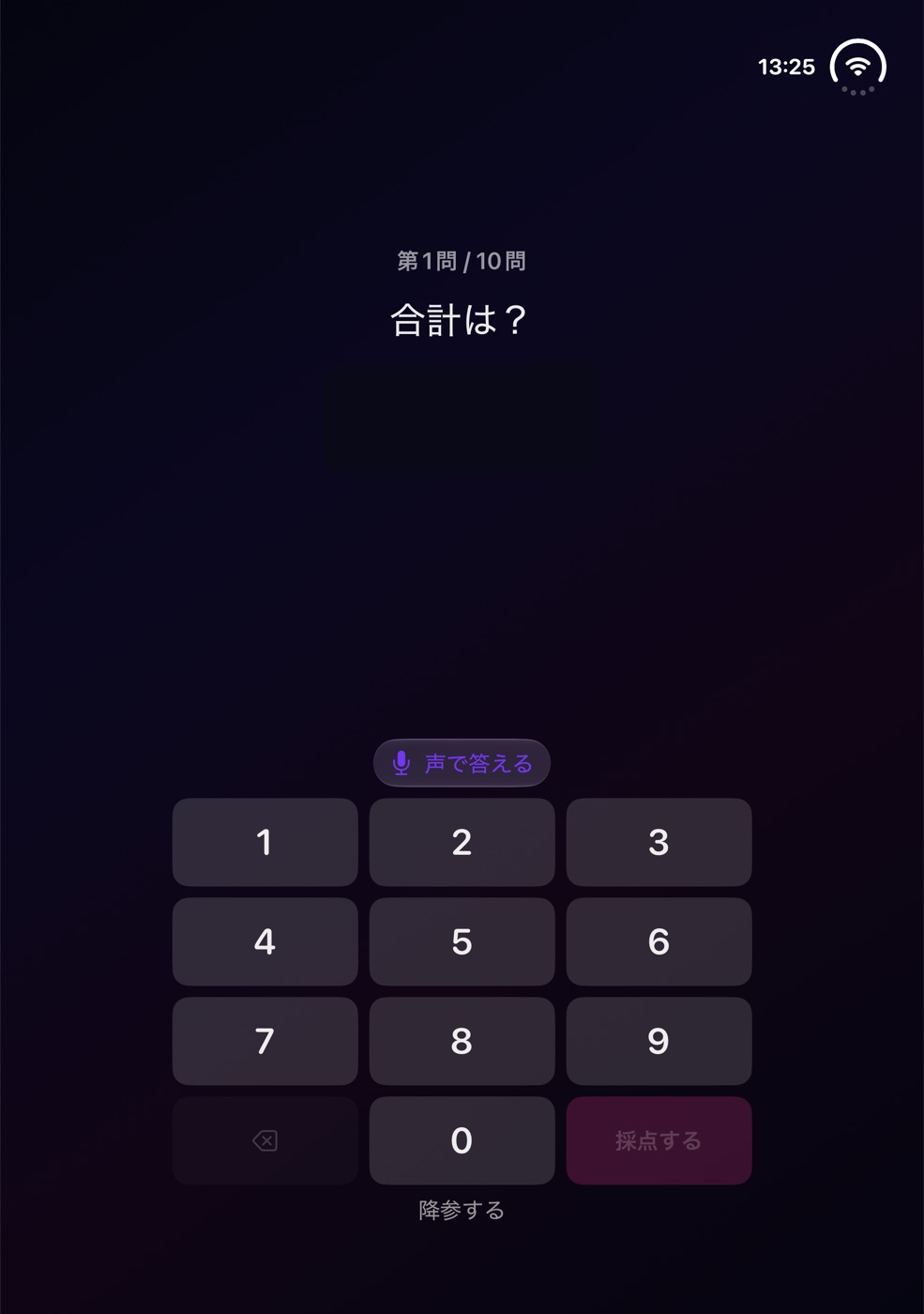 Half open: the answer above, the number pad below
Video (38 seconds): half open, flash above, answering on the number pad below
Open the video (MP4)