What it does
01
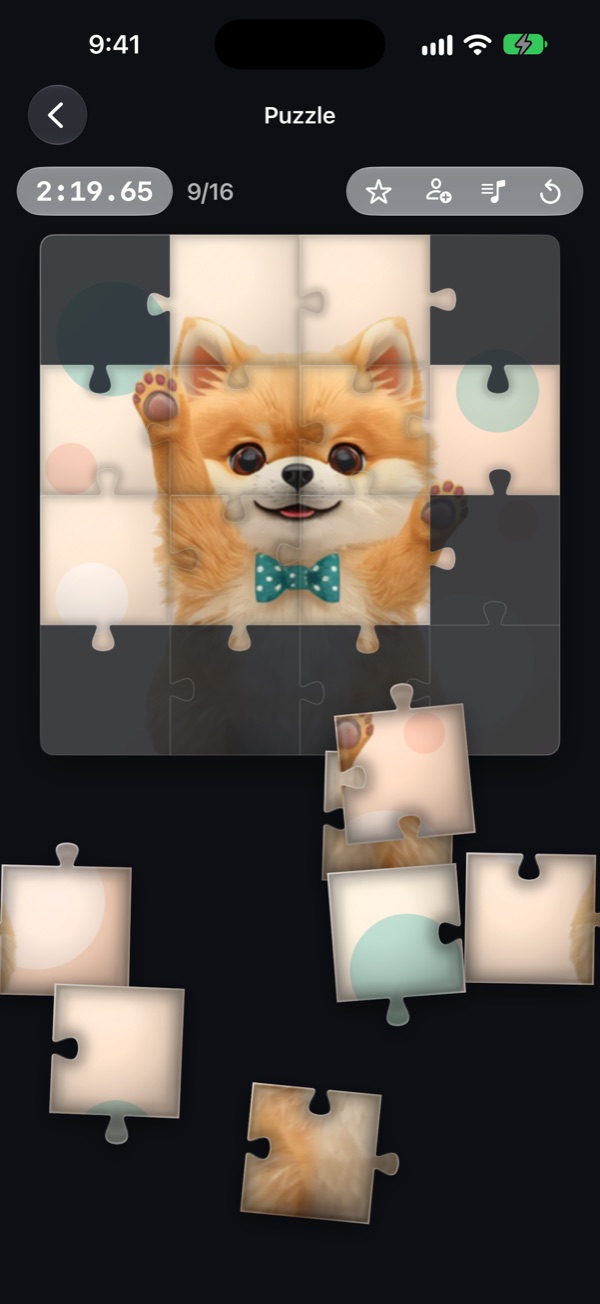
Real jigsaw shapes
Every piece is cut differently, so they interlock like cardboard. Bring a piece near where it belongs and the socket pulls it in, with a click you can hear and feel.
02
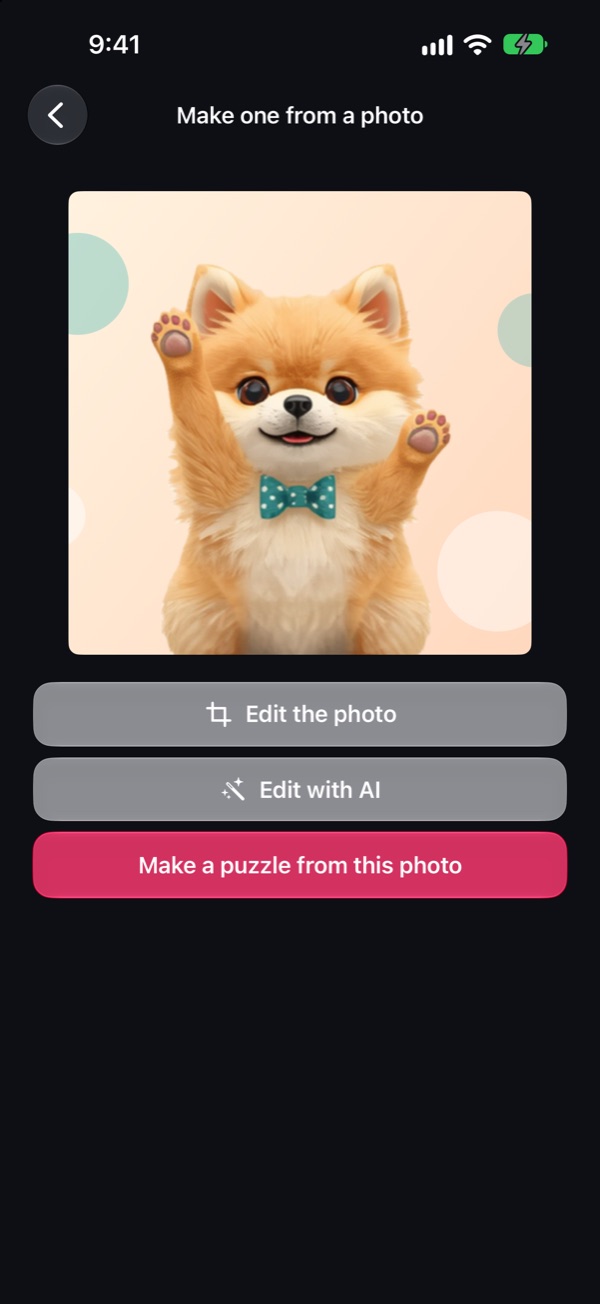
Your own pictures
From your library, or taken on the spot. Pinch and drag to choose what goes in, then pick a size: 3x3, 4x4 or 5x5.
03
Solve it together
Tap the invite button on the board and send the link. Your friend opens the app and joins the very same puzzle, and whoever seats a piece, both screens agree at once.
04
Made for iOS 27
Pieces and the HUD are Liquid Glass. On Apple Intelligence devices, “Edit with AI” reworks your photo from a written prompt before it becomes a puzzle. Say “Make a puzzle in Jigsaw” to Siri to begin.
05
Finish with glue and share
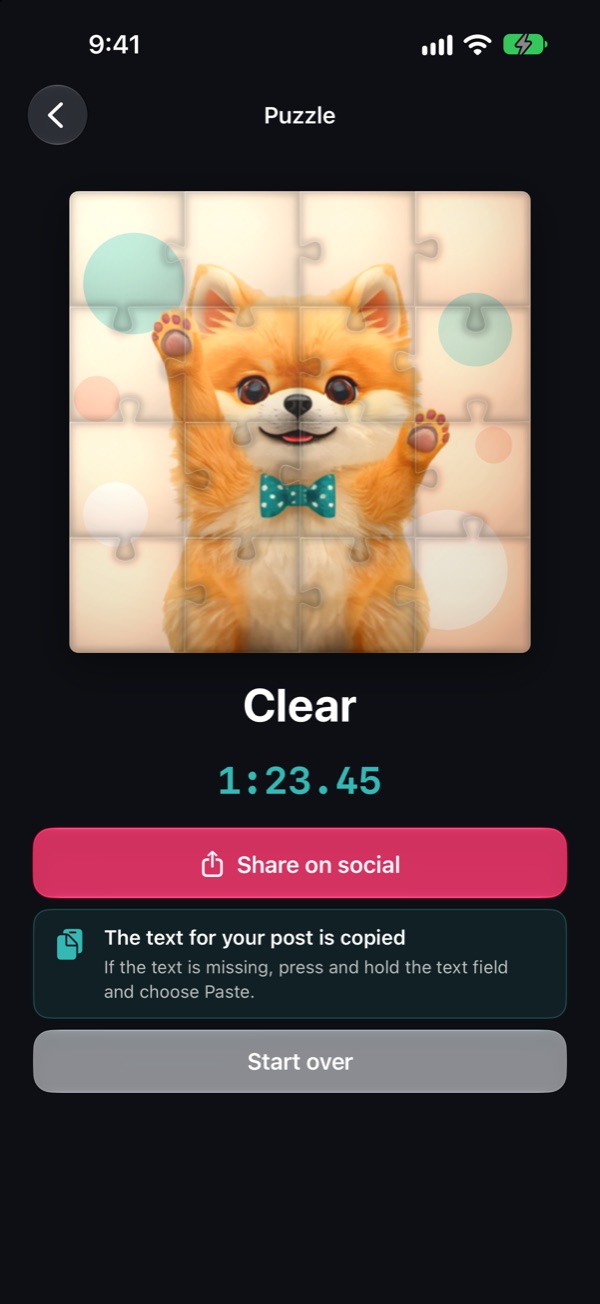
When the last piece lands, a brush sweeps glue over the picture and it dries to a lit, glossy finish. The whole solve becomes a 15-second video, ending on a card with a QR code, ready to post.
Made for iPhone Duo
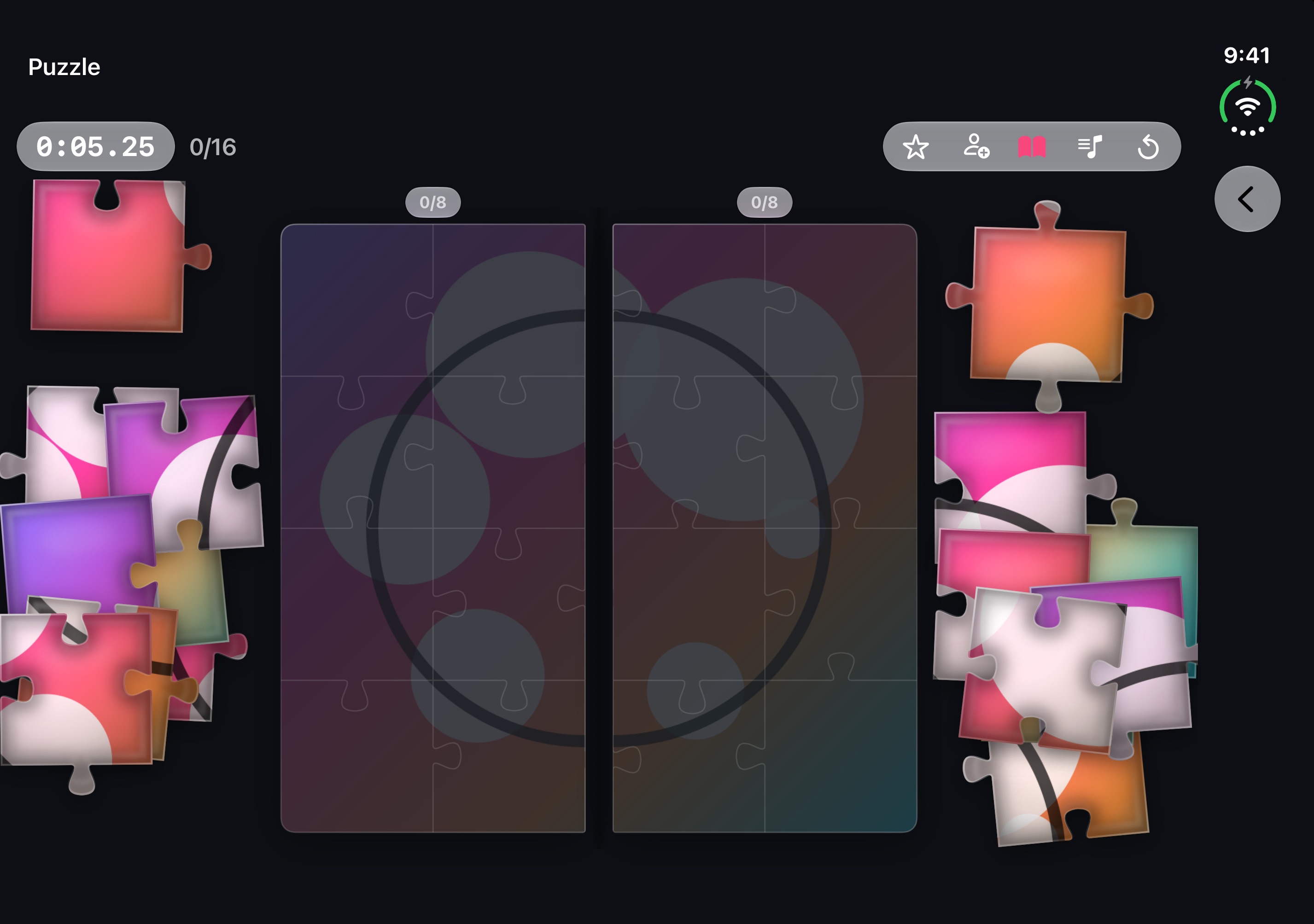
Open it like a book and two people each build half.
Open like a book
The book button splits the picture at the spine, so two people side by side each build their own half. Some pieces are dealt to the other side on purpose and passed across the middle.
Half open
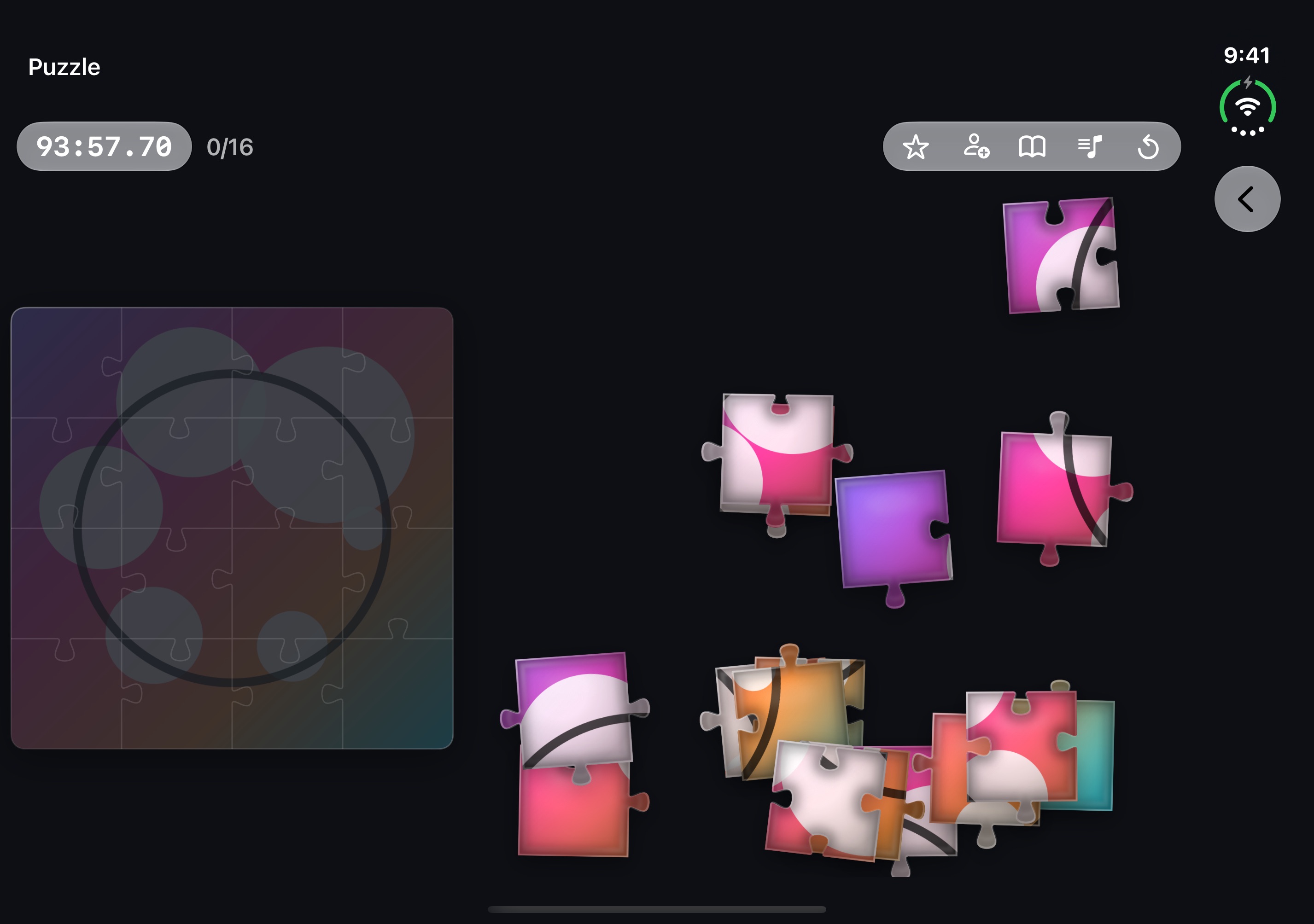
The frame and the resting pieces keep clear of the fold. The home screen sits on the page below the fold (the right page when held like a book).
Closed
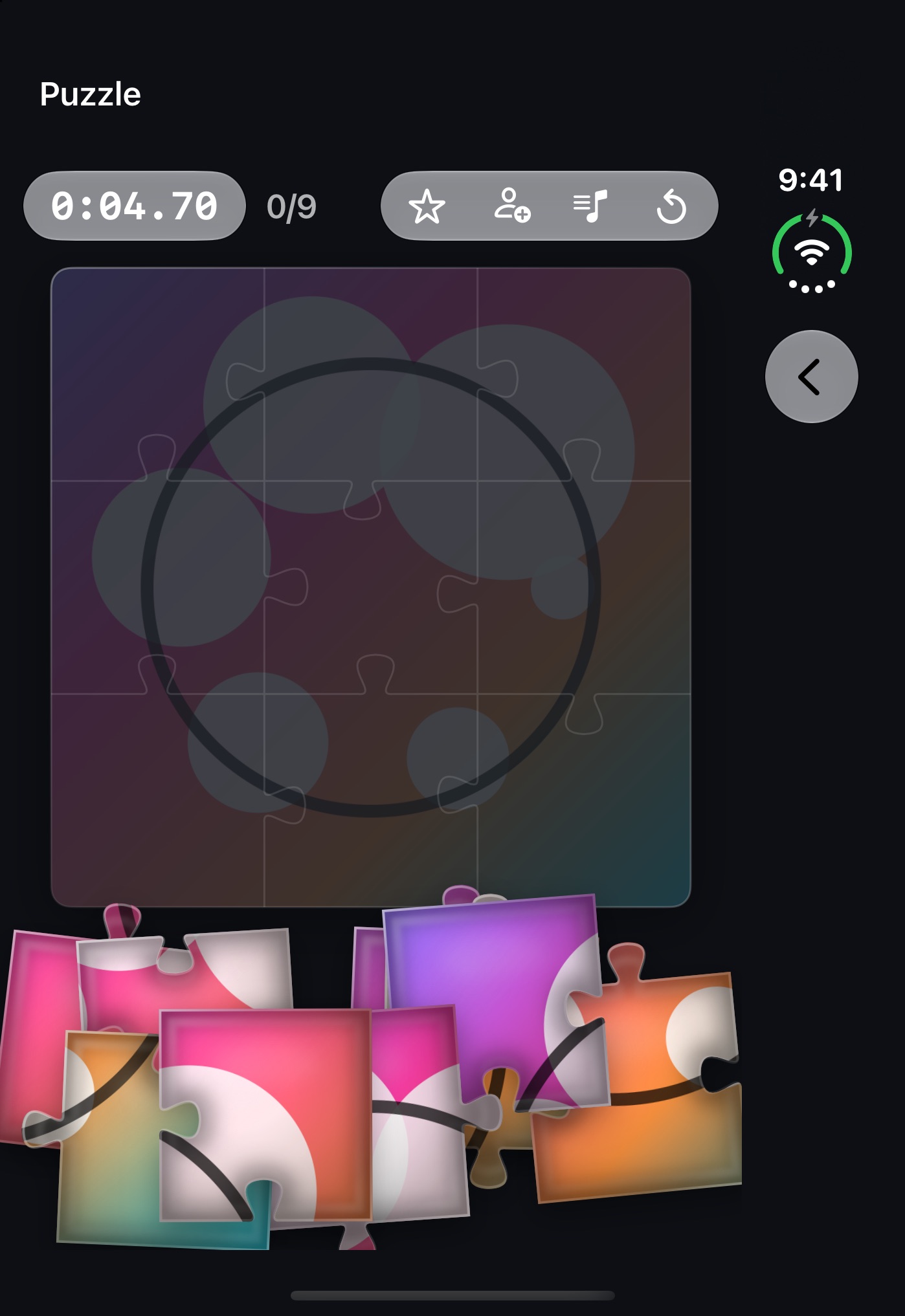
The outer display plays like a regular iPhone.
Price
Making a puzzle from a photo, solving it, and sharing the result as a video or picture are all free, with no ads. Inviting a friend to solve it with you is free for your first shared puzzle. Jigsaw Pro (a one-time purchase) covers every invite after that, plus saving a puzzle part-solved and picking it up on another device.