Press Kit
Jigsaw Press Kit
Everything you need to write about Jigsaw in one place. The text, the icon and the screenshots are free to use as they are.
At a glance
- Name
- Jigsaw
- From
- MusicFlow (an independent developer)
- Runs on
- iPhone, iPad and Mac
- Pricing
- Free to play. Pro is a one-time purchase that saves puzzles in progress so you can pick them up on another device. Works with Family Sharing.
- Why it’s different
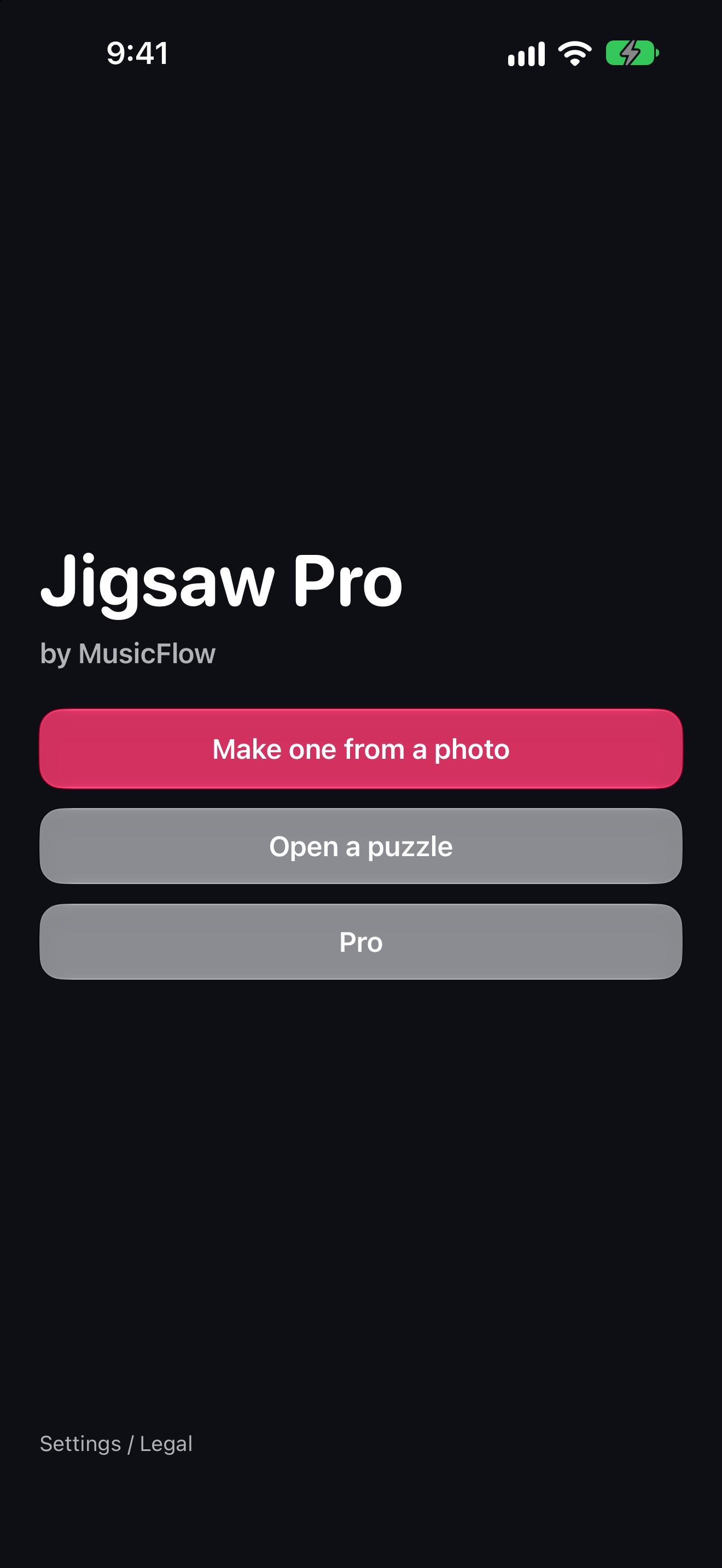
- Your own photo becomes a puzzle with interlocking pieces cut from the picture. Send one link and a friend solves the same board with you, at the same time.
Descriptions
Three lengths. Use whichever fits.
One line
Jigsaw turns your own photos into real jigsaw puzzles that you can solve together with a friend on the same board.
Three lines
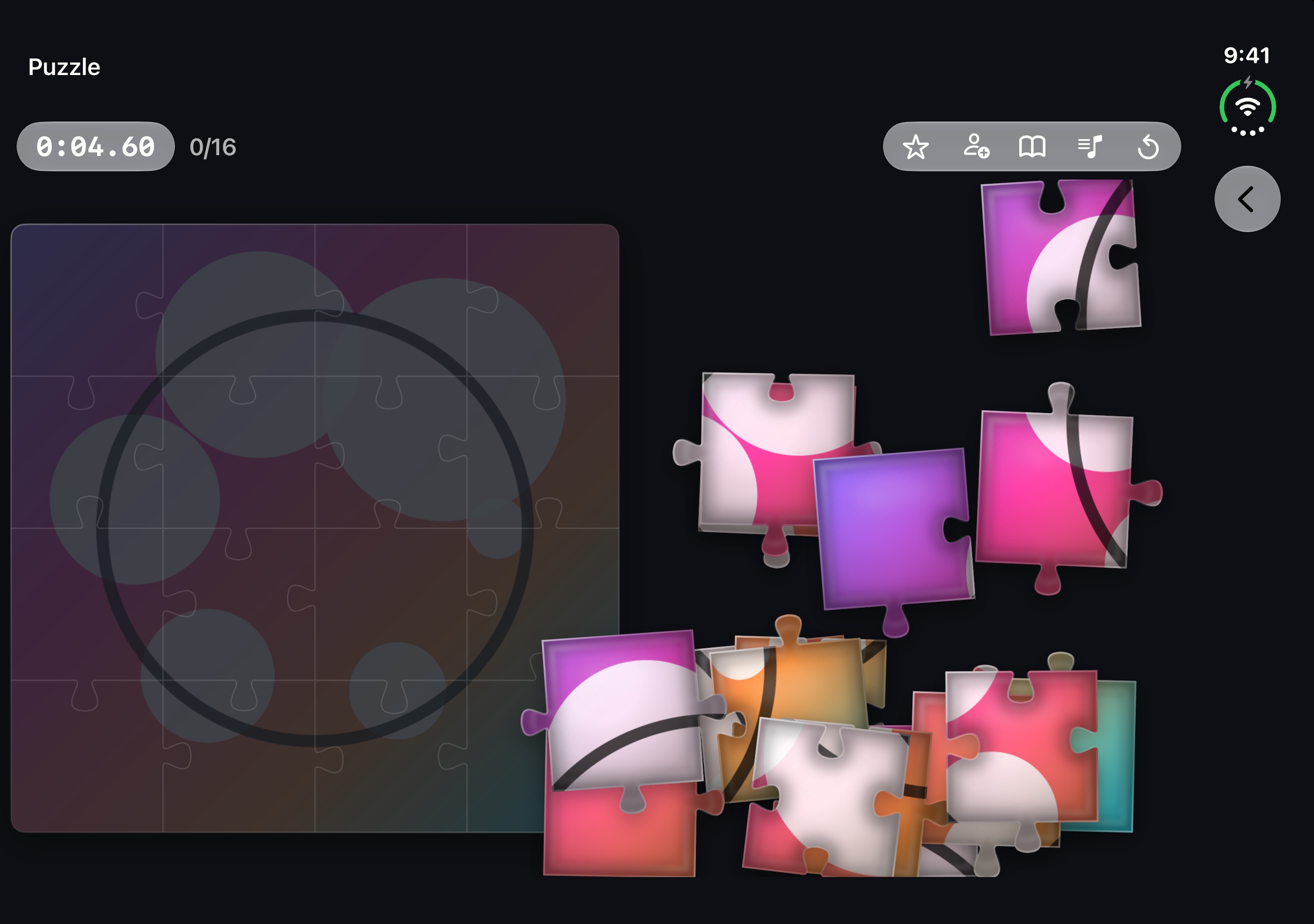
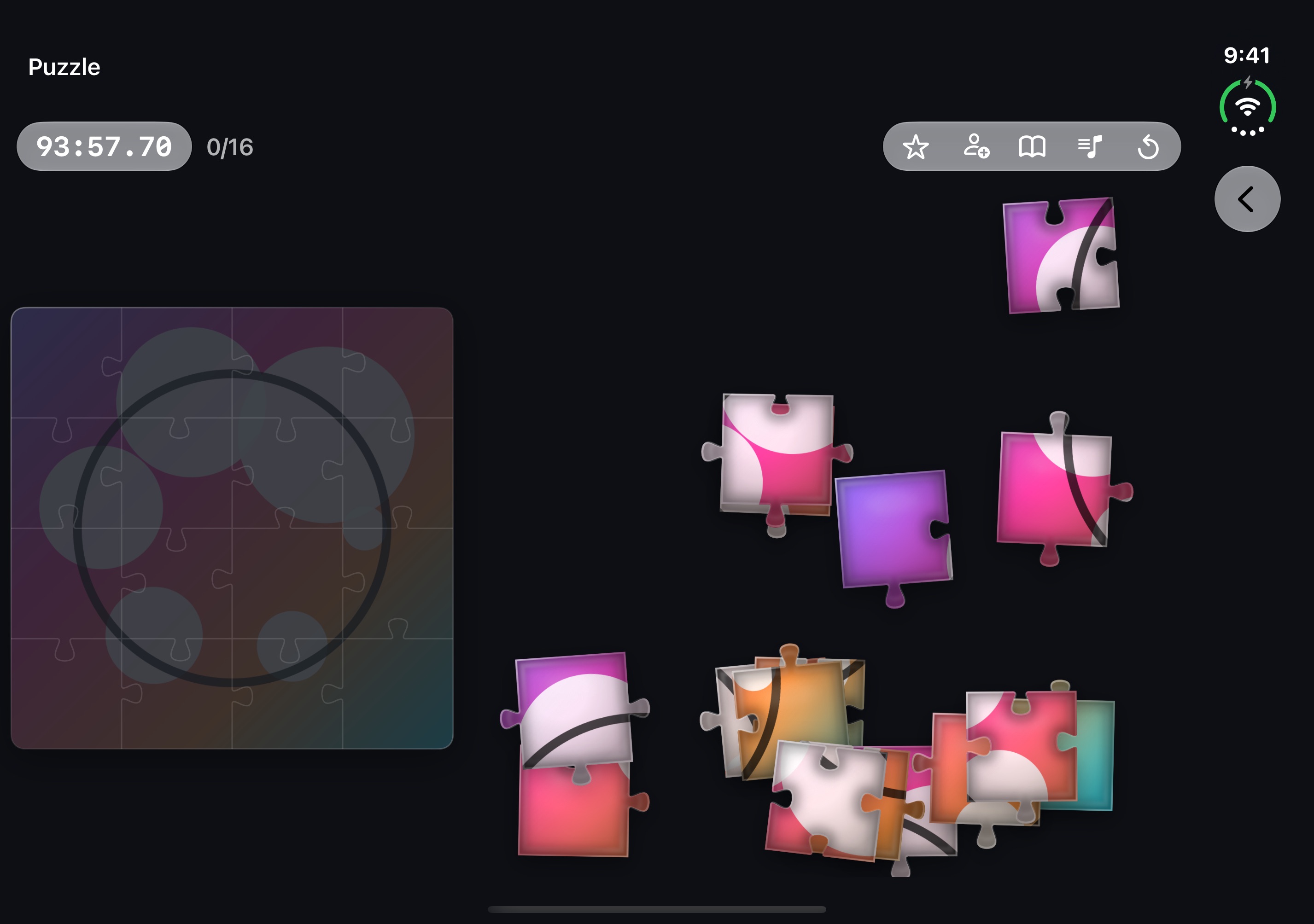
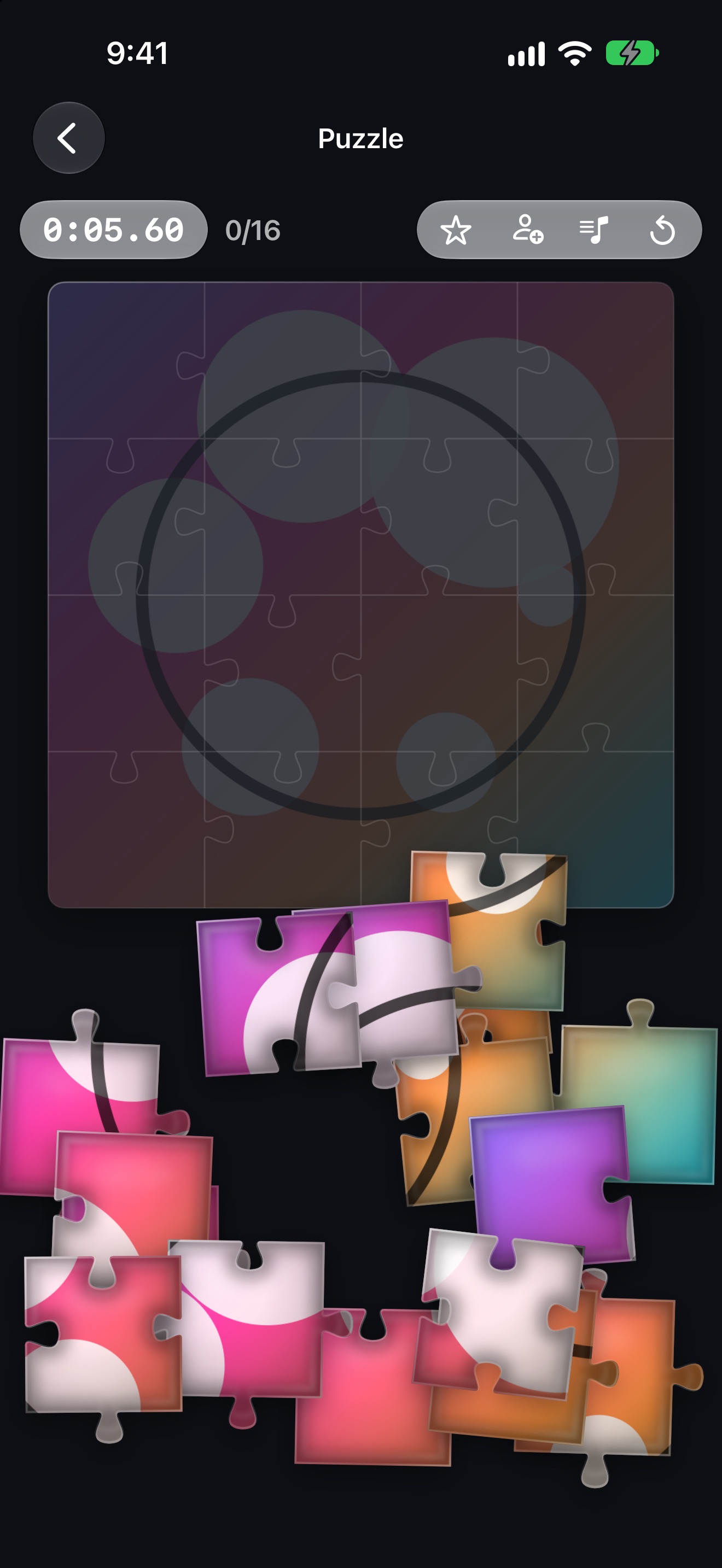
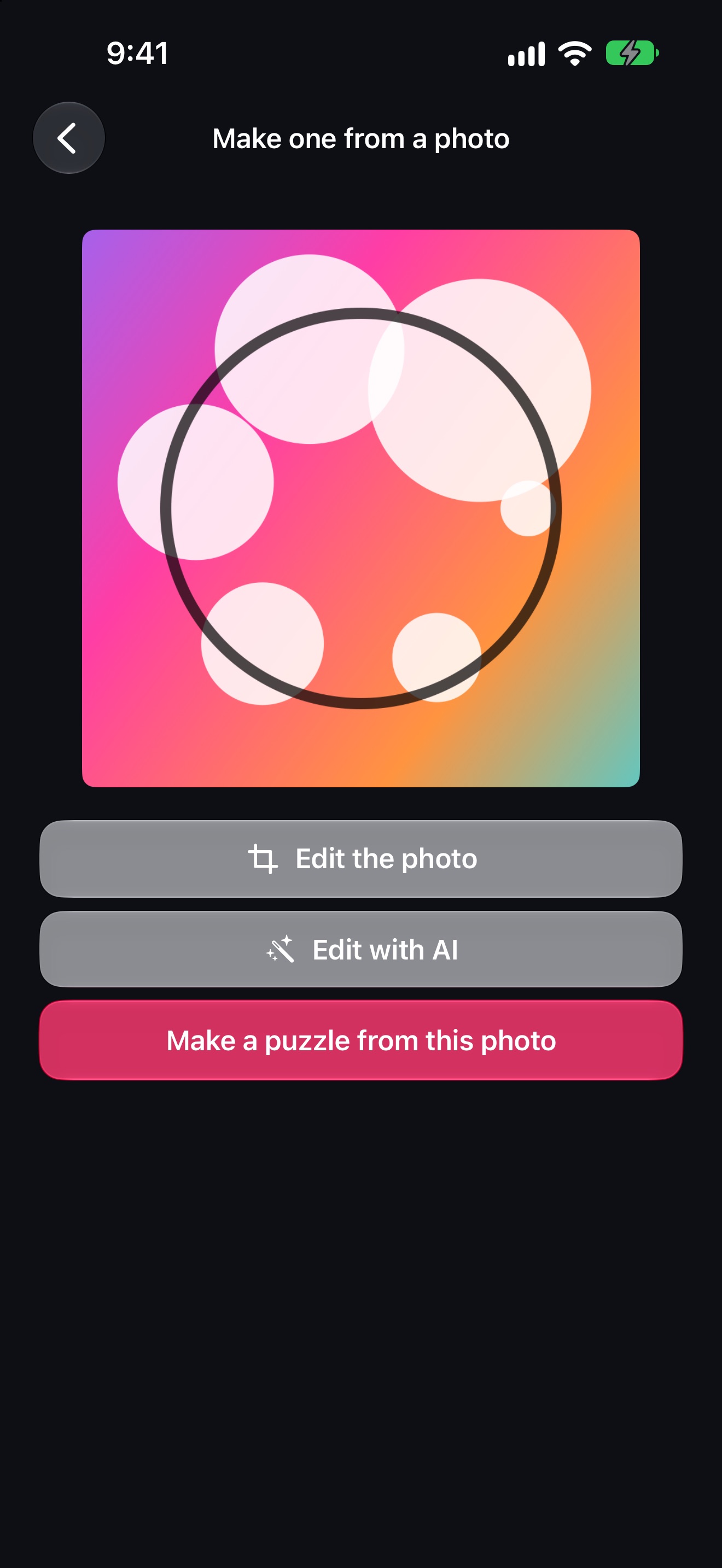
Pick a photo and it becomes a puzzle of interlocking pieces cut from the picture, from 3x3 to 5x5.
Send one link and a friend moves pieces on the same board, with each move showing up as it happens.
On Apple Intelligence devices, a photo can be reimagined with Image Playground before it is cut.
One paragraph
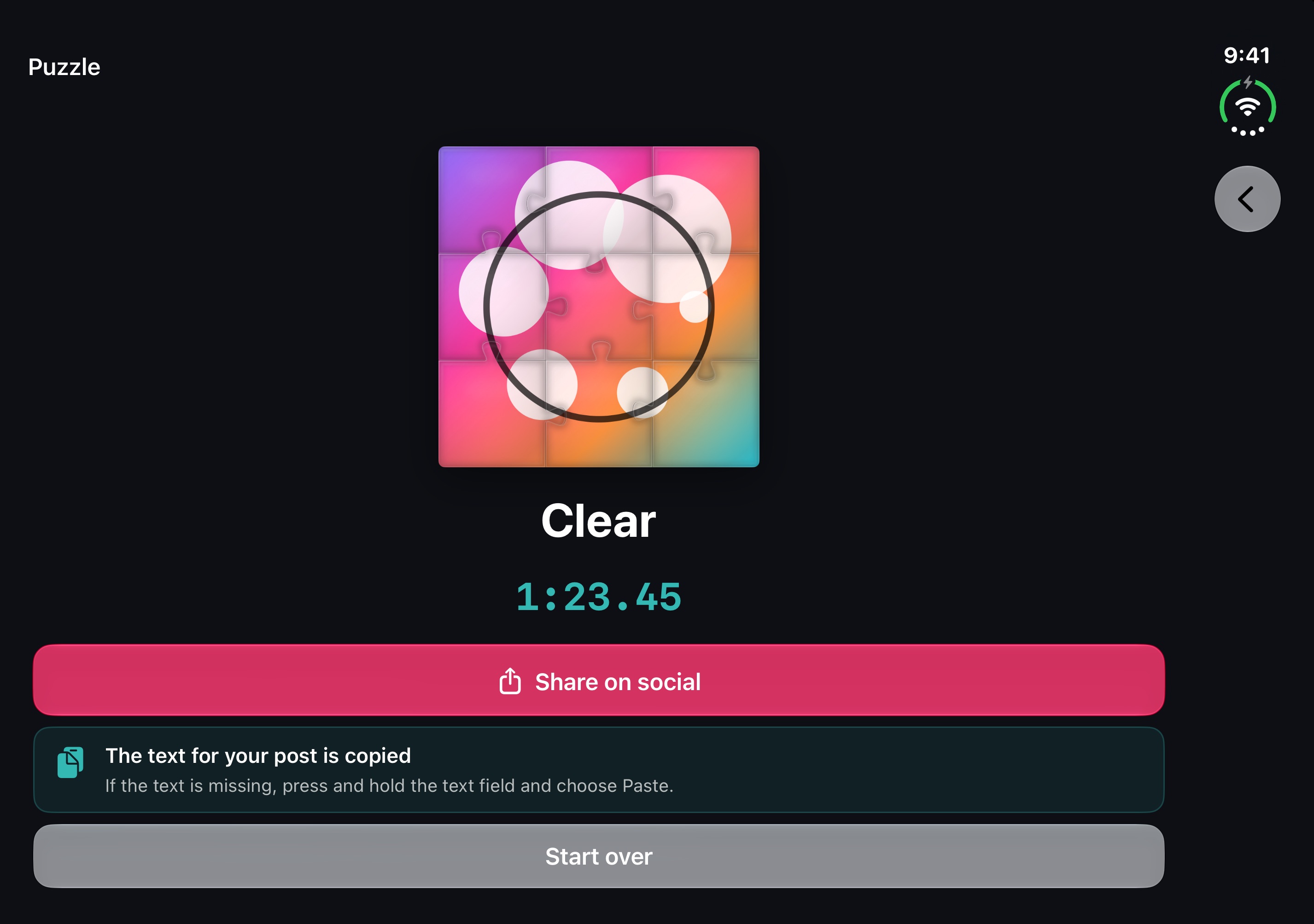
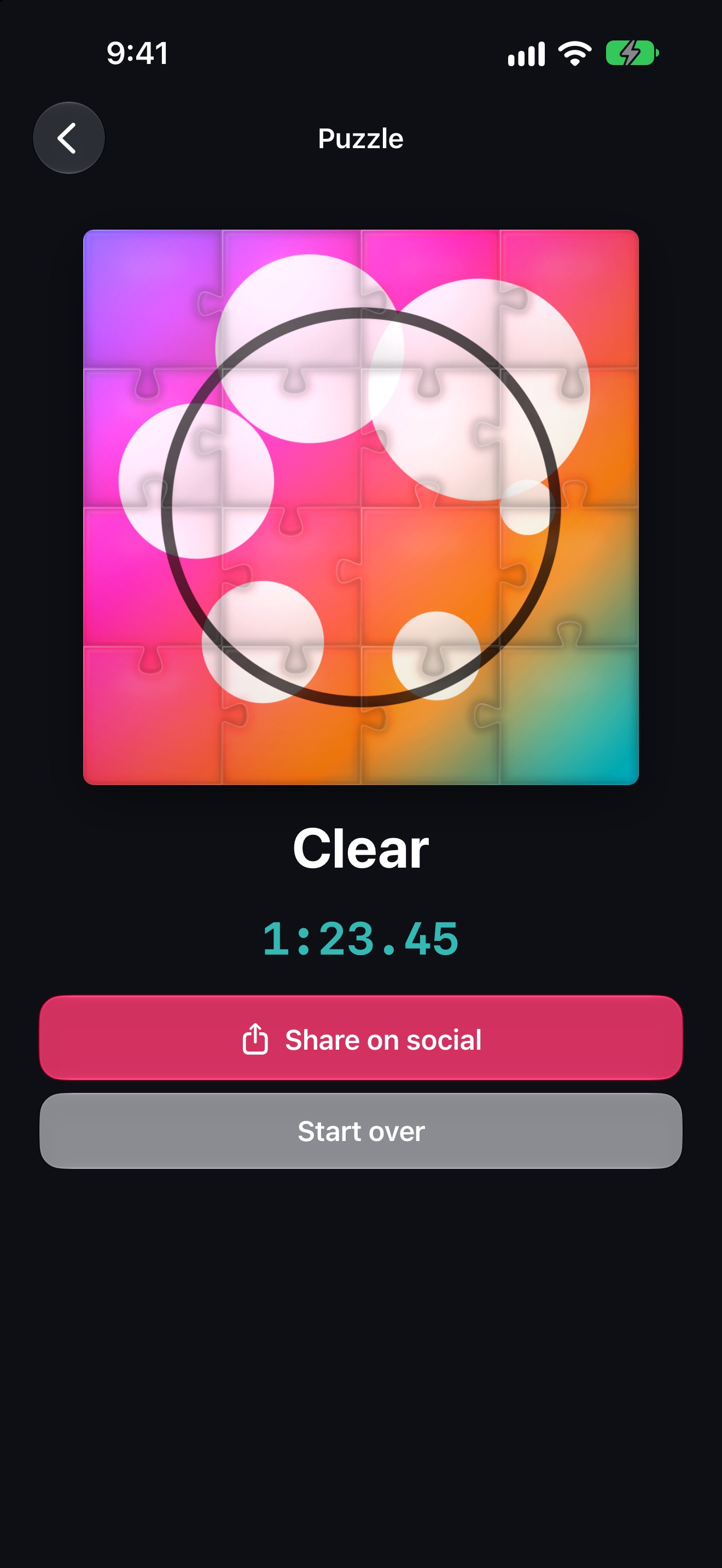
Jigsaw turns the photos you already have into real jigsaw puzzles. Choose a picture and a size — 3x3, 4x4 or 5x5 — and interlocking pieces cut from it spill across the table. Drop a piece near its place and it clicks in; finish, and the picture takes on a glued gloss while confetti and a fanfare celebrate. Invite a friend with a single link and you both work on the same board, seeing each other's moves as they happen. On Apple Intelligence devices, a photo can be reimagined with Image Playground before it is cut. Playing on your own needs no account.
Icon
1024 × 1024 px (PNG).
Download the iconScreenshots
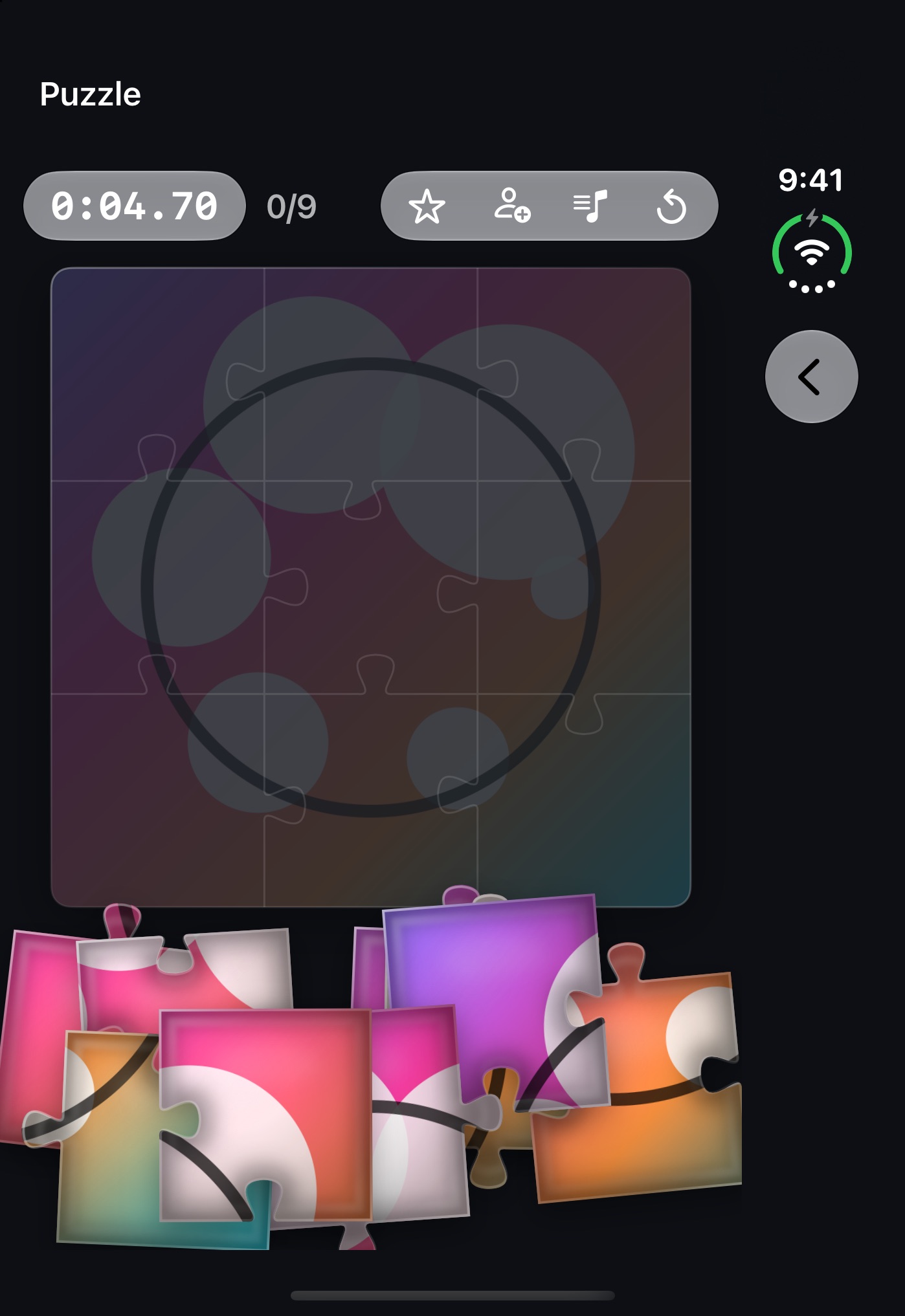
The English set from the App Store. Click one to open it at full size.
iPhone
iPad
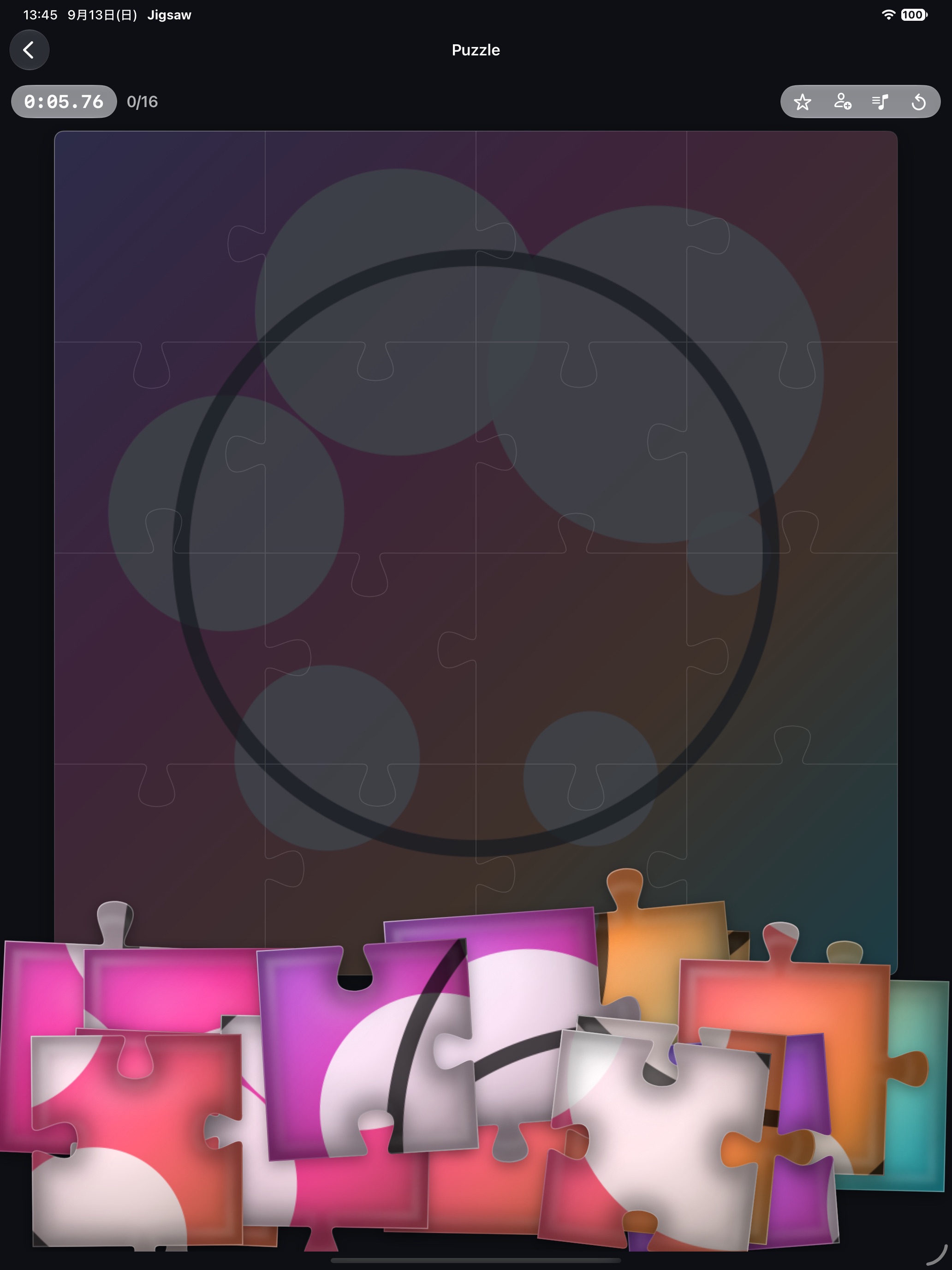
Mac
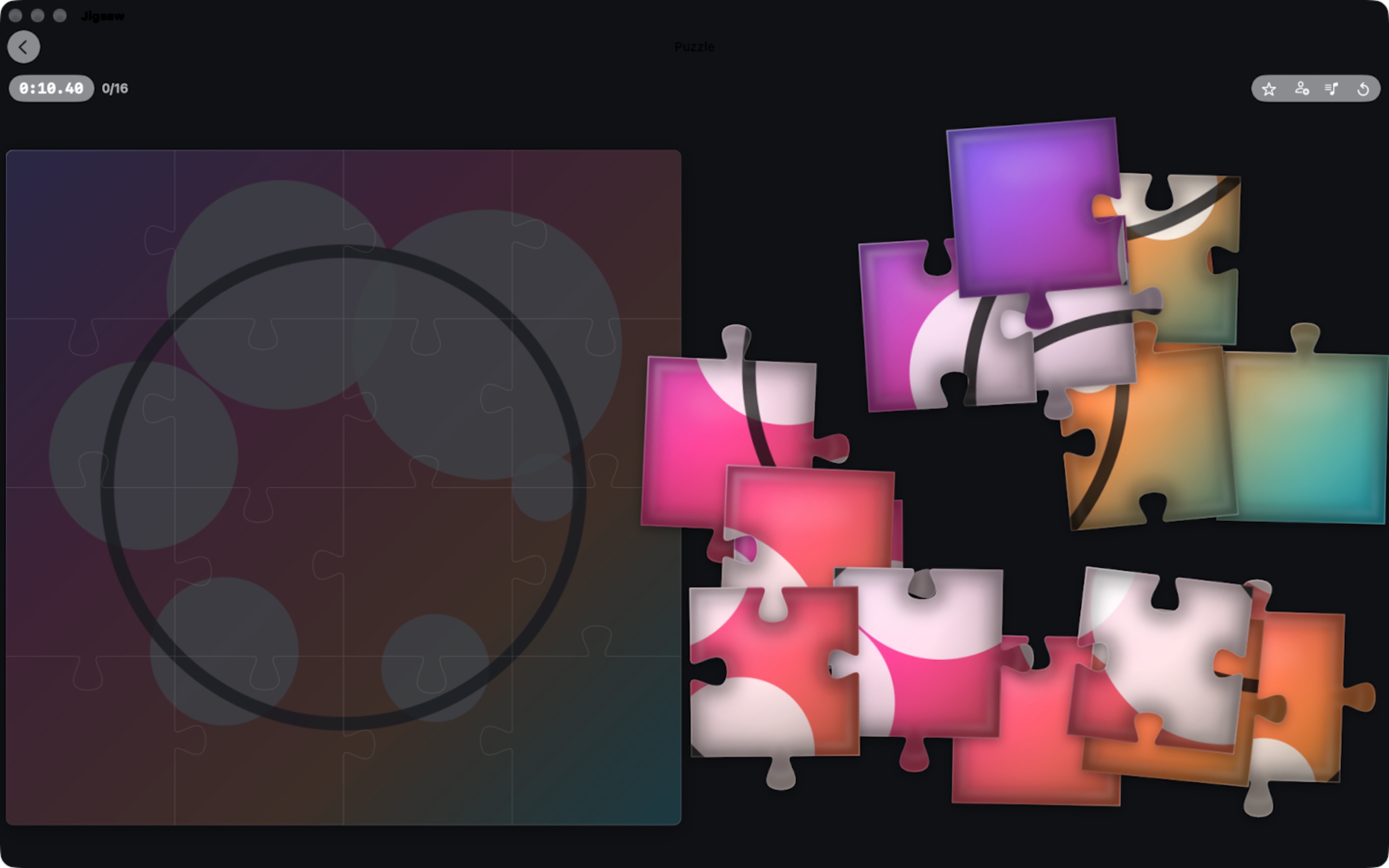
iPhone Duo (Jigsaw 1.3.0)
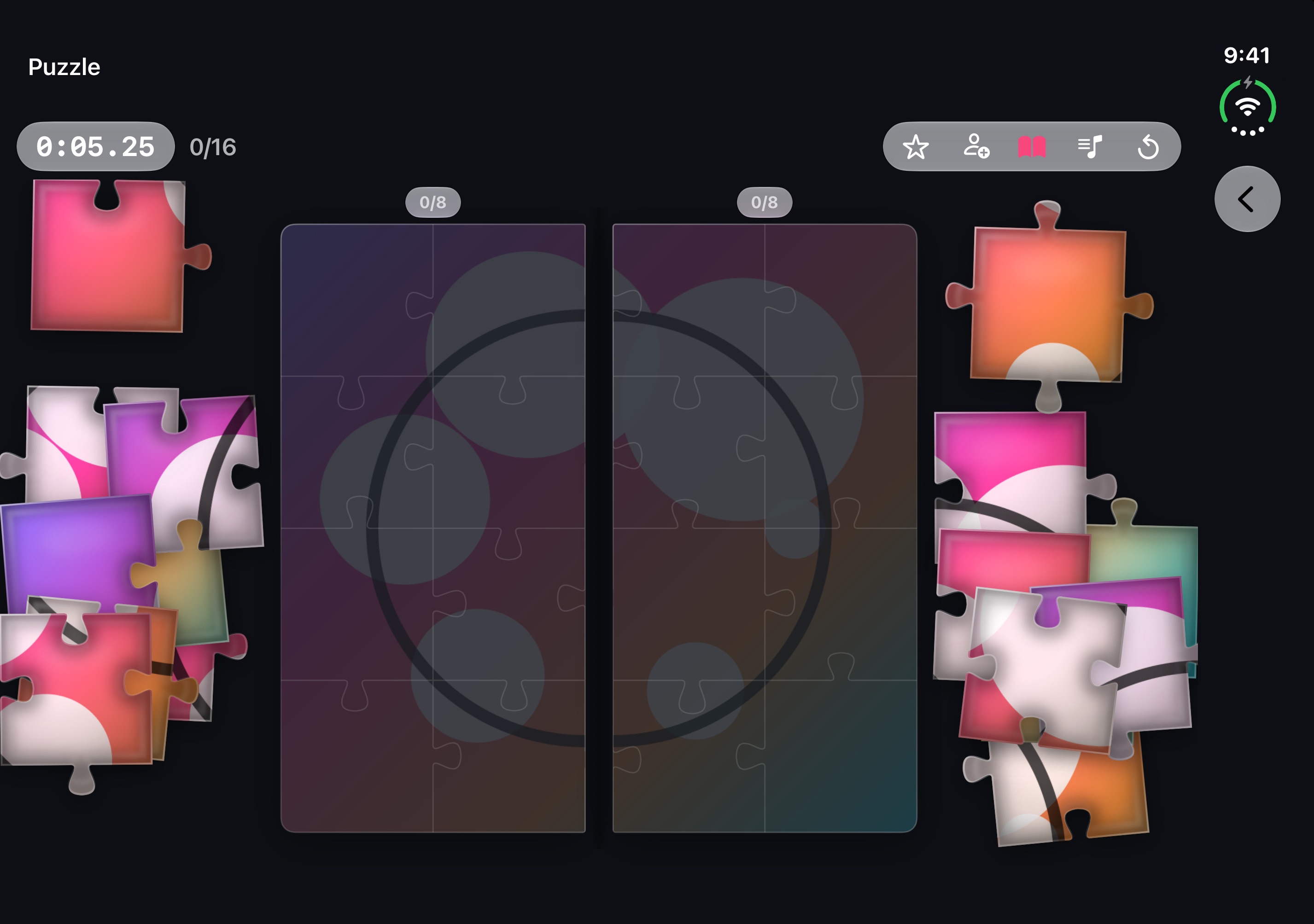
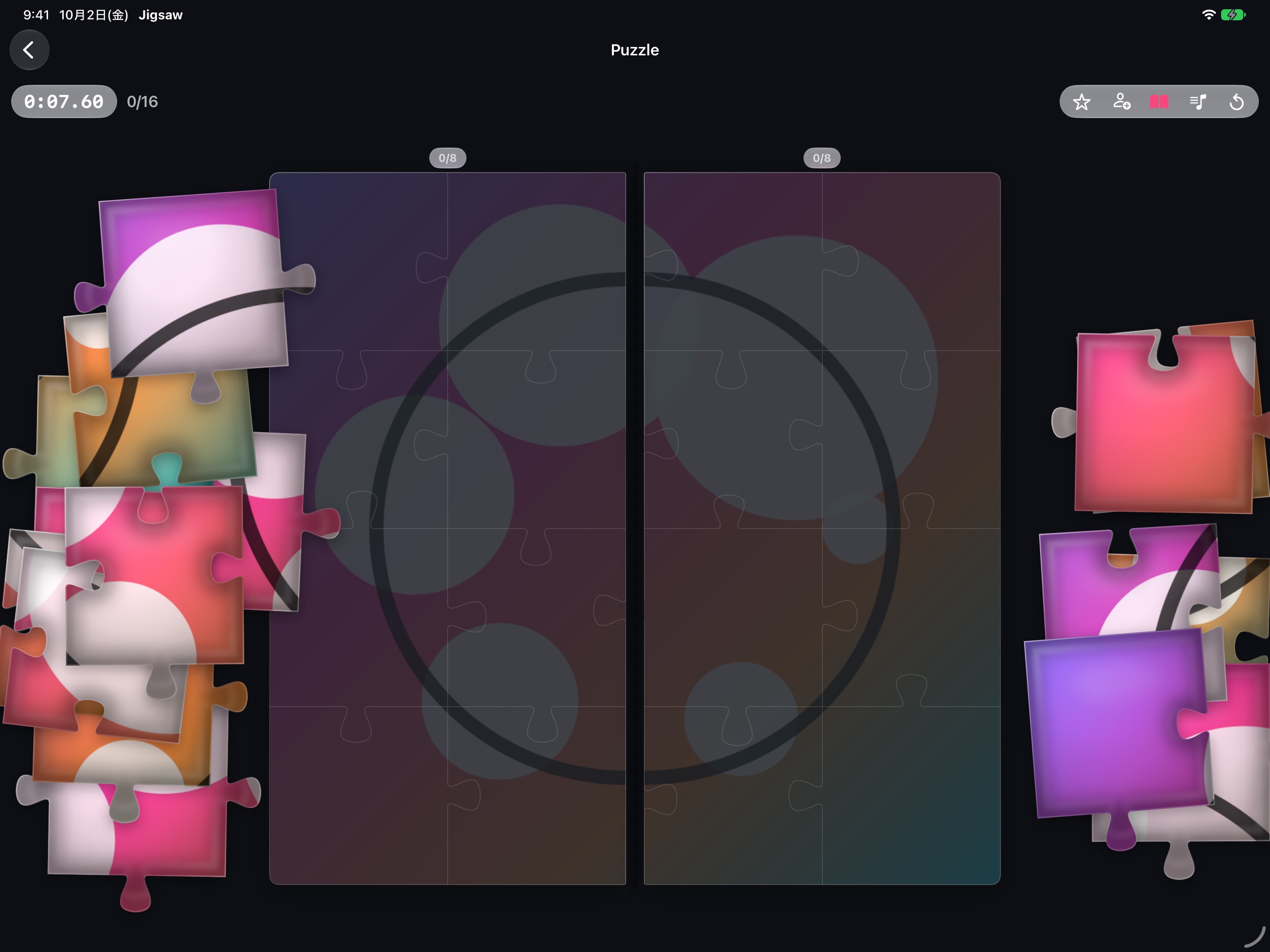
Version 1.3.0, planned for October 23, is made for iPhone Duo: open it like a book and two people each build half.
- Open like a book, for two — The book button splits the picture at the spine, so two people side by side each build their own half. Some pieces are dealt to the other side on purpose and passed across the middle; two fingers can each hold a piece at once.
- Half open — The frame and the resting pieces keep clear of the fold, which the app reads from the position iOS reports, not from the device name.
- Fully open, or closed — Fully open, the inner display is one large board. Closed, the outer display plays like a regular iPhone.
Screenshots on iPhone Duo. Click one to open it at full size. The book mode also works on iPad in landscape.