
Press Kit
Home Rhythmique Press Kit
Everything you need to write about the app in one place. The text, the icon, the screenshots and the video are free to use as they are.
At a glance
- Name
- Home Rhythmique: Kids Music
- From
- MusicFlow (an independent developer)
- Runs on
- iPhone, iPad and Mac
- Why it’s different
- Review rhythmique class lessons at home with your child. Children move characters that are notes with their fingers, and get a feel for pitch and how notation works. Supervised by a teacher with an international rhythmique teaching license.
Descriptions
Three lengths. Use whichever fits.
One line
Home Rhythmique lets parents and children review rhythmique class lessons together at home.
Three lines
Review the lessons from rhythmique class at home, together with your child.
Catch a character that is a note and put it on the line, and pitch and notation start to make sense through play.
Supervised by a teacher with an international rhythmique teaching license.
One paragraph
Home Rhythmique is for reviewing rhythmique class lessons at home with your child. Rice-ball and tangerine characters become notes; children pick them up and place them on the line, and find the difference between do and re with their hands rather than words. Children who have not started a class yet can get to know the ideas of solfège that music is built on. The lessons are supervised by a teacher with an international rhythmique teaching license, and a lesson can be started by asking Siri. It runs on iPhone, iPad and Mac, and on iPhone Duo the lessons spread across both screens.
Icon
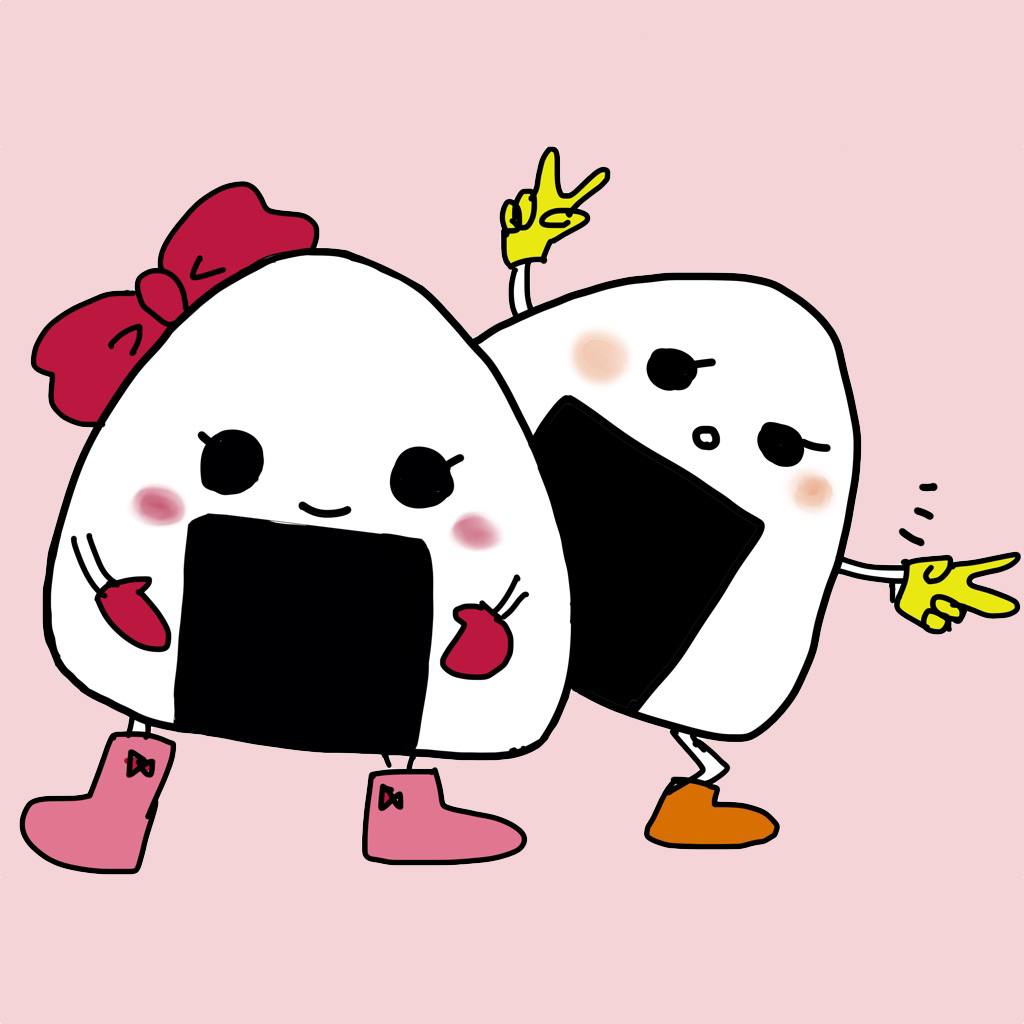
1024 × 1024 px (PNG).
Download the iconScreenshots
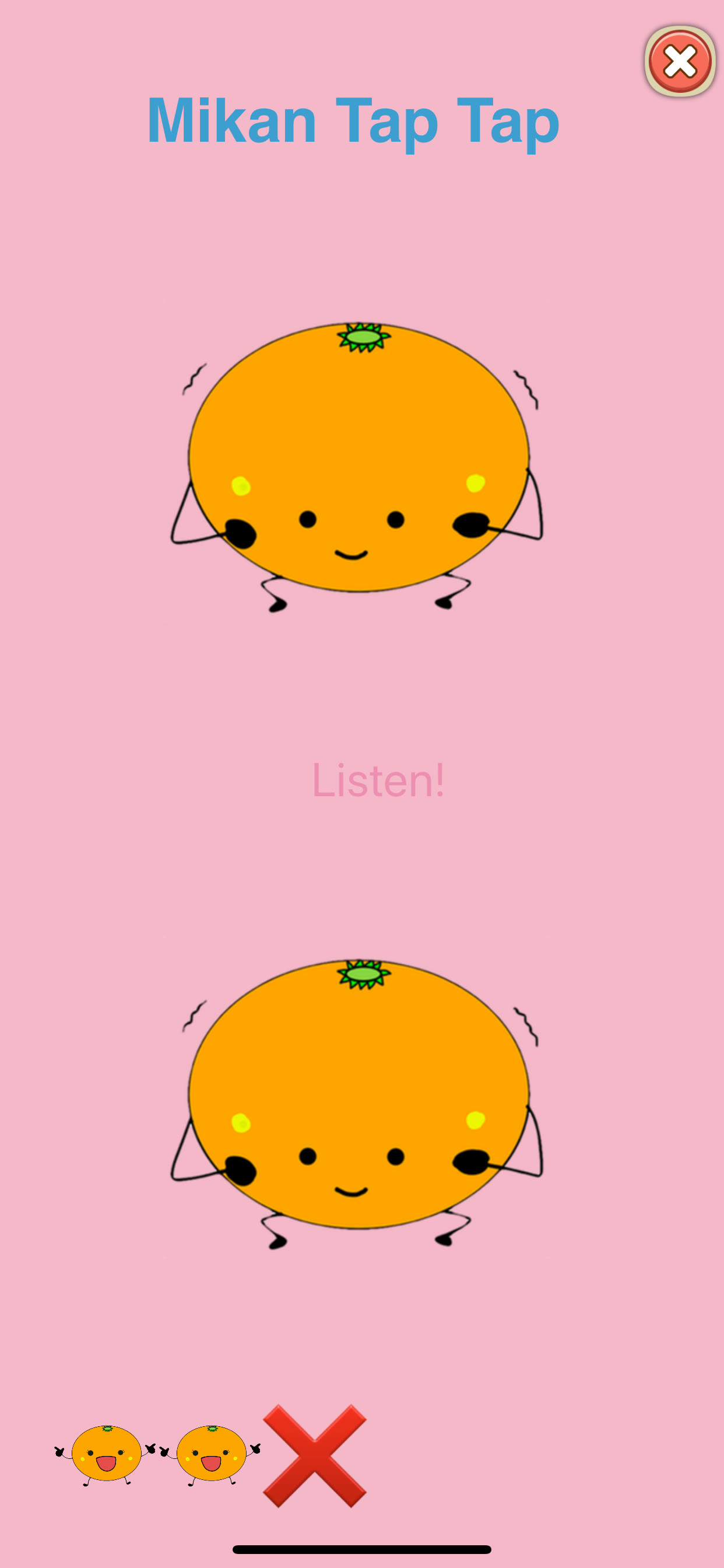
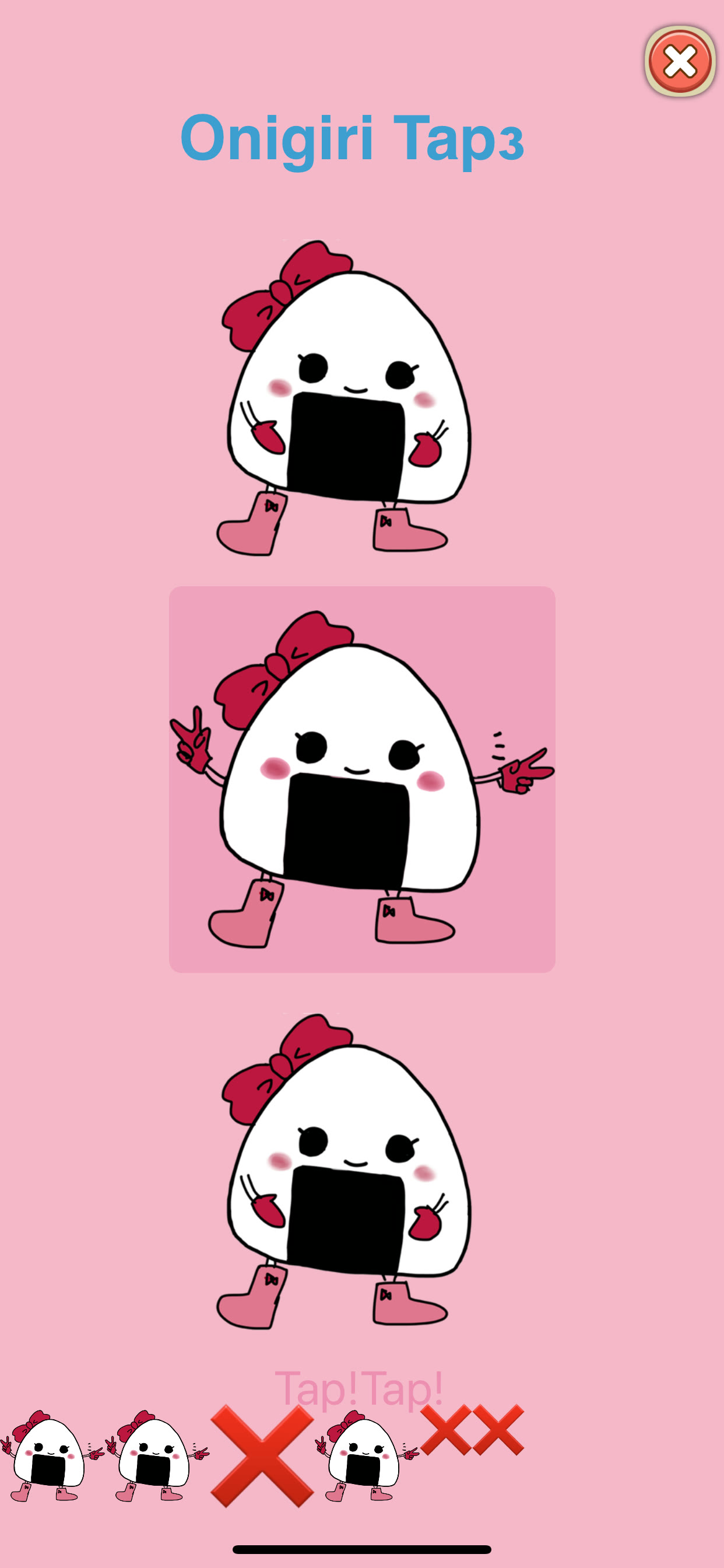
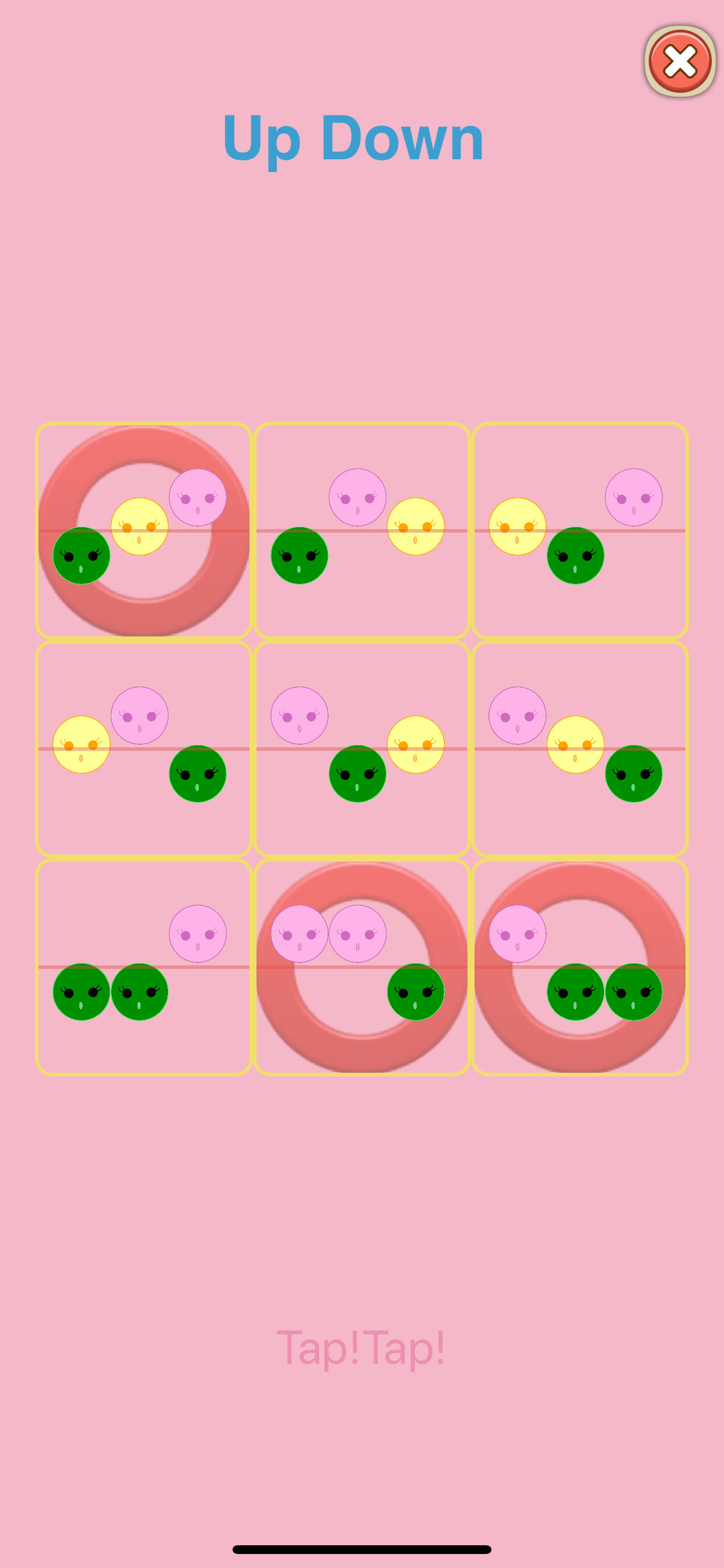
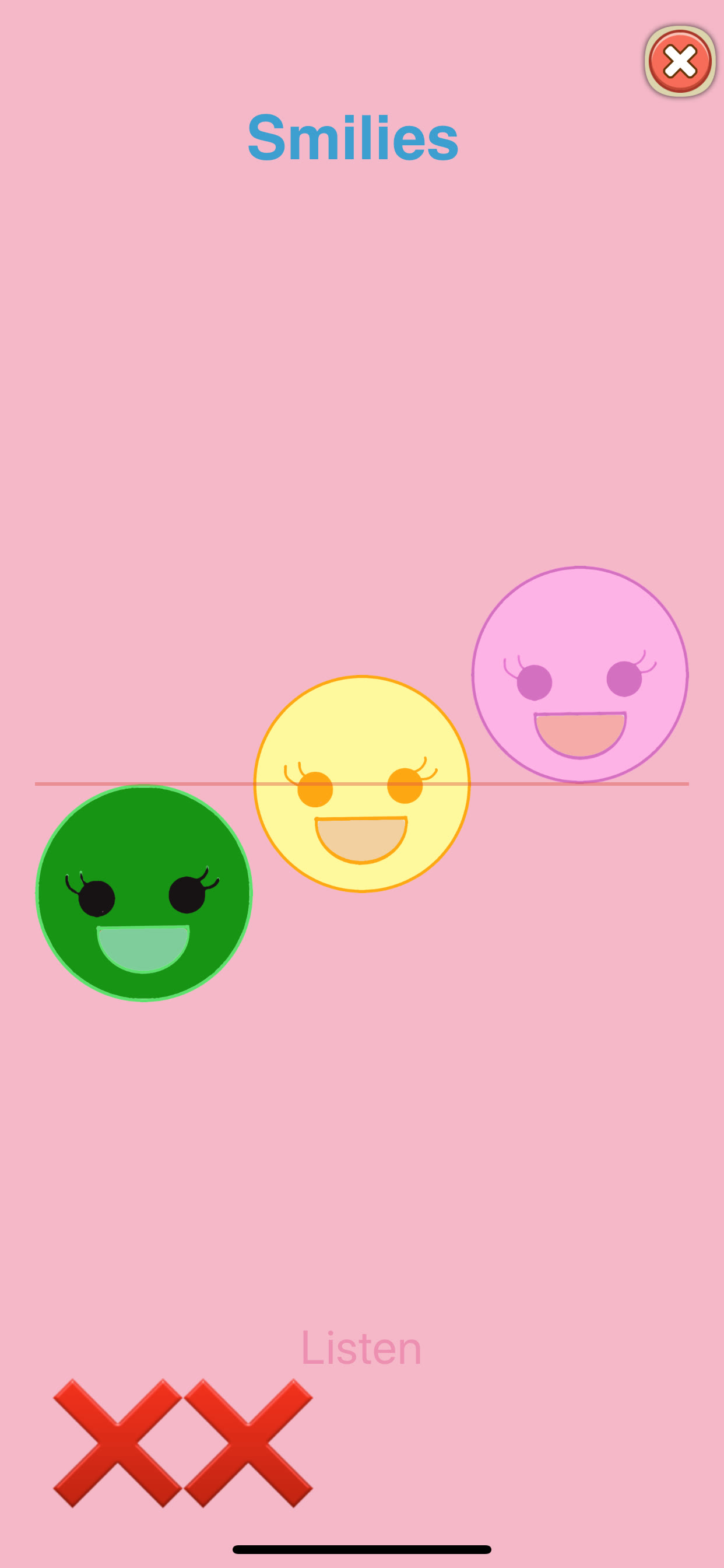
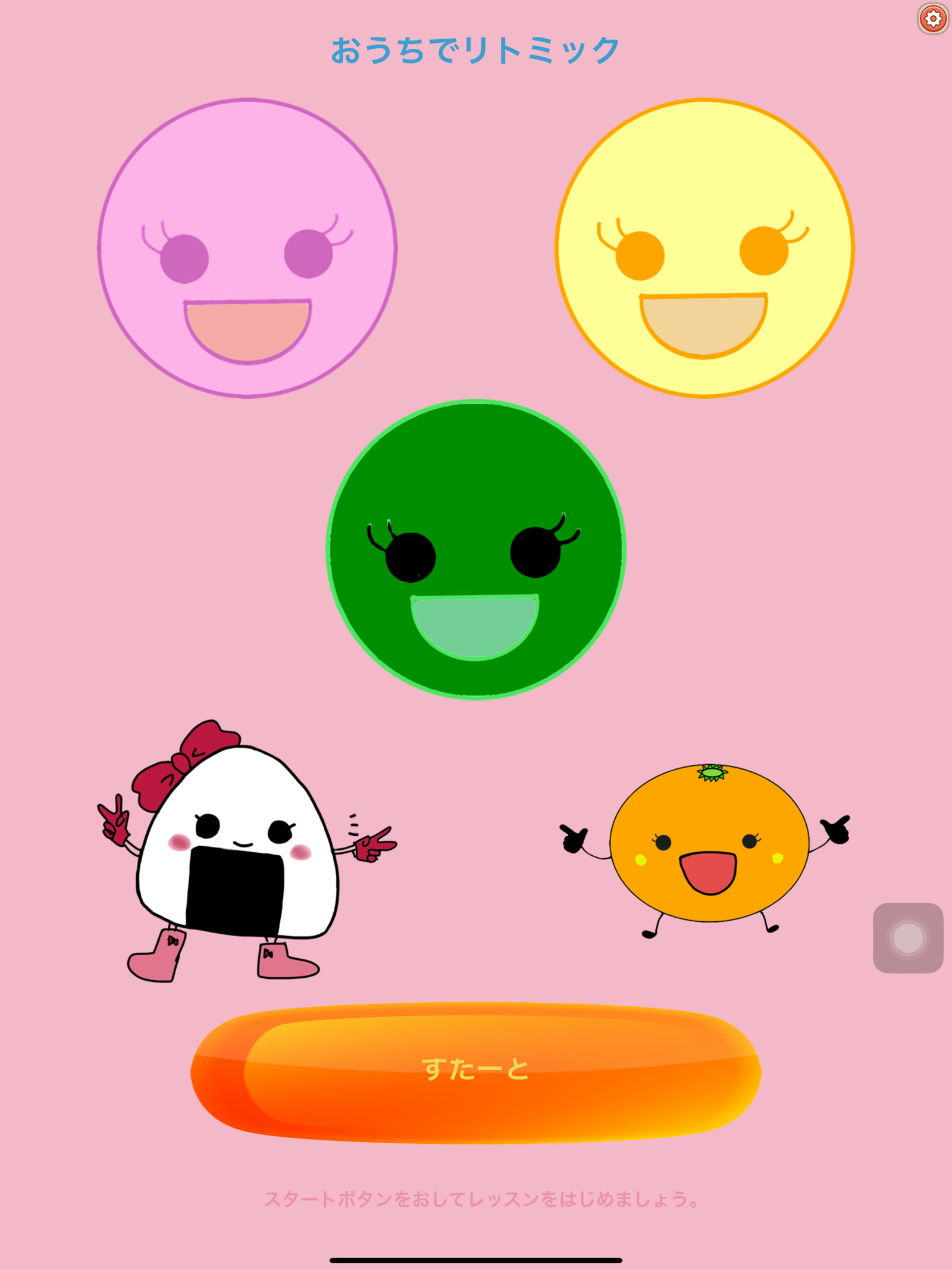
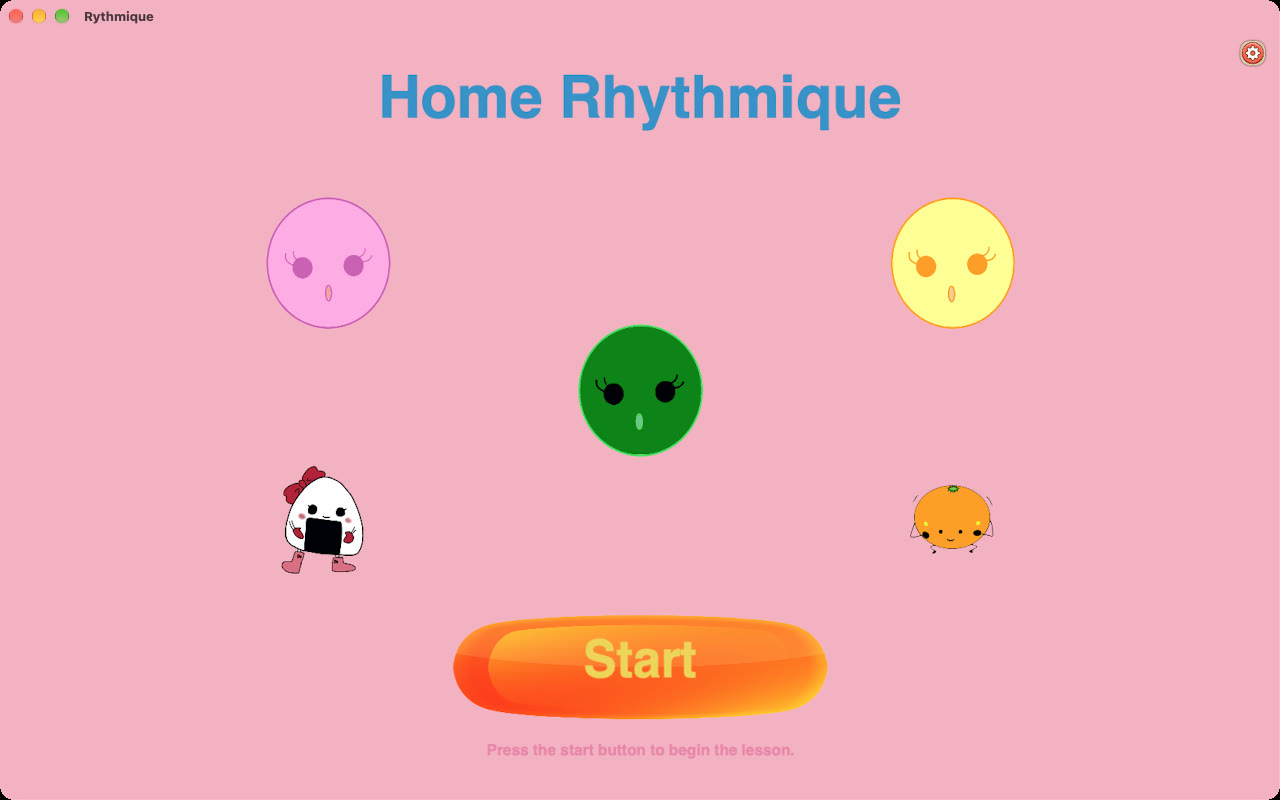
The English set from the App Store. Click one to open it at full size.
iPhone
iPad
Mac
iPhone Duo (Home Rhythmique 1.5.5)
On iPhone Duo, the title, the lesson picker and the lessons spread across both screens.
- Half open — The title, the lesson picker and the lesson list spread across the upper and lower screens.
- Held like a book — The same layout turns sideways, split across the left and right pages.
- Closed, or open and sideways — On the closed outer screen, or open and held sideways, the screens are laid out in two columns.
Screenshots and a video on iPhone Duo. Click a screenshot to open it at full size.
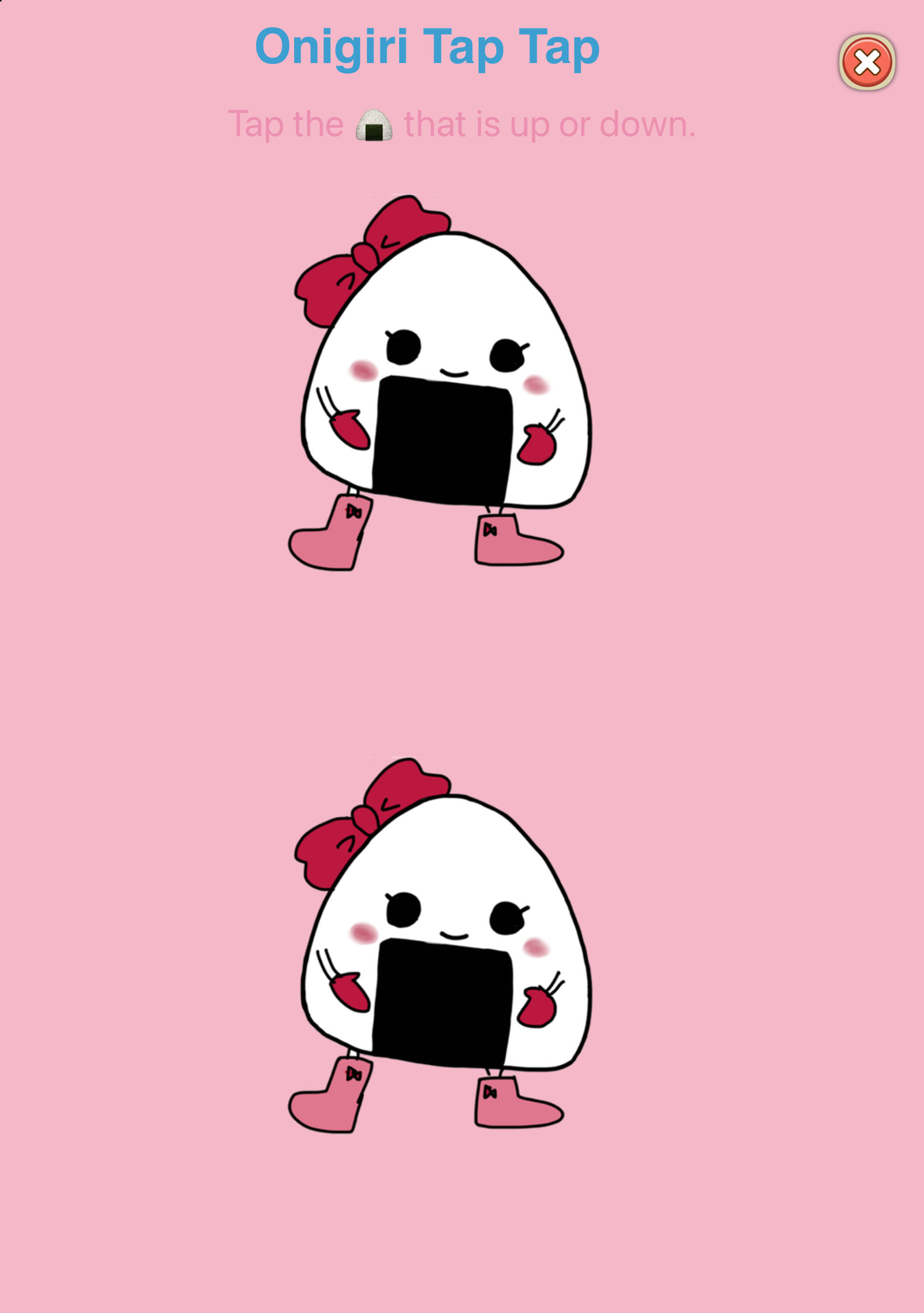 Upright: Onigiri Tap Tap
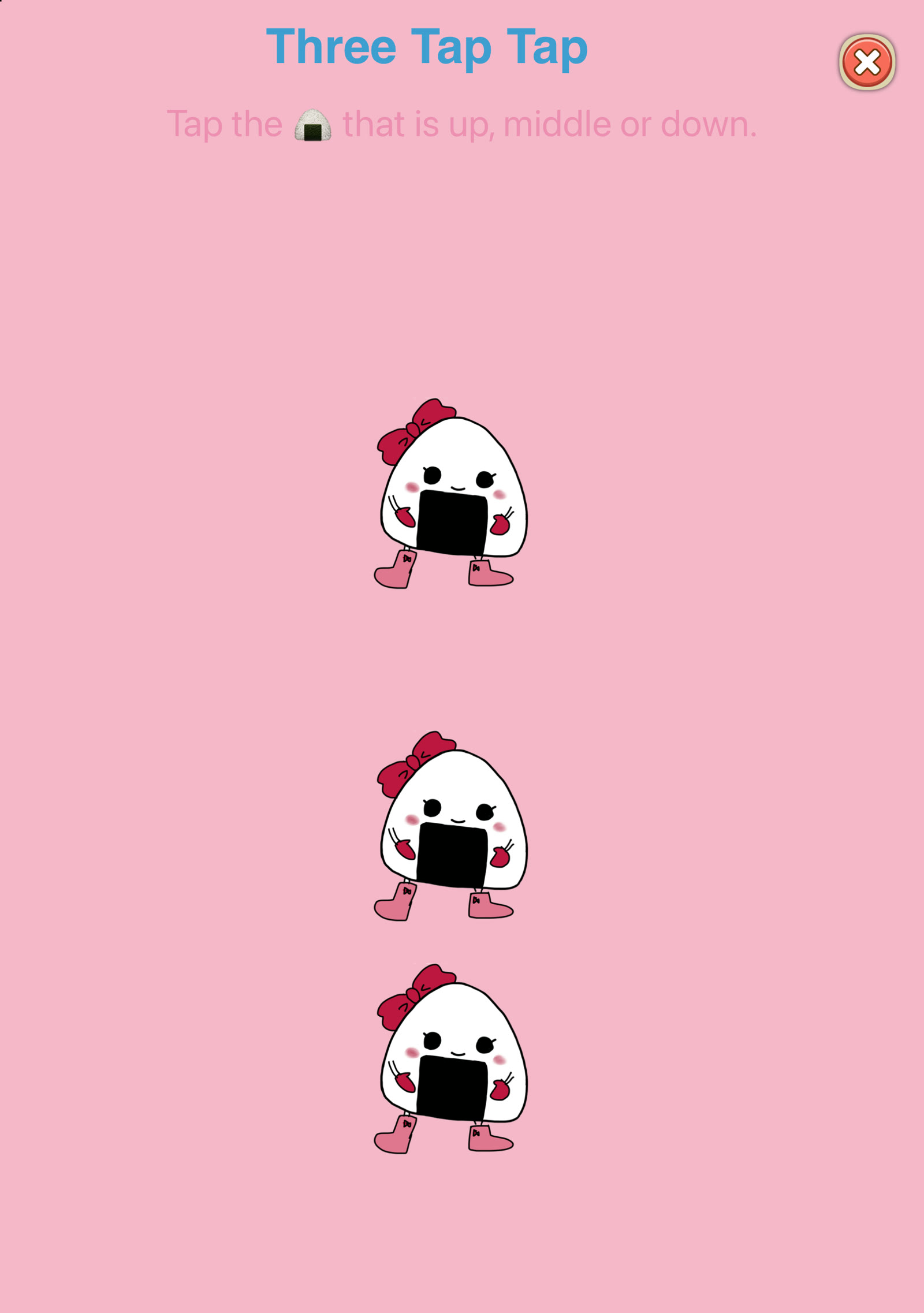 Upright: Three Tap Tap
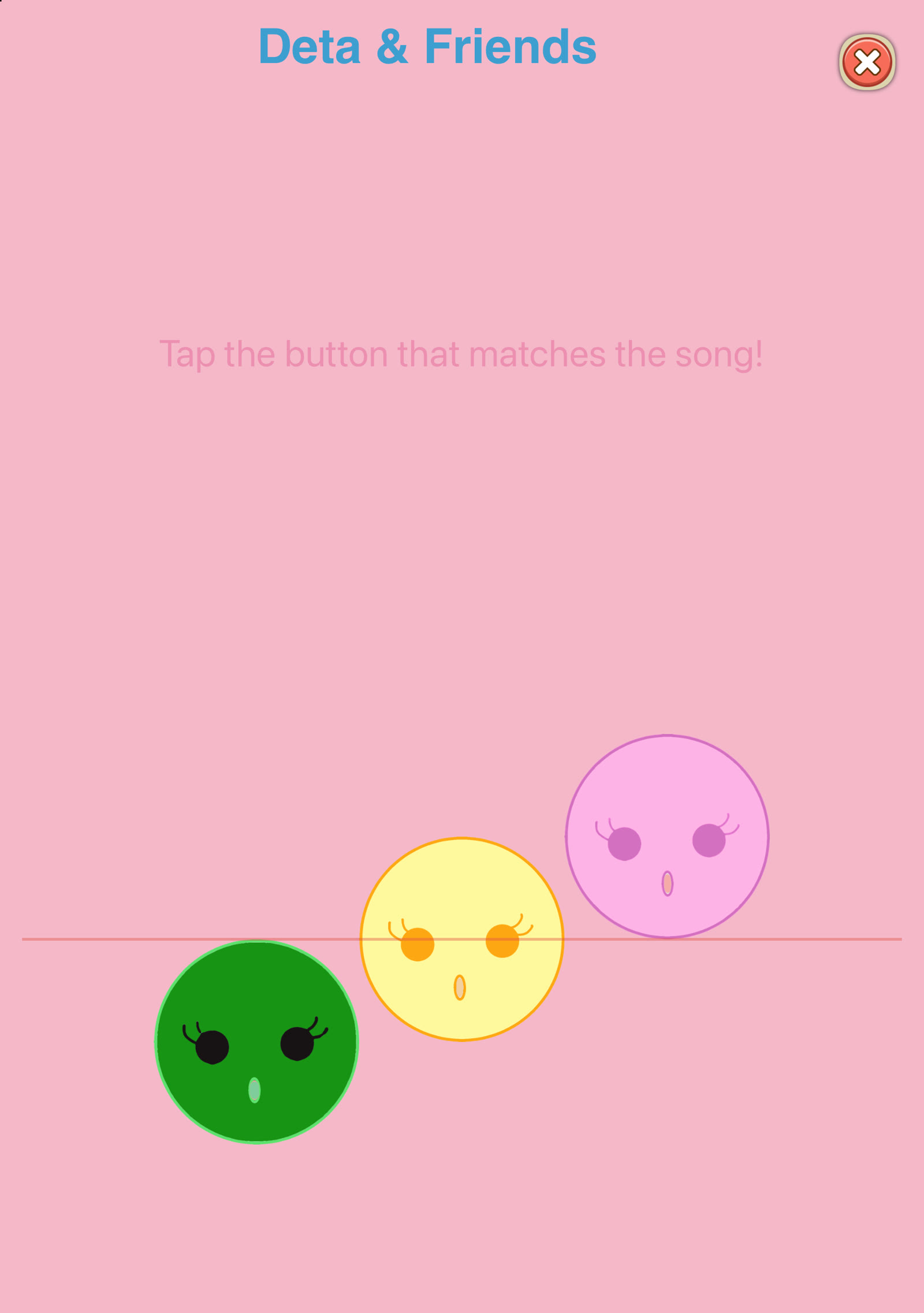 Upright: Deta & Friends
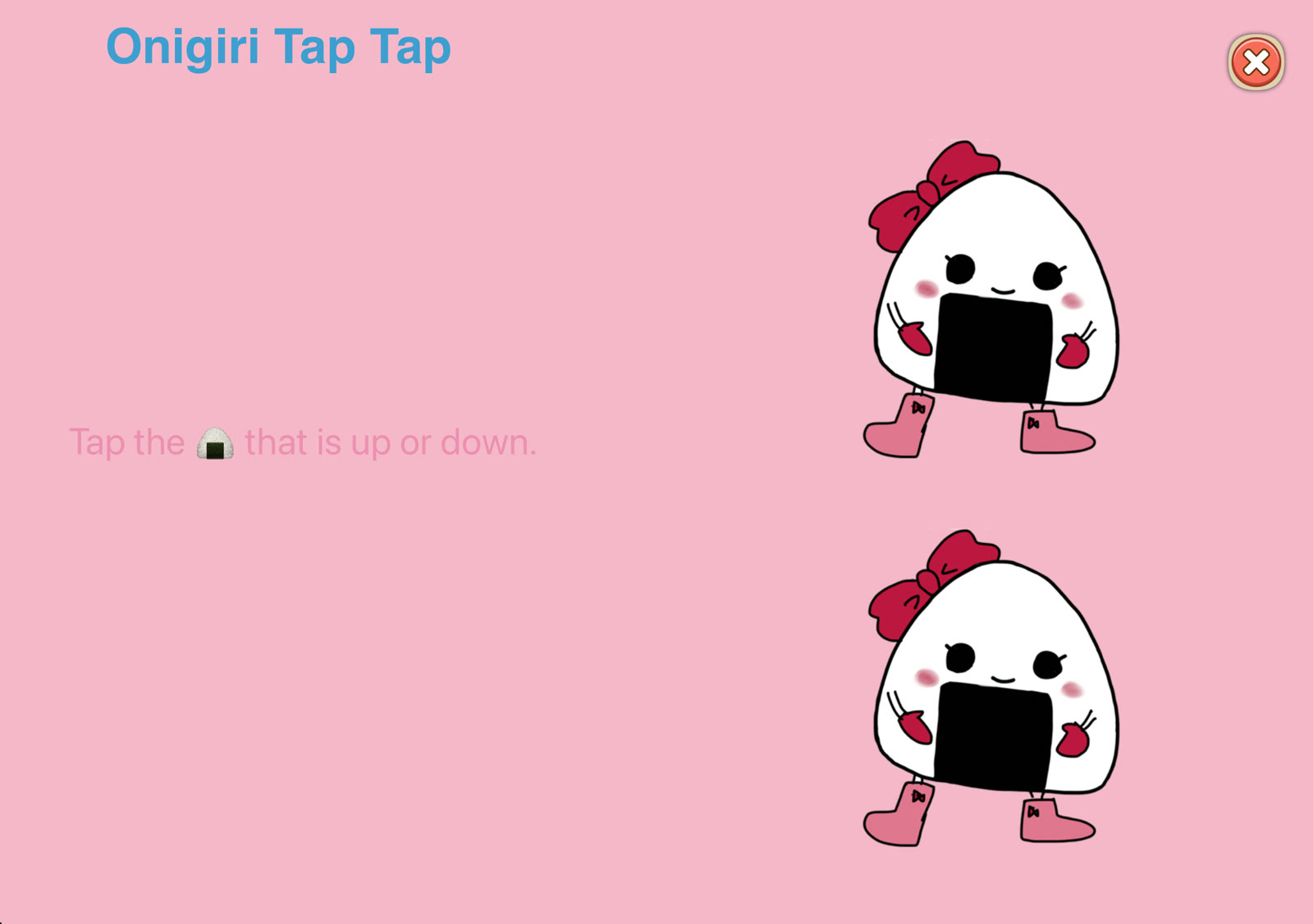 Sideways: Onigiri Tap Tap
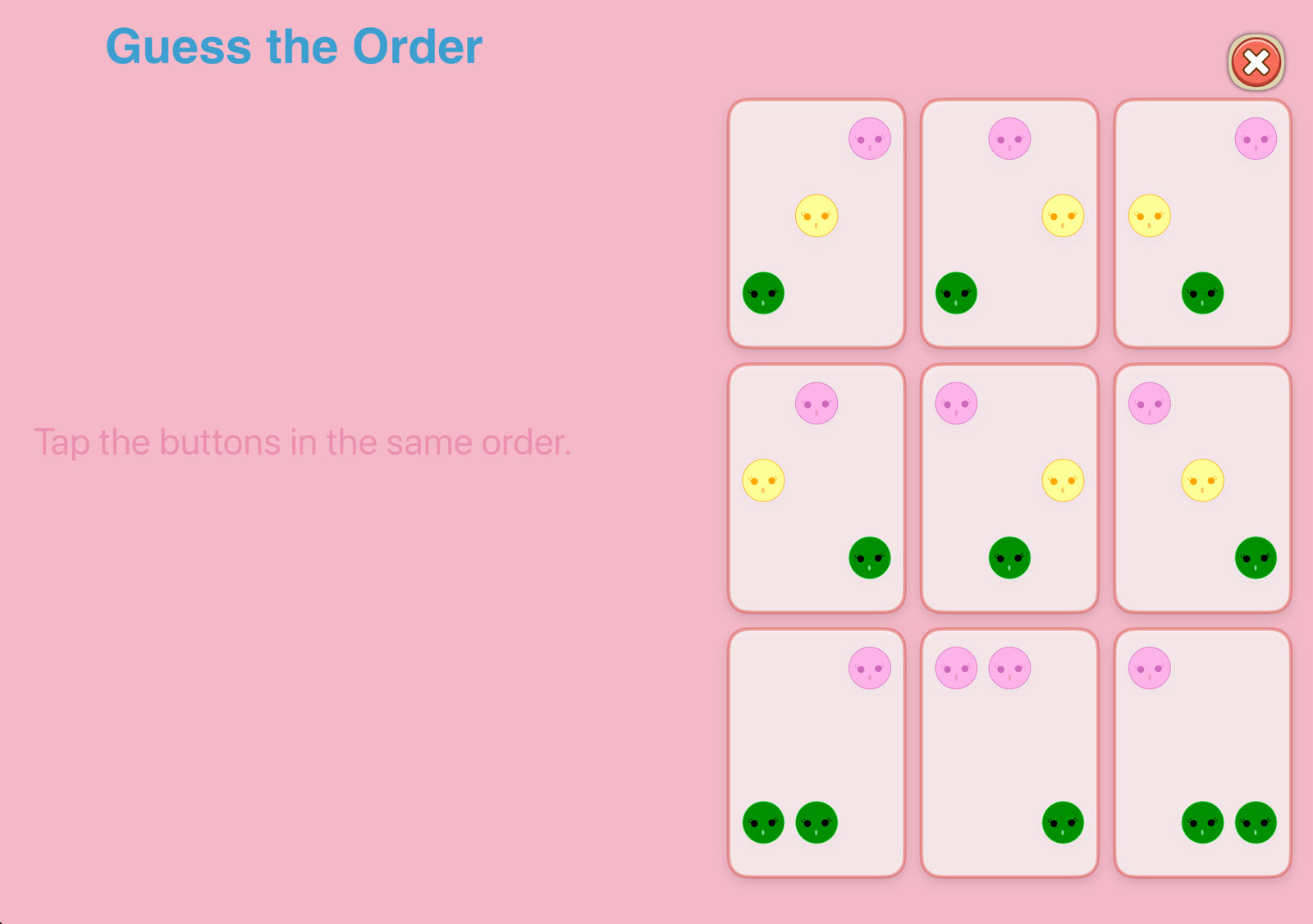 Sideways: Guess the Order
Promo video
Open the video (MP4)Contact
For interviews or anything else you need, please get in touch.
MusicFlow