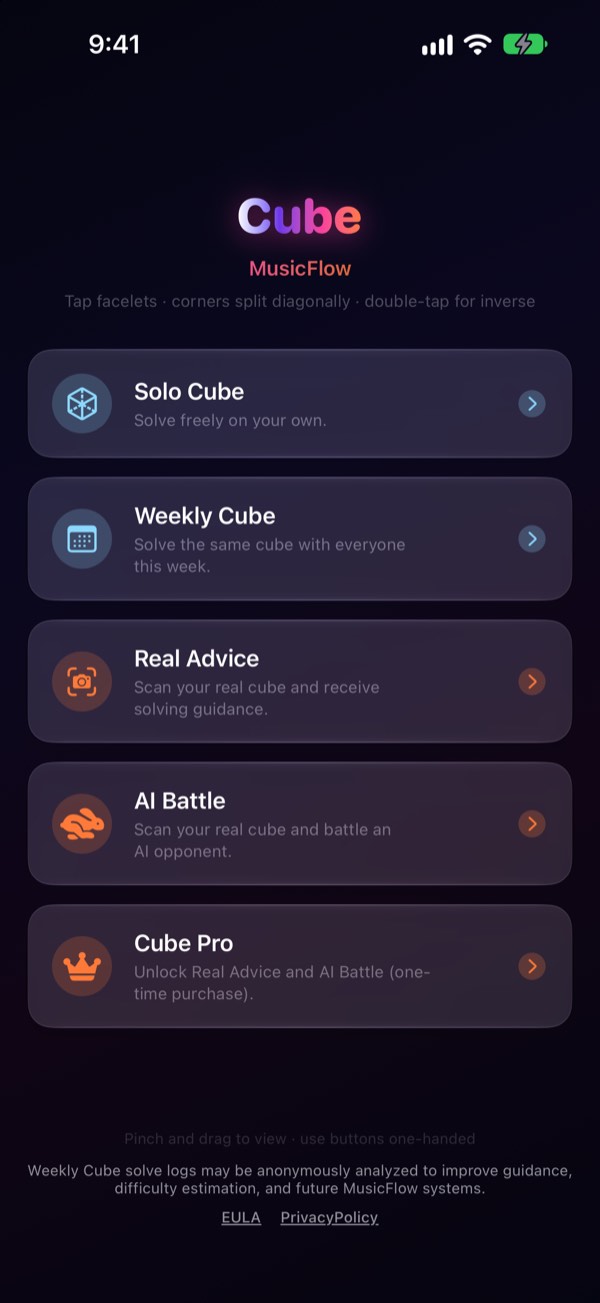
What it does
01
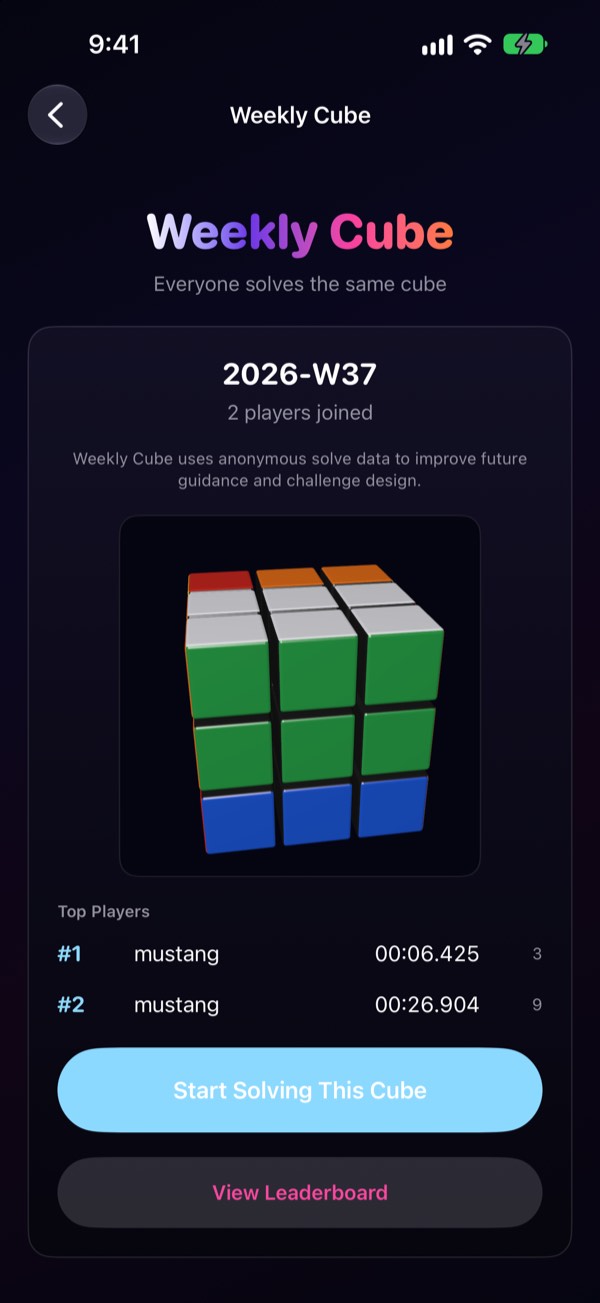
Weekly Cube
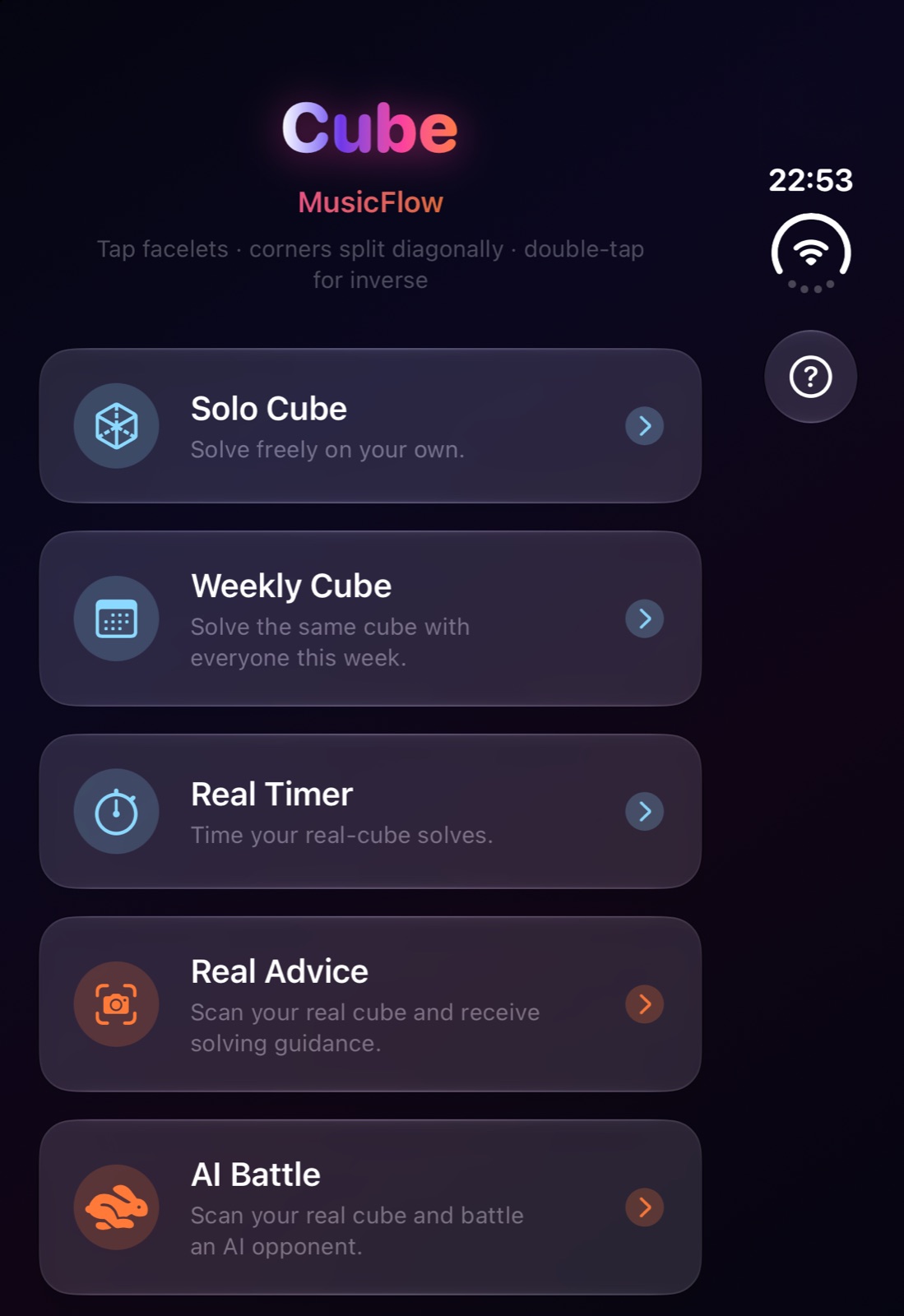
One scramble per week, identical for everyone. Your solve time goes on the leaderboard so you can measure yourself against other players. Your public nickname carries over to new devices via iCloud Keychain.
02
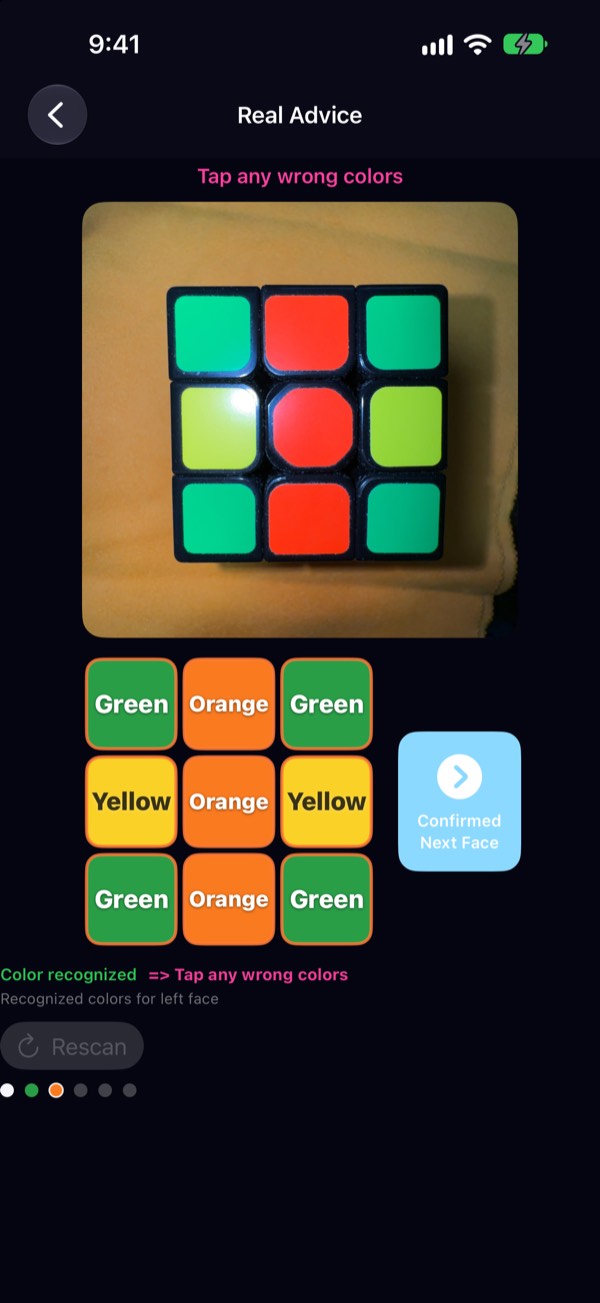
Cube scanning
Read all six faces with the camera and analyze the state of the cube in your hands.
03
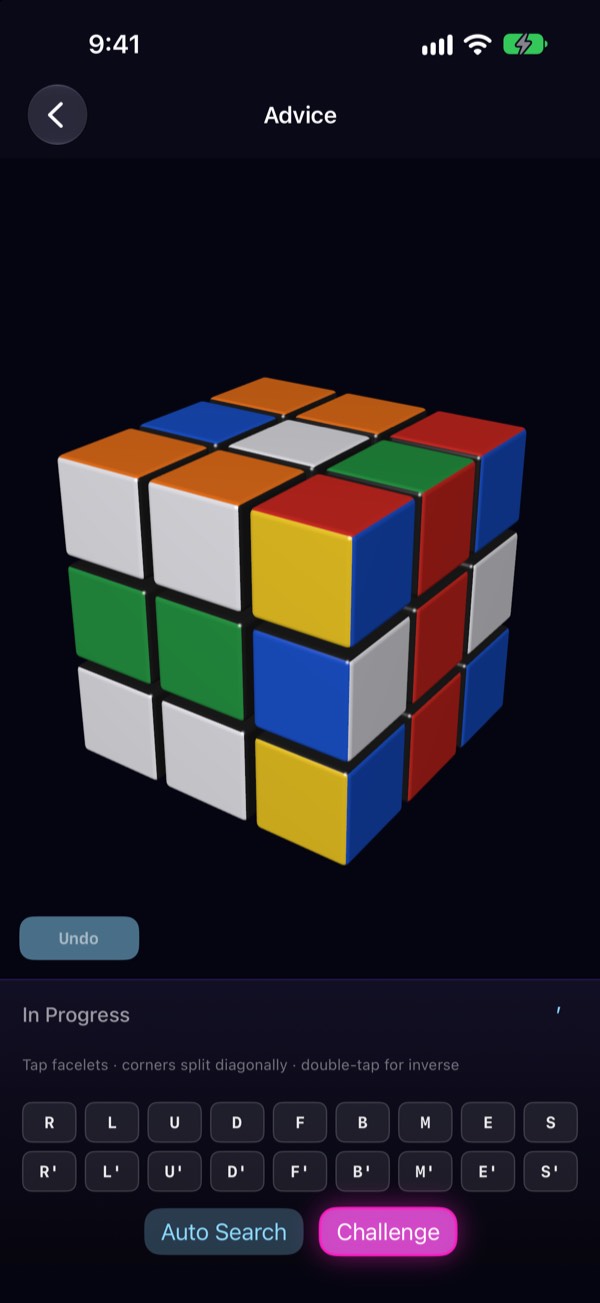
Real Advice
Analyze the scanned cube and get guided through the next move, step by step.
04
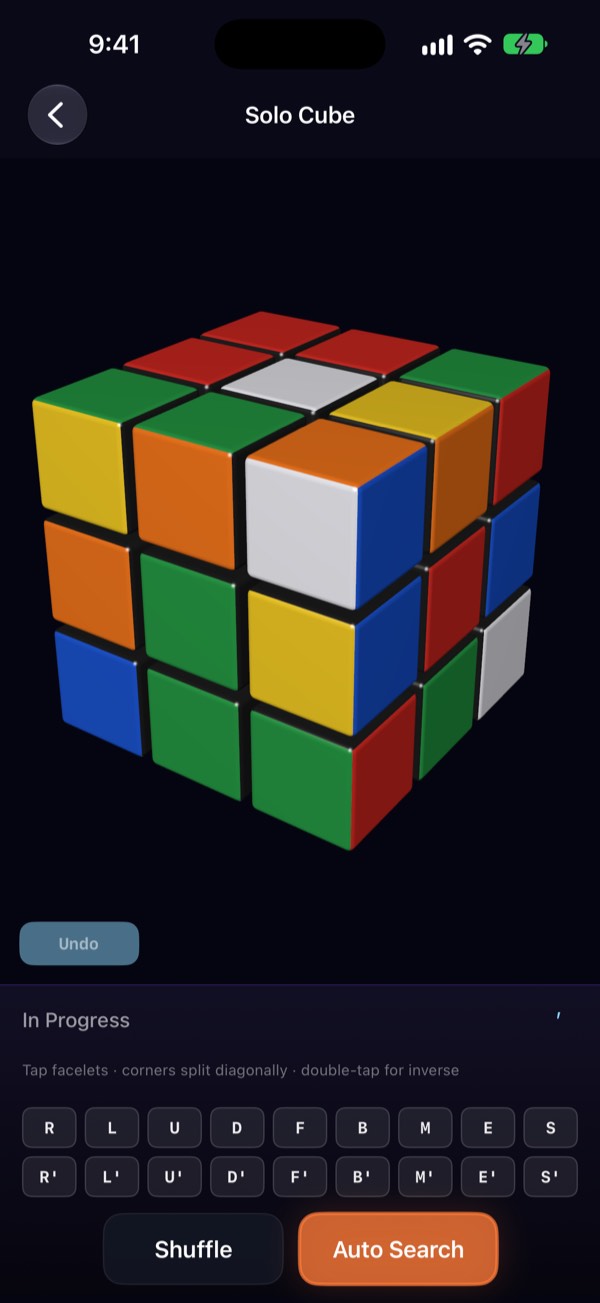
Virtual Cube and Challenge
Practice freely on a 3D cube, no physical cube needed — and take on a time attack.
05
Shared Cube
Send a cube you solved to a friend as a link and race on the same scramble. Share your result as a short video of your cube spinning.
06
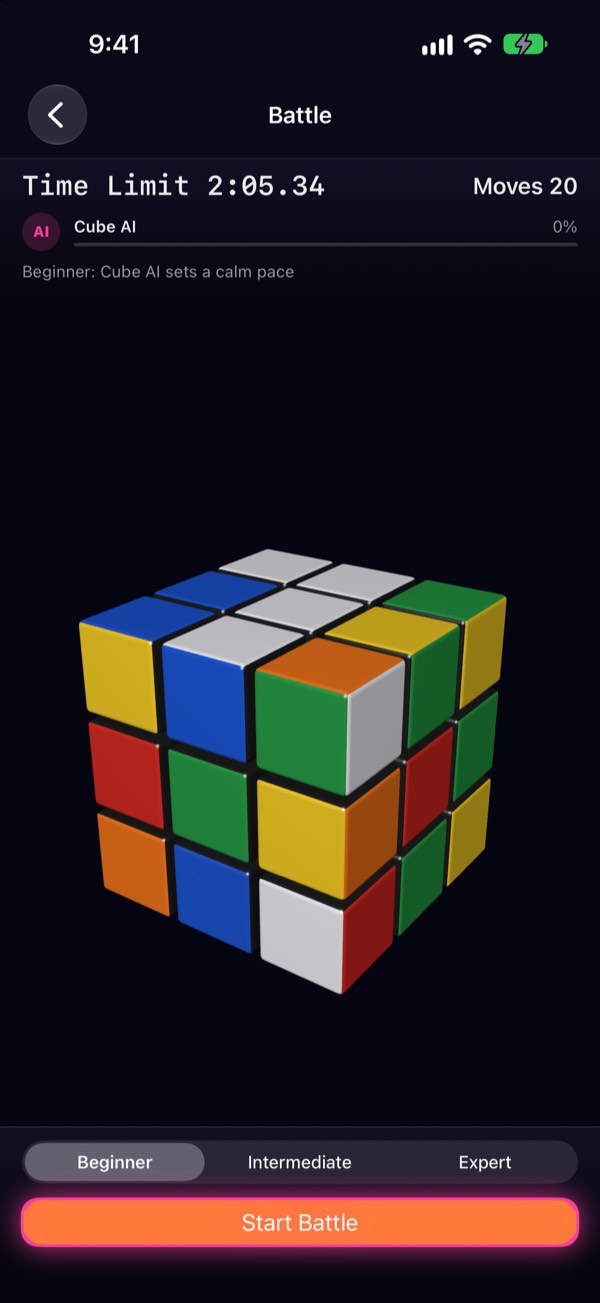
AI Battle
Solve against a calm AI opponent in real time.
Made for iPhone Duo
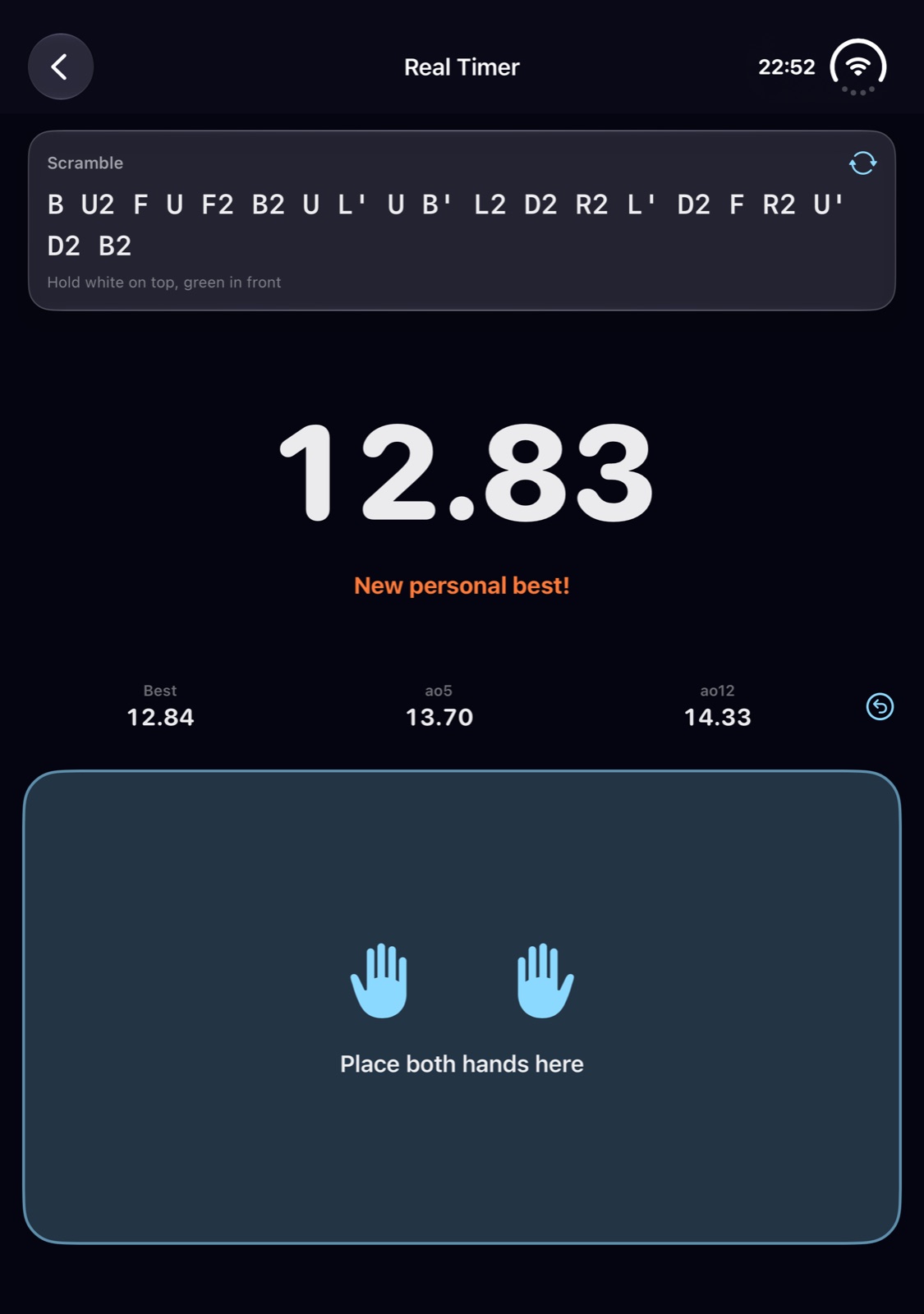
Set it half open on a desk like a notebook: the clock and the scramble on the upper screen, a pad for both hands on the lower one.
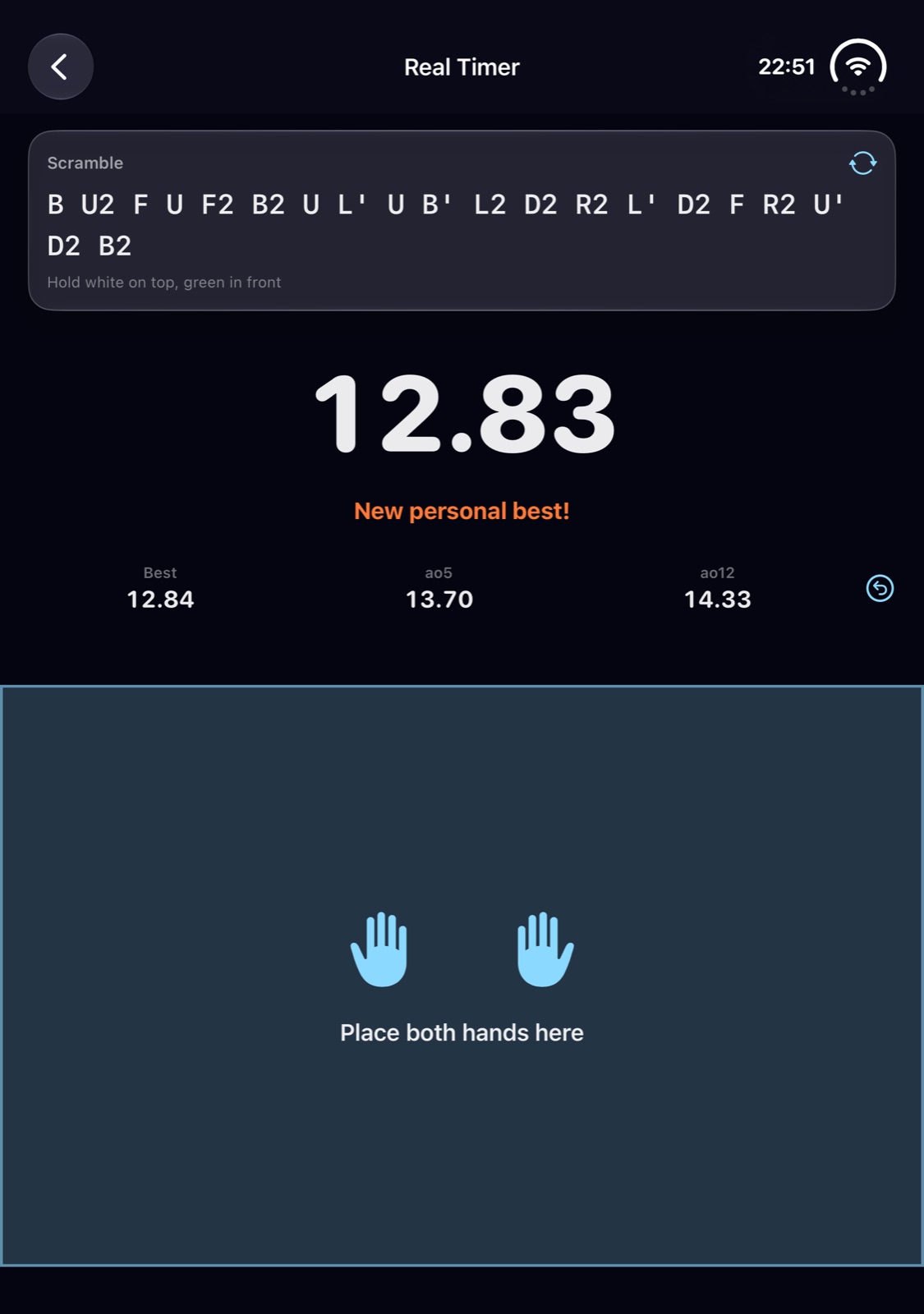
Half open
Real Timer puts the clock above and the hand pad below. During a guided solve, the 3D cube stays above while big Back and Next Move buttons fill the screen below, so you can keep the real cube in your hands.
Fully open
The cube and its controls spread across the large inner display. Held like a book, the same split runs left and right.
Closed
The outer display runs the regular iPhone layout.
Price
Scanning, cube analysis, the Virtual Cube, a taste of Challenge and Advice, and the battle intro are all free. Cube Pro (a one-time purchase) unlocks unlimited Challenge, step-by-step Smart Advice and AI Battle. No subscriptions, no ads.