Press Kit
Cube Press Kit
Everything you need to write about Cube in one place. The text, the icon and the screenshots are free to use as they are.
At a glance
- Name
- Cube: 3x3 Cube Solver
- From
- MusicFlow (an independent developer)
- Runs on
- iPhone, iPad and Mac
- Pricing
- Scanning, practice, Weekly Cube and Real Timer are free. Real Advice and AI Battle open with Cube Pro, a one-time purchase that works with Family Sharing.
- Why it’s different
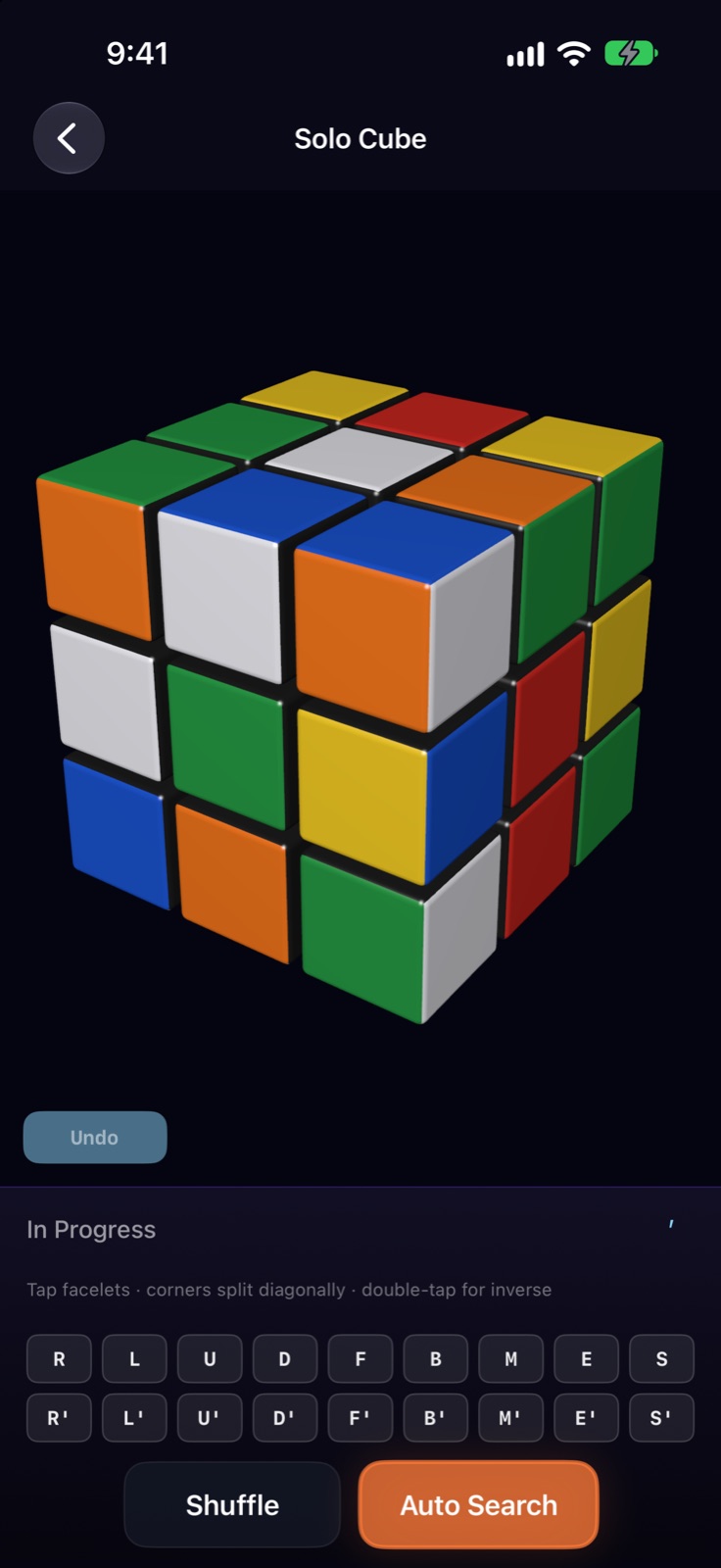
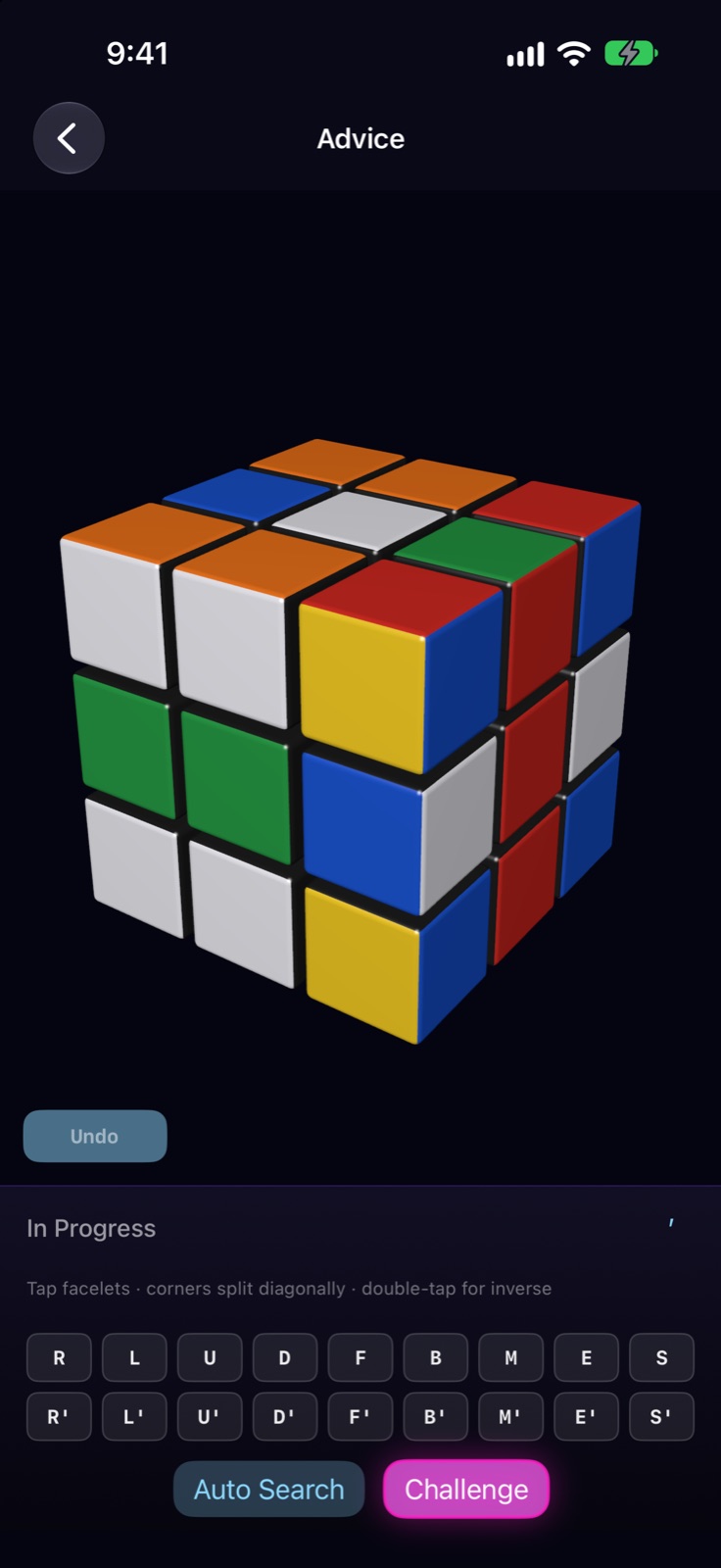
- Point the camera at a real 3x3 cube; Cube reads all six faces and guides you move by move until it is solved. Practice on a 3D virtual cube, race an AI opponent, and every Friday solve the same Weekly Cube as everyone in the world.
Descriptions
Three lengths. Use whichever fits.
One line
Cube scans a real 3x3 cube with the camera and guides you move by move until it is solved.
Three lines
Cube reads all six faces of your real cube with the camera and guides you, one move at a time, from where it is to solved.
Practice on a 3D virtual cube, or race an AI opponent in real time.
Every Friday the same cube goes out to everyone in the world, with one shared leaderboard.
One paragraph
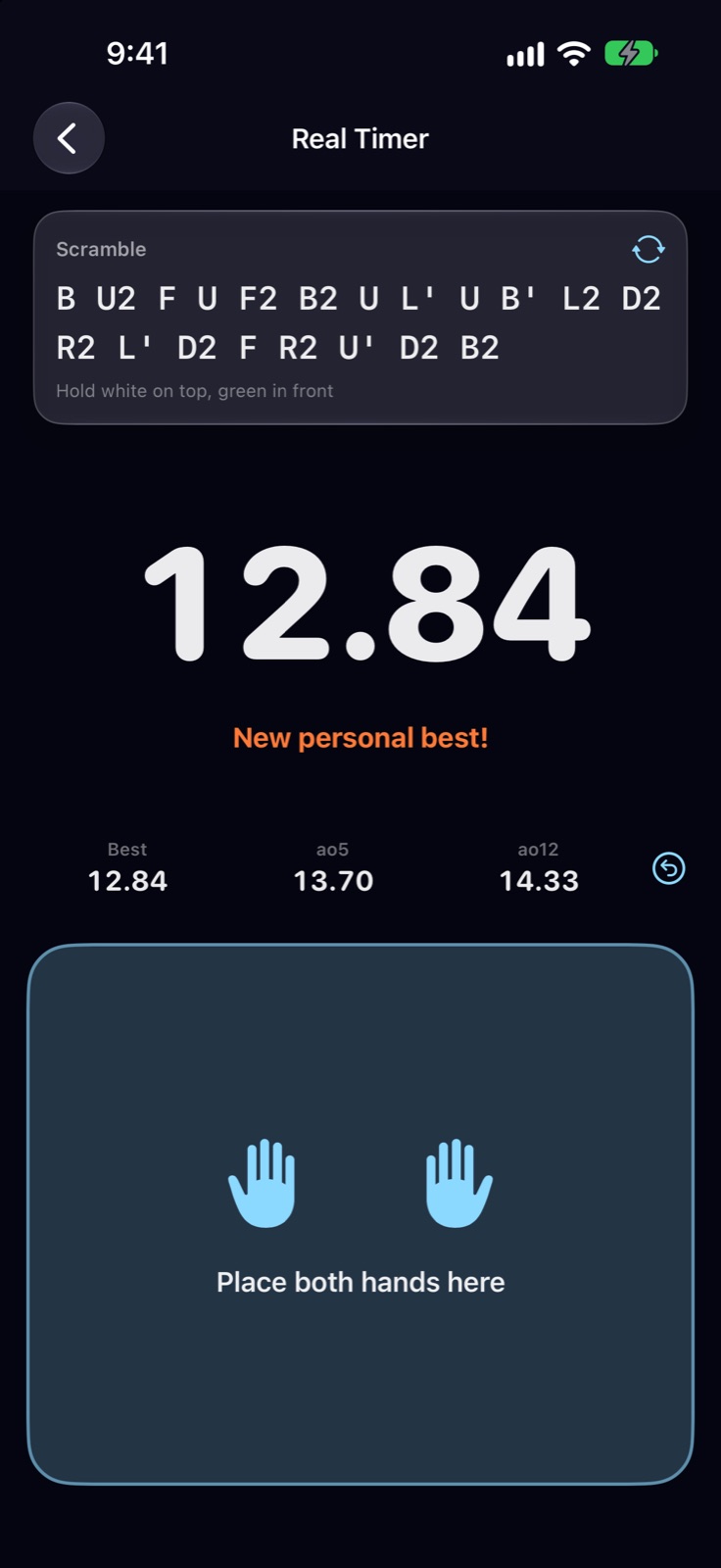
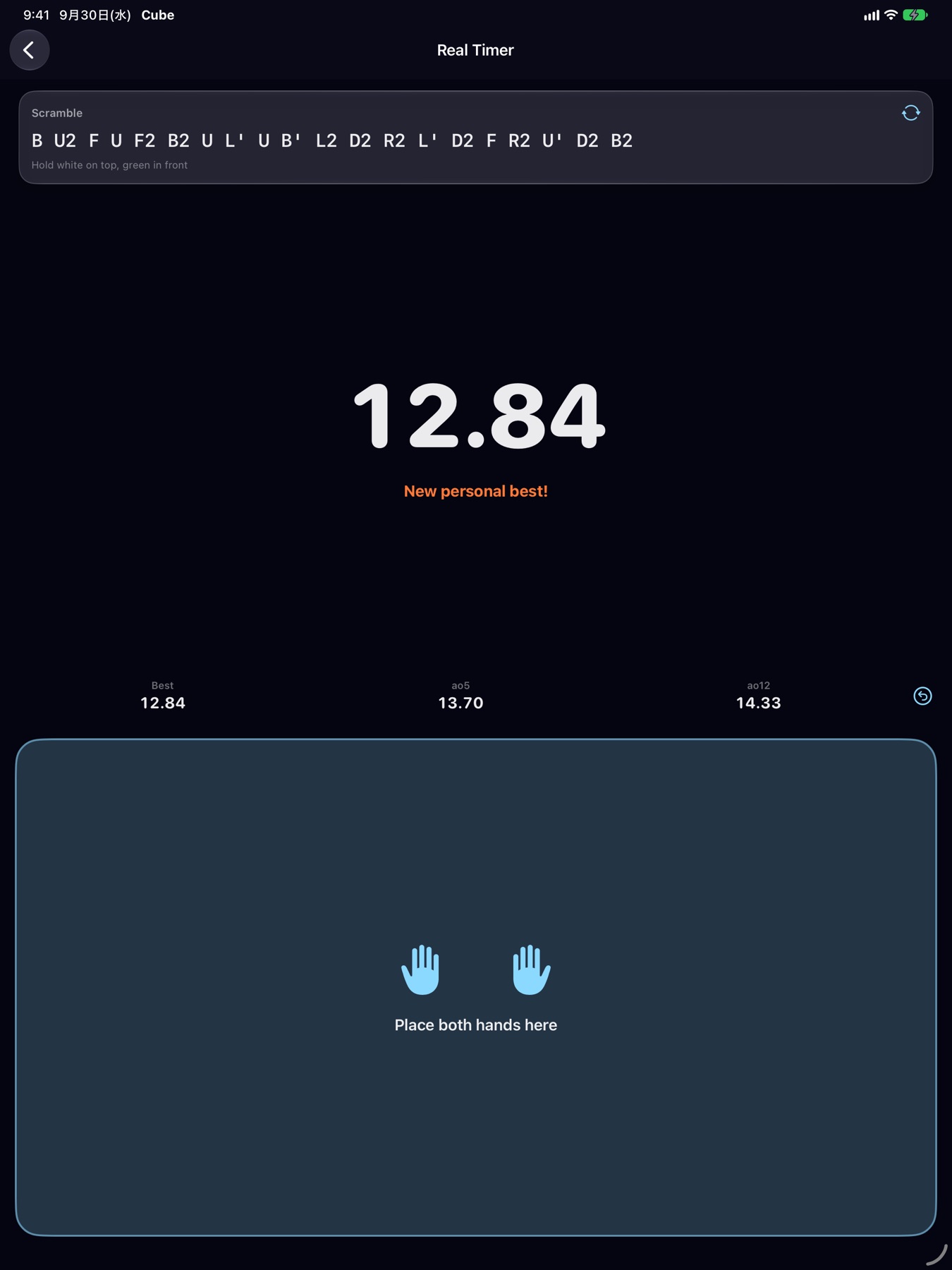
Cube is made for the real 3x3 cube in your hands. Scan its six faces with the camera and Real Advice guides you move by move from its current state to solved. A 3D virtual cube lets you practice freely, and AI Battle has you race a calm AI opponent in real time. Every Friday the same Weekly Cube goes out to everyone in the world, and solve times land on one shared leaderboard. Version 1.3.0 adds Real Timer for timing real-cube solves: place both hands on the pad, lift to start, touch to stop; best, ao5 and ao12 stay on the device. Scanning and solving run on the device, and signing in is optional, only for the Weekly leaderboard. Cube runs on iPhone, iPad and Mac, in nine languages.
Icon
1024 × 1024 px (PNG).
Download the iconScreenshots
The English set from the App Store. Click one to open it at full size.
iPhone

iPad
Mac

iPhone Duo (Cube 1.3.5)
Version 1.3.5 includes Real Timer and is made for iPhone Duo. Set it half open on a desk like a notebook: the upper display shows the clock and the scramble, and the lower display becomes the pad for your hands.
- Half open, like a notebook — Real Timer puts the scramble and the clock on the upper display and the hand pad on the lower one. During a guided solve, the 3D cube stays on the upper display while big Back and Next Move buttons fill the lower one, so you can step through with the real cube in your hands. Nothing sits on the fold.
- Held like a book — With a vertical fold, the same split runs left and right: the clock or the cube on the left, the pad or the controls on the right. The home screen moves to the right page.
- Fully open and closed — Fully open, the cube and its controls spread across the large inner display; closed, the outer display runs the regular iPhone layout.
Screenshots and a video on iPhone Duo. Click a screenshot to open it at full size.
 Closed (outer display): home
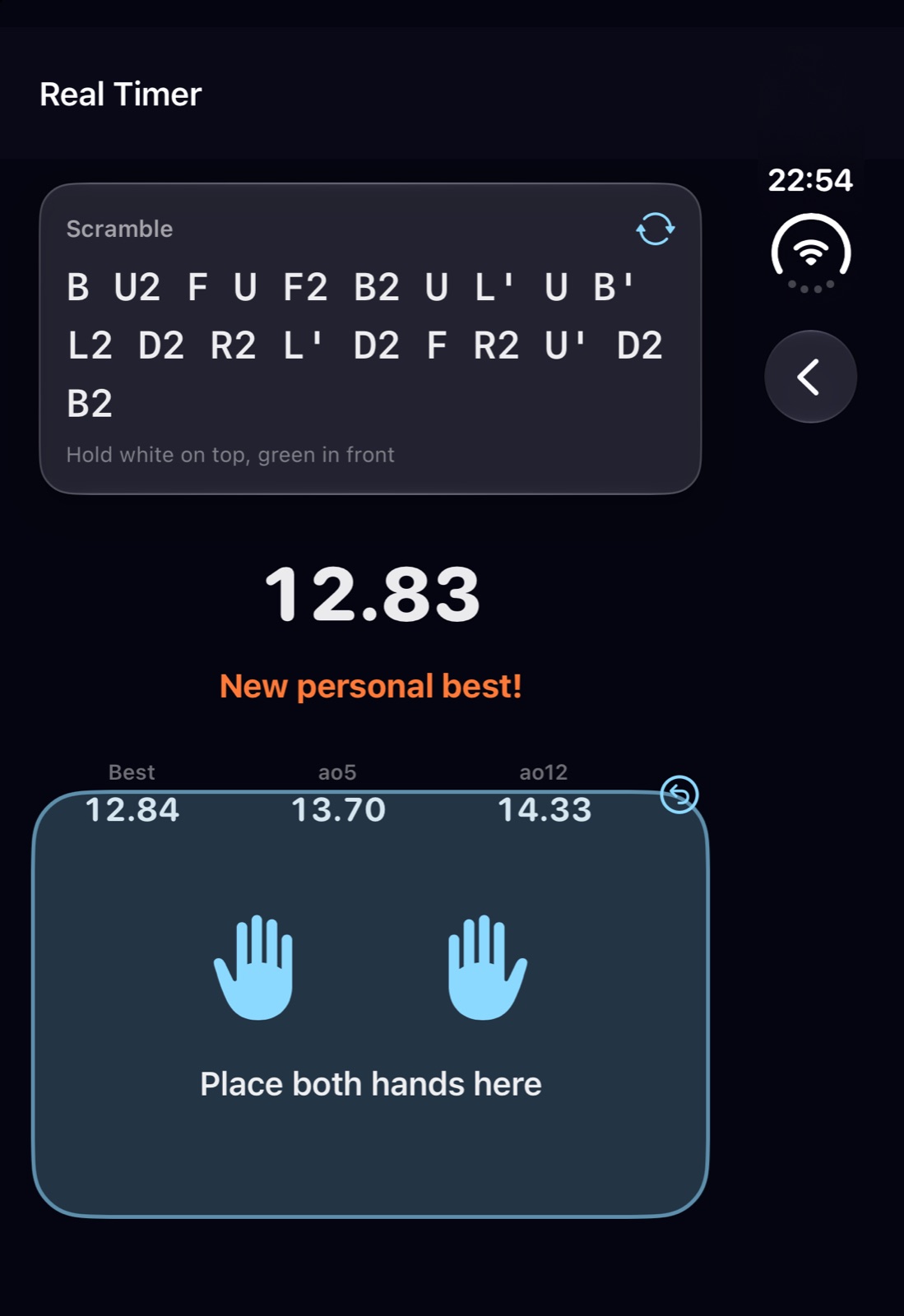 Closed (outer display): Real Timer
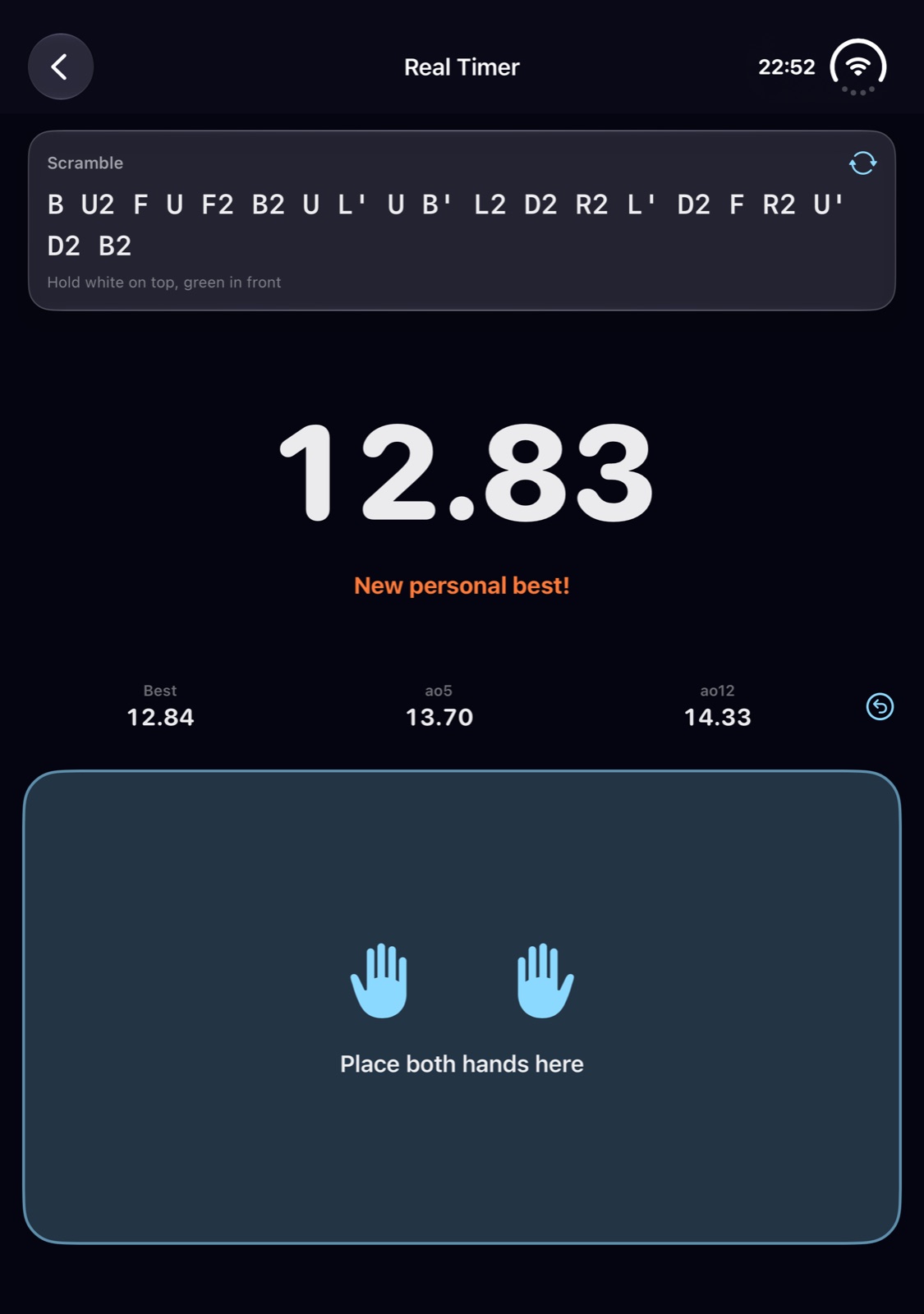 Fully open: Real Timer
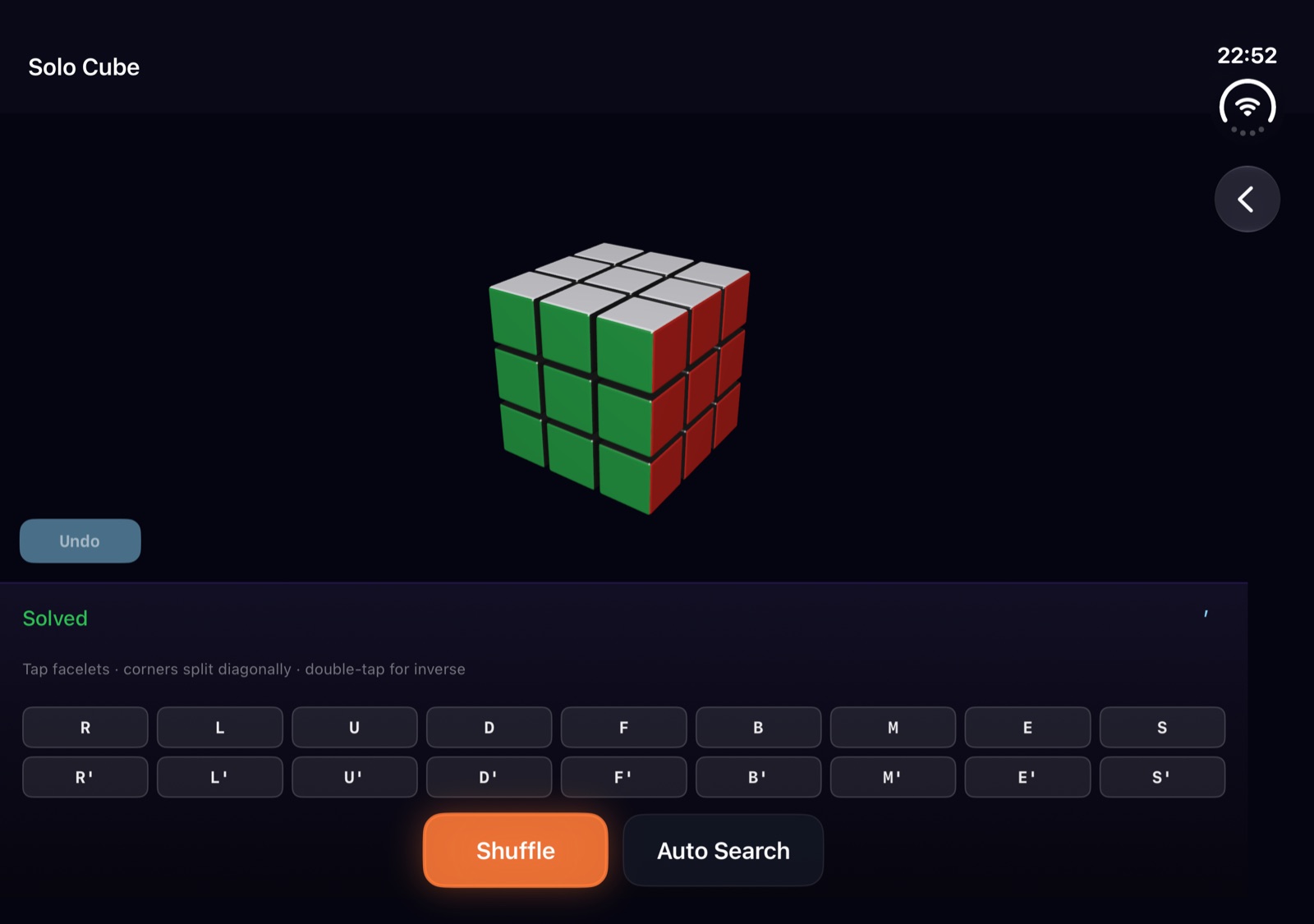 Fully open, sideways: Solo Cube
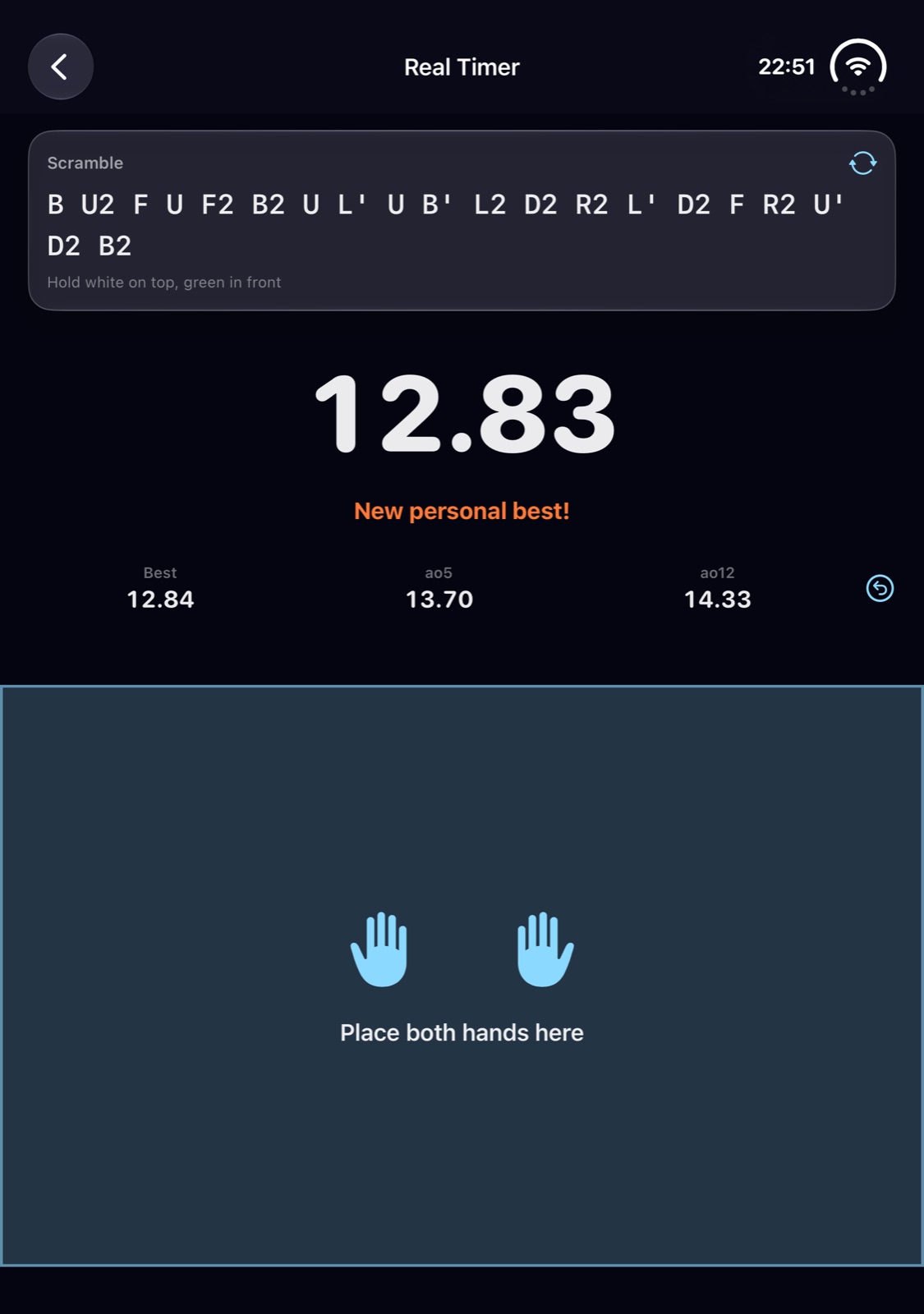 Half open: the clock above, the hand pad below
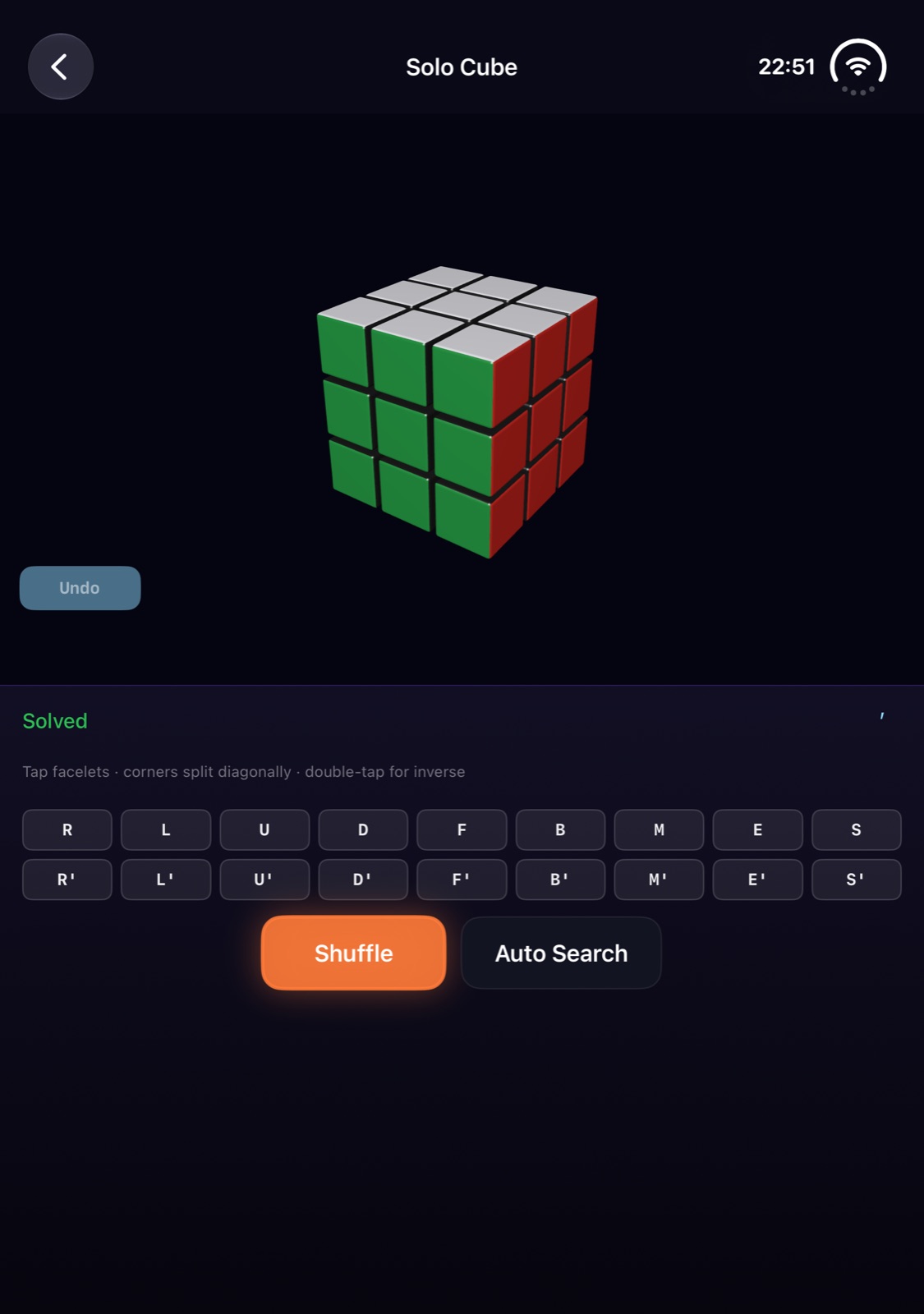 Half open: the cube above, the controls below
Promo video (33 seconds): scan your real cube and solve it, turn the glowing face move by move, iPhone Duo
Open the video (MP4)Contact
For interviews or anything else you need, please get in touch.
MusicFlow