What it does
01
One minute of setup on the Mac
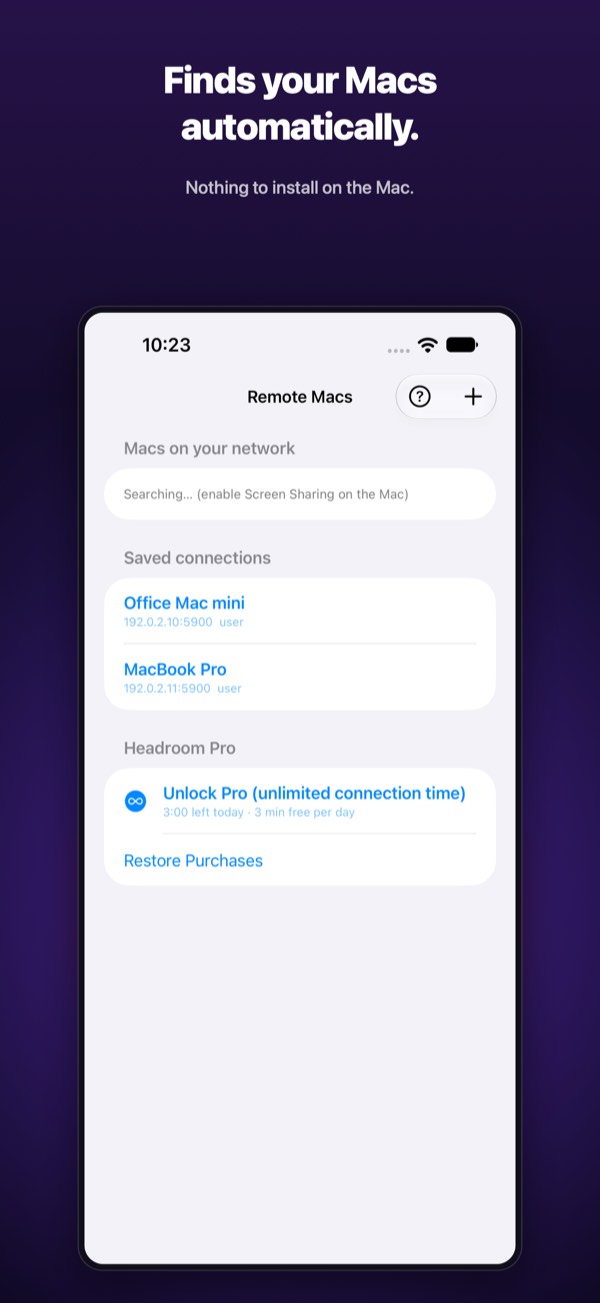
Connects straight to macOS's built-in Screen Sharing (VNC). No server app, no agents. Macs on the same Wi-Fi are discovered automatically via Bonjour, with manual IP entry too.
02
Smooth rendering
Metal rendering and ZRLE compression keep it feeling close to real time on a LAN, and resilient on thin connections.
03
Touch or mouse
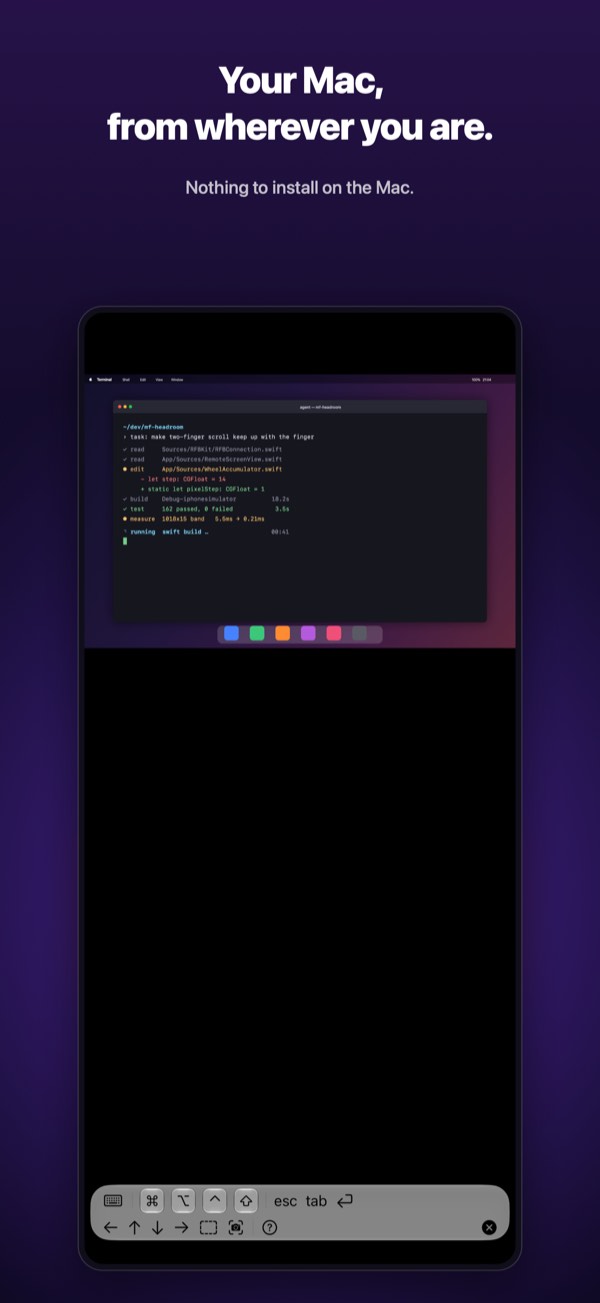
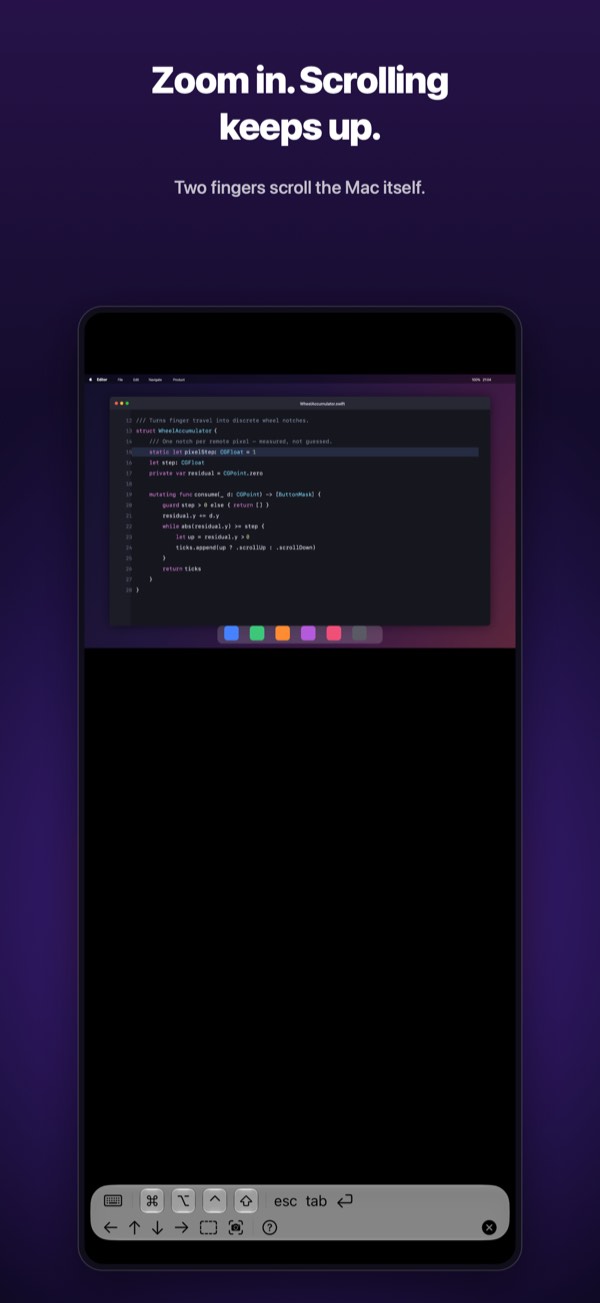
On iPad and iPhone: tap to click, long-press to drag, pinch to zoom. On the Mac version, clicks, drags and right-clicks are forwarded one-to-one.
04
A full keyboard
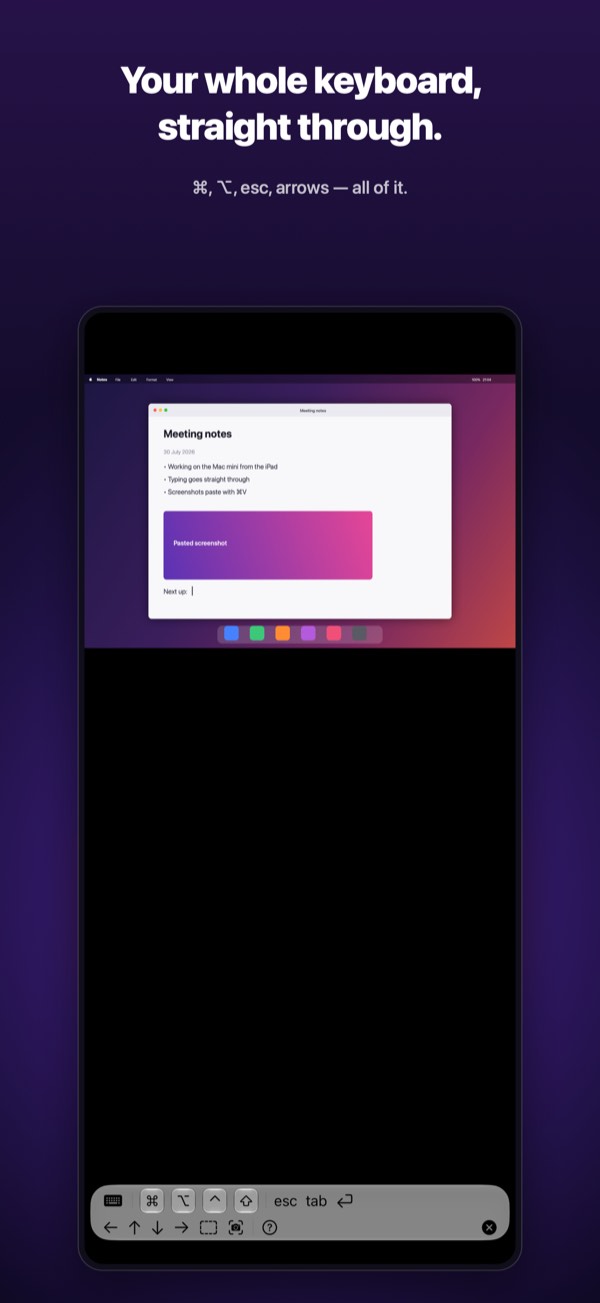
Software and hardware keyboards both work, including ⌘⌥⌃⇧ modifiers. Handy for headless Mac minis and build servers.
Made for iPhone Duo
Half open like a laptop, the Mac is on the upper screen and the keyboard on the lower one — the Mac you left at your desk becomes a notebook that fits in your pocket.
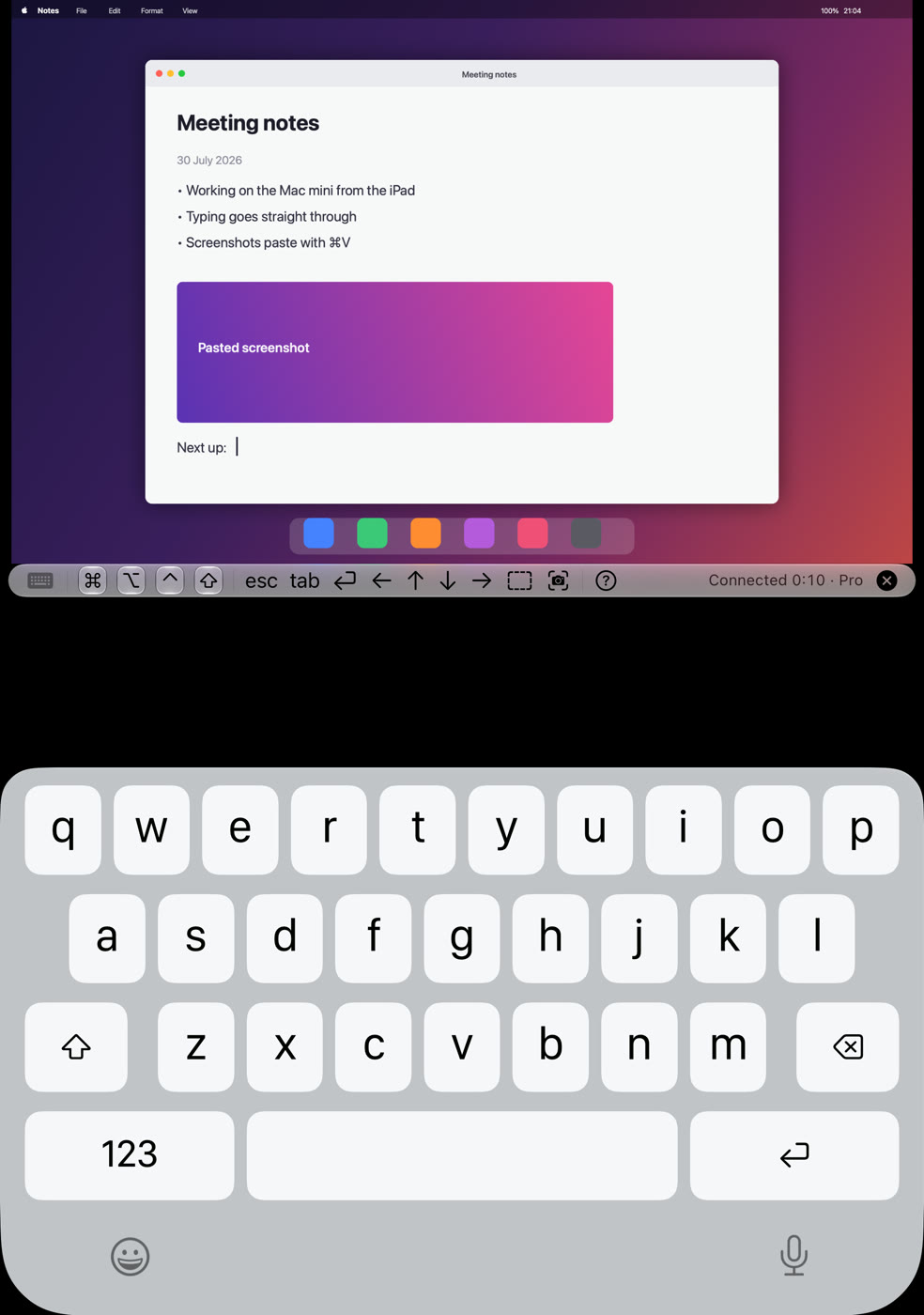
Half open
The Mac on the upper screen, the control bar just above the fold, the keyboard on the lower screen. The keyboard comes up by itself when you fold, and stays when you open it flat again. Nothing crosses the fold.
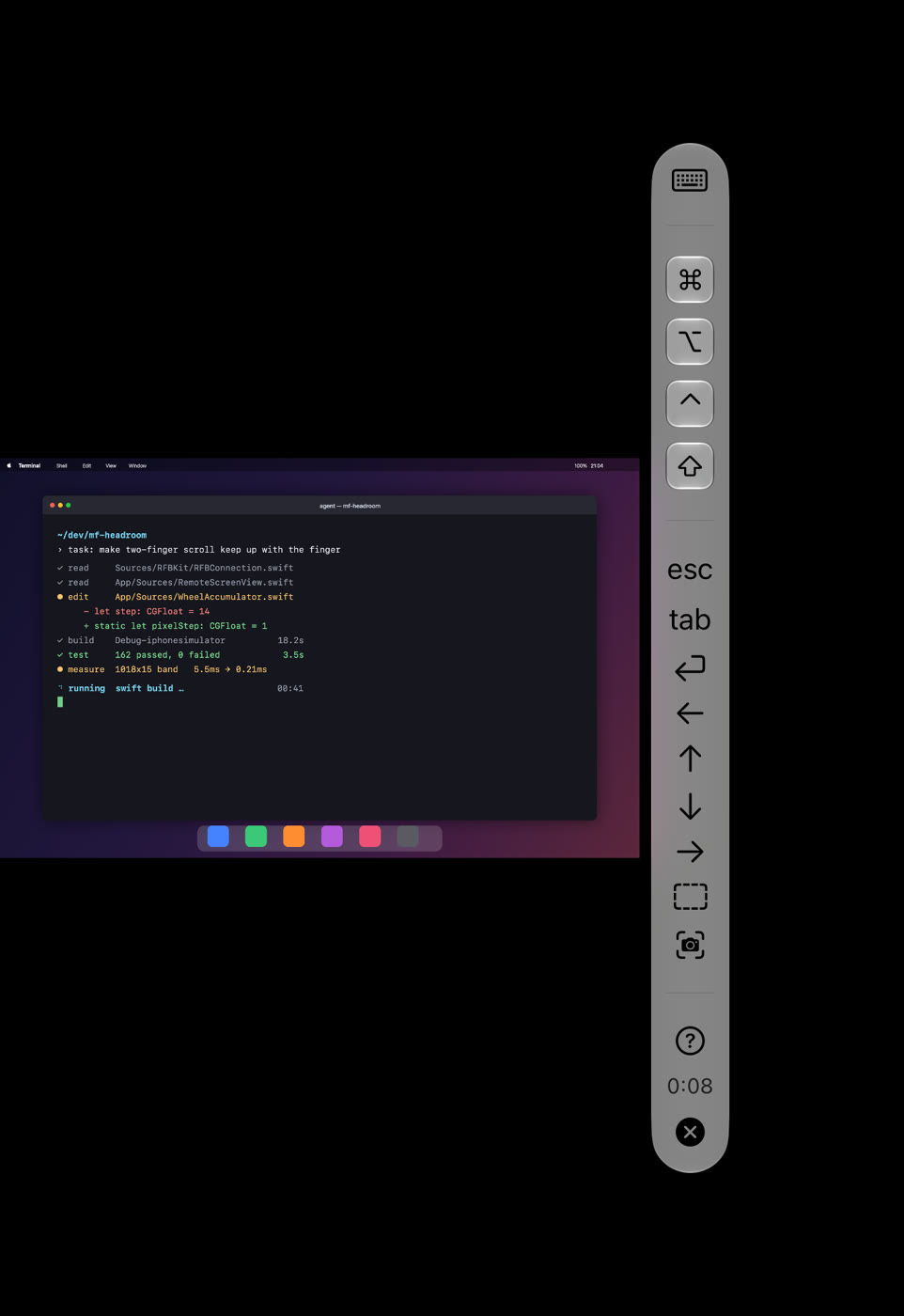
Closed
The outer display works on its own, with the control bar down the side so your Mac gets the full height.
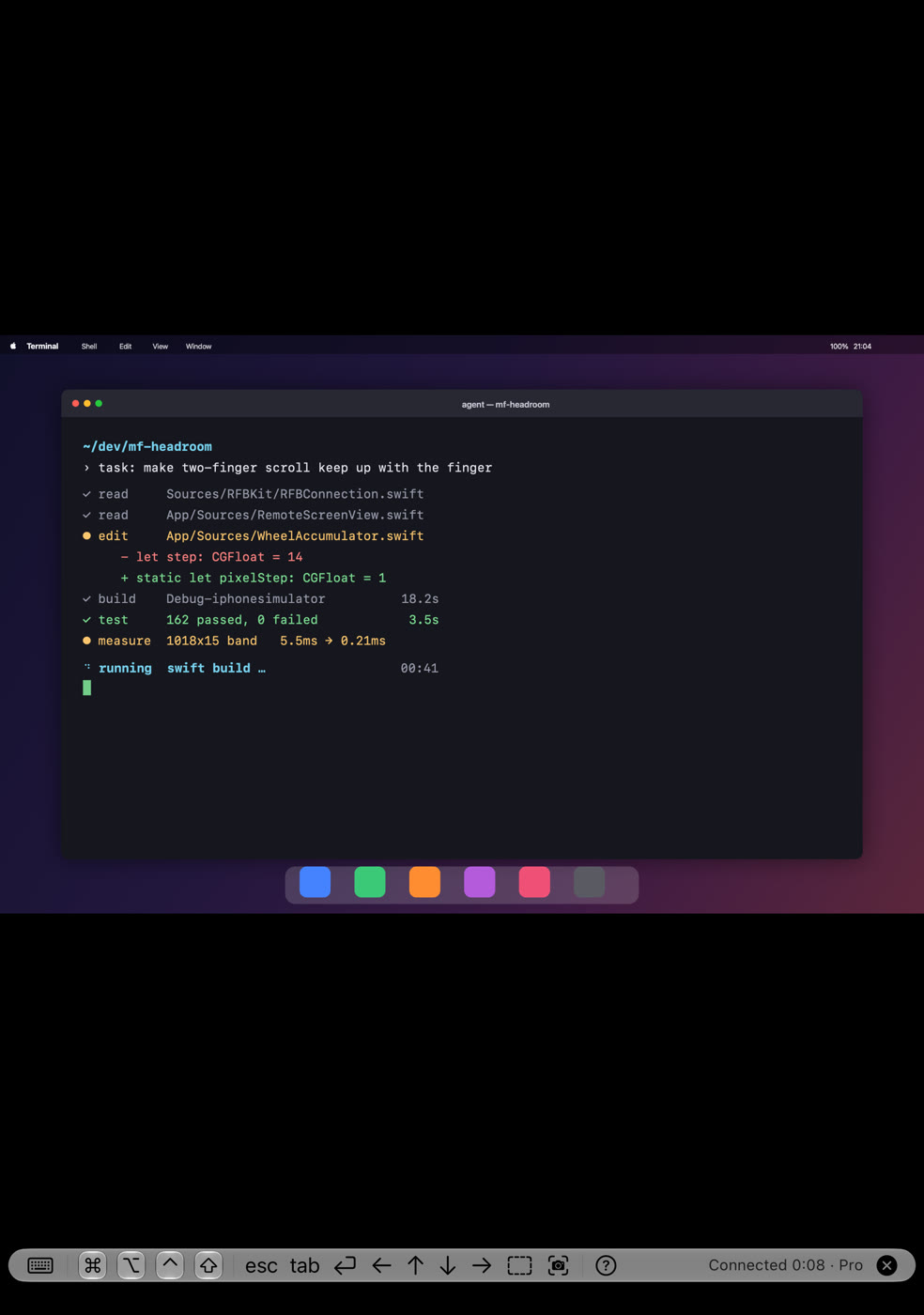
Fully open
Your Mac fills the inner display with the controls along the bottom. Held like a book, the control bar moves to the side.
17 languages
The screens and the help come in seventeen languages.
iPhone, iPad and Mac
One app reaches your Mac from an iPhone, an iPad or another Mac.
No account, no server
No account and no server of ours. The screen and your input travel only between your own devices.
English (US and UK), Japanese, Chinese (Traditional and Simplified), Korean, German, Spanish, French, Italian, Portuguese (Brazil and Portugal), Dutch, Swedish, Danish, Norwegian and Finnish
Guide: how to control your Mac from iPhone Duo →Price
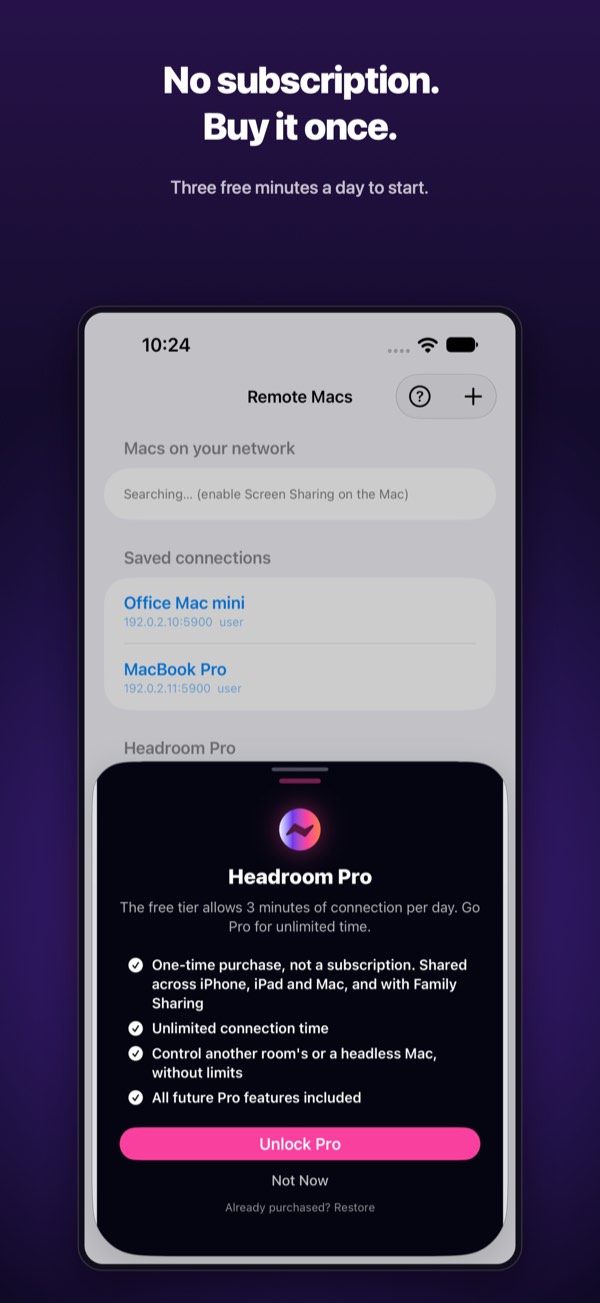
Try it free. Pro — a one-time purchase, not a subscription — removes the connection time limit.