Press Kit
Headroom Press Kit
Everything you need to write about Headroom in one place. The text, the icon and the screenshots are free to use as they are.
At a glance
- Name
- Headroom: Remote Desktop
- From
- MusicFlow (an independent developer)
- Runs on
- iPhone, iPad and Mac
- Pricing
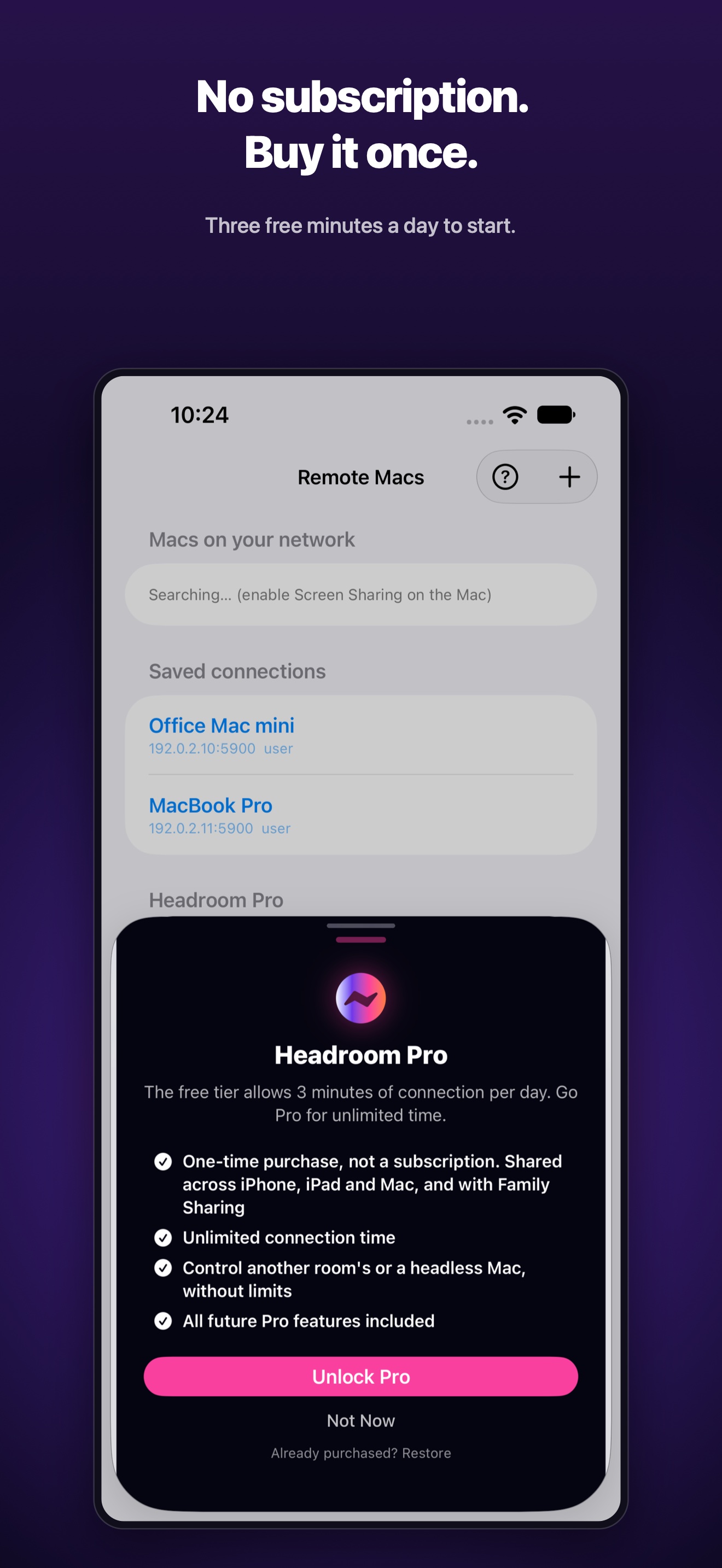
- Free to try. Pro is a one-time purchase.
- Why it’s different
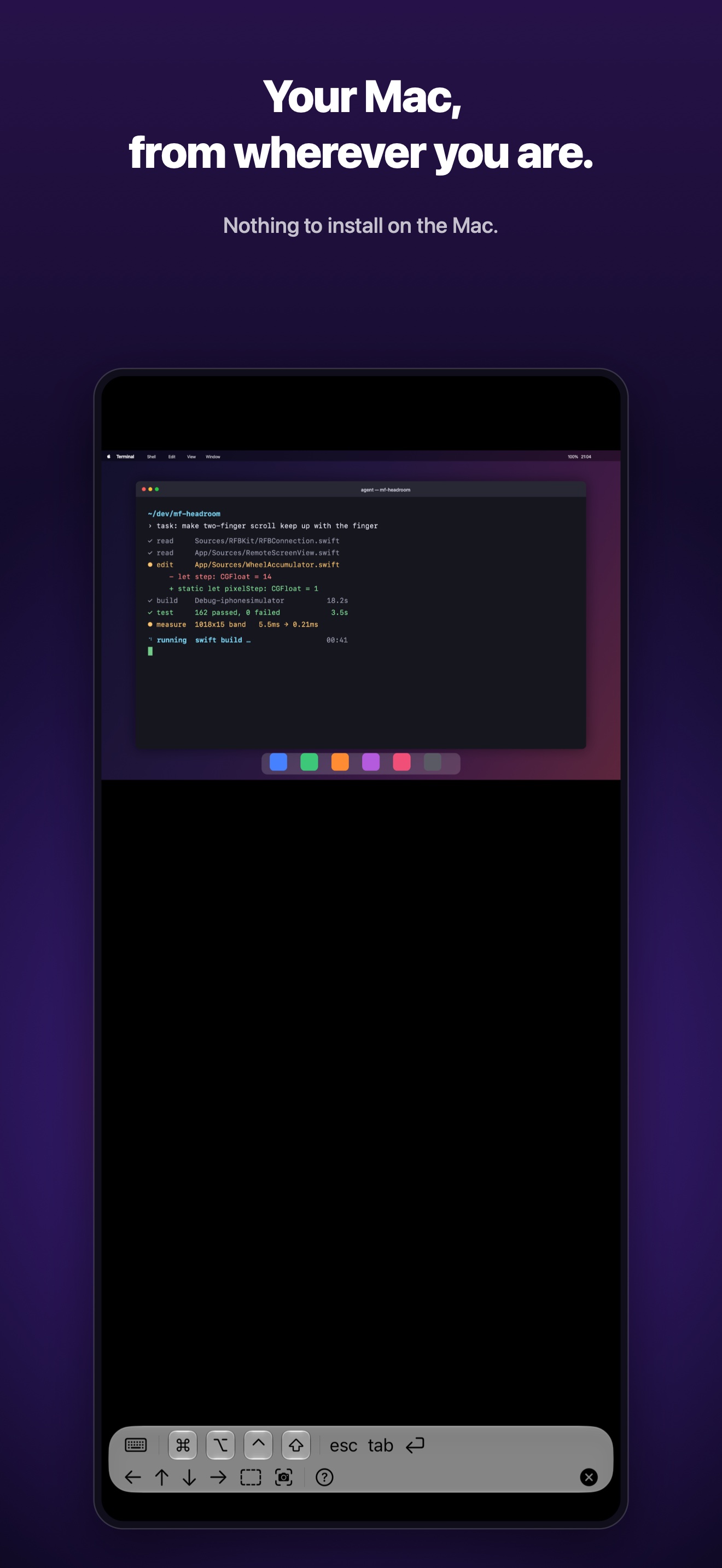
- Nothing to install on the Mac — just turn on macOS’s built-in Screen Sharing. No account, and no server of ours in between.
Descriptions
Three lengths. Use whichever fits.
One line
Headroom is a remote desktop app that operates your Mac from iPad, iPhone or another Mac — just turn on the built-in Screen Sharing on the Mac.
Three lines
Headroom is a remote desktop app for reaching your own Mac from iPad, iPhone or another Mac.
On the Mac, turn on macOS’s built-in Screen Sharing and you are connected: no extra software, no account, no server of ours.
The screen and your input travel only between your own devices. Free to try; Pro is a one-time purchase.
One paragraph
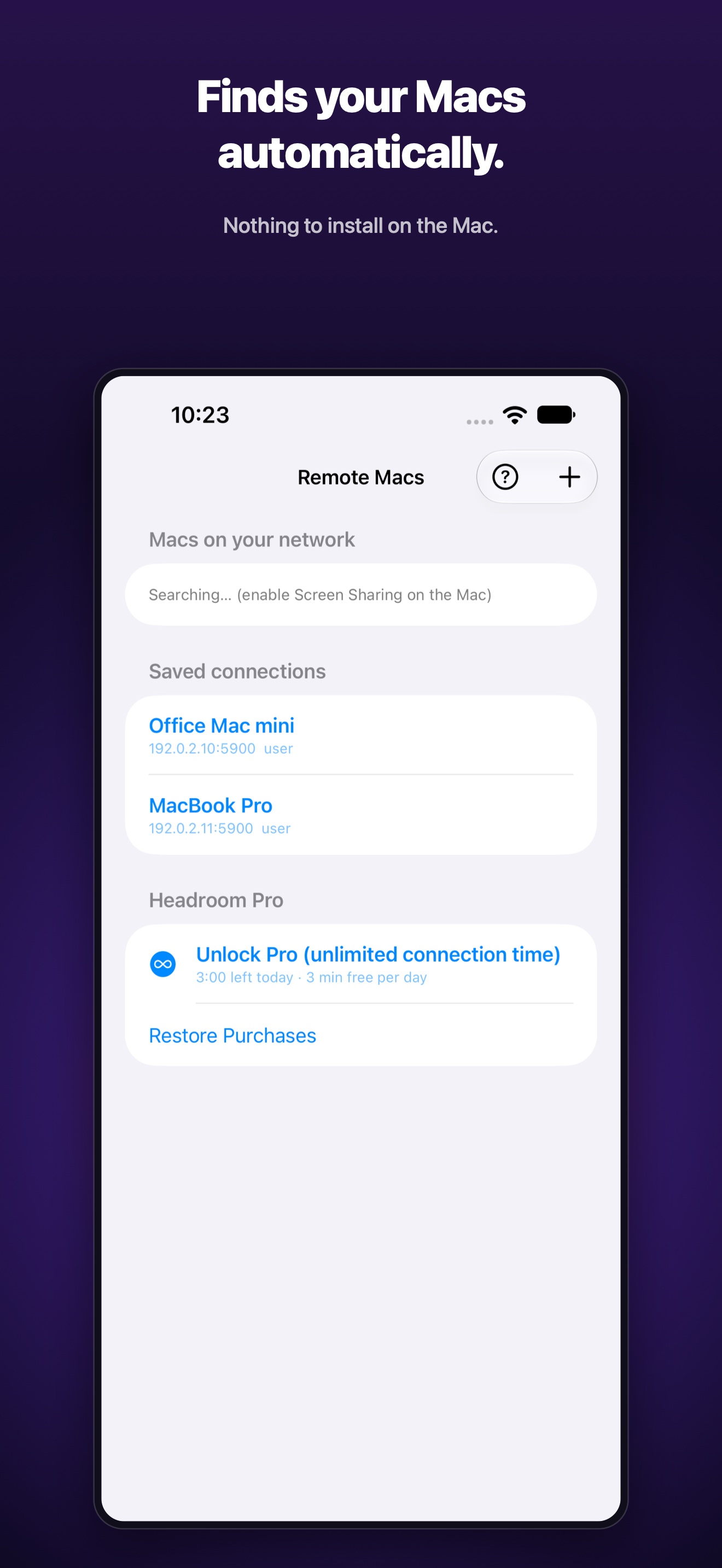
Headroom is a remote desktop app for reaching your own Mac from iPad, iPhone or another Mac. Its main idea is that there is nothing to install on the Mac: turn on macOS’s built-in Screen Sharing and the Mac in the next room, or a Mac mini with no monitor, is right there on your screen. Macs on the same Wi‑Fi are found automatically, and it works over a VPN such as Tailscale too. Rendering runs on Metal for a smooth feel; on iPad and iPhone you tap to click, long-press to drag and pinch to zoom, and both software and hardware keyboards work, including ⌘⌥⌃⇧ modifiers. There is no account, and neither the screen nor your input passes through a server of ours. It is free to try, and Pro (a one-time purchase) removes the connection time limit.
Icon

1024 × 1024 px (PNG).
Download the iconScreenshots
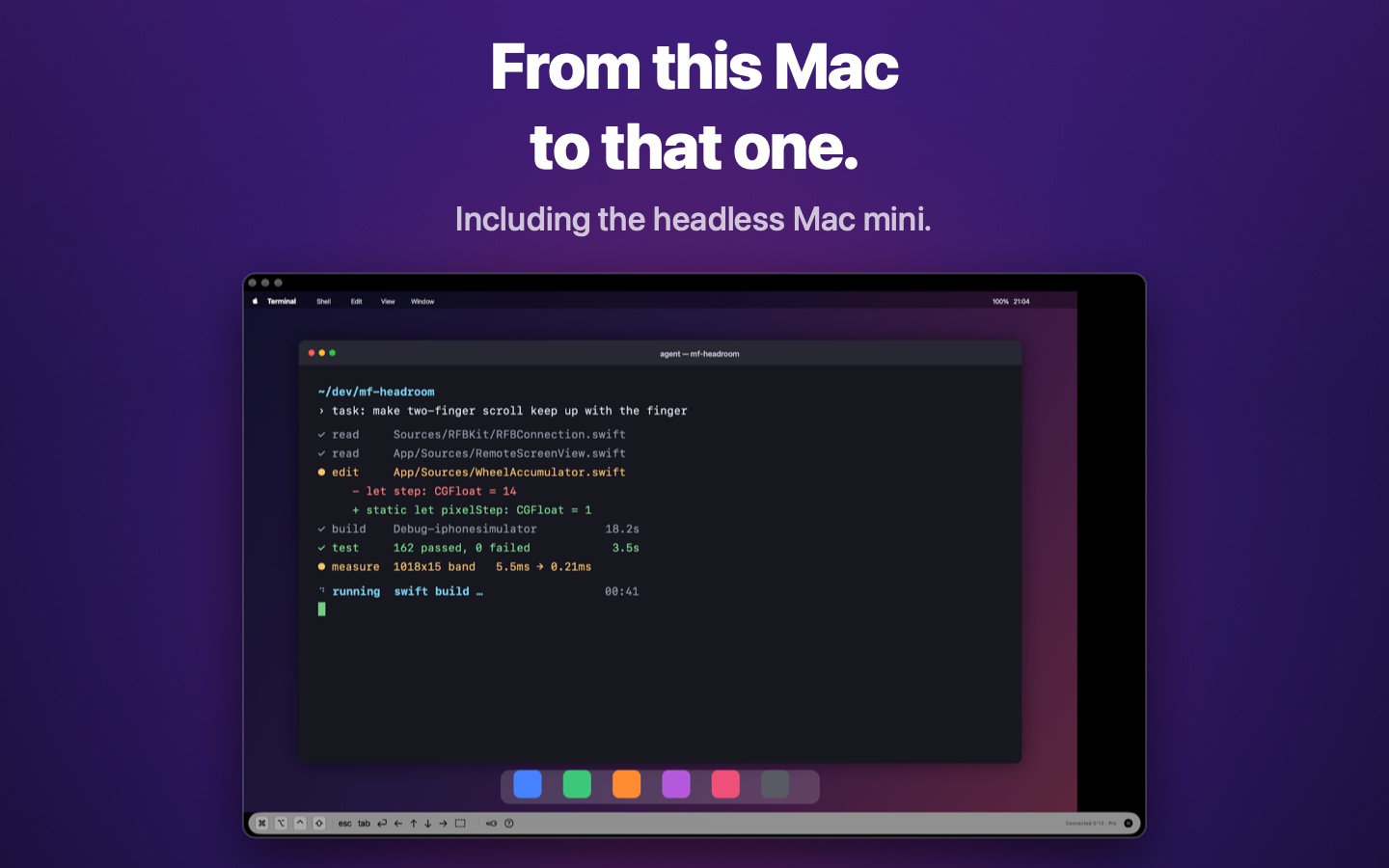
The English set from the App Store. Click one to open it at full size.
iPhone
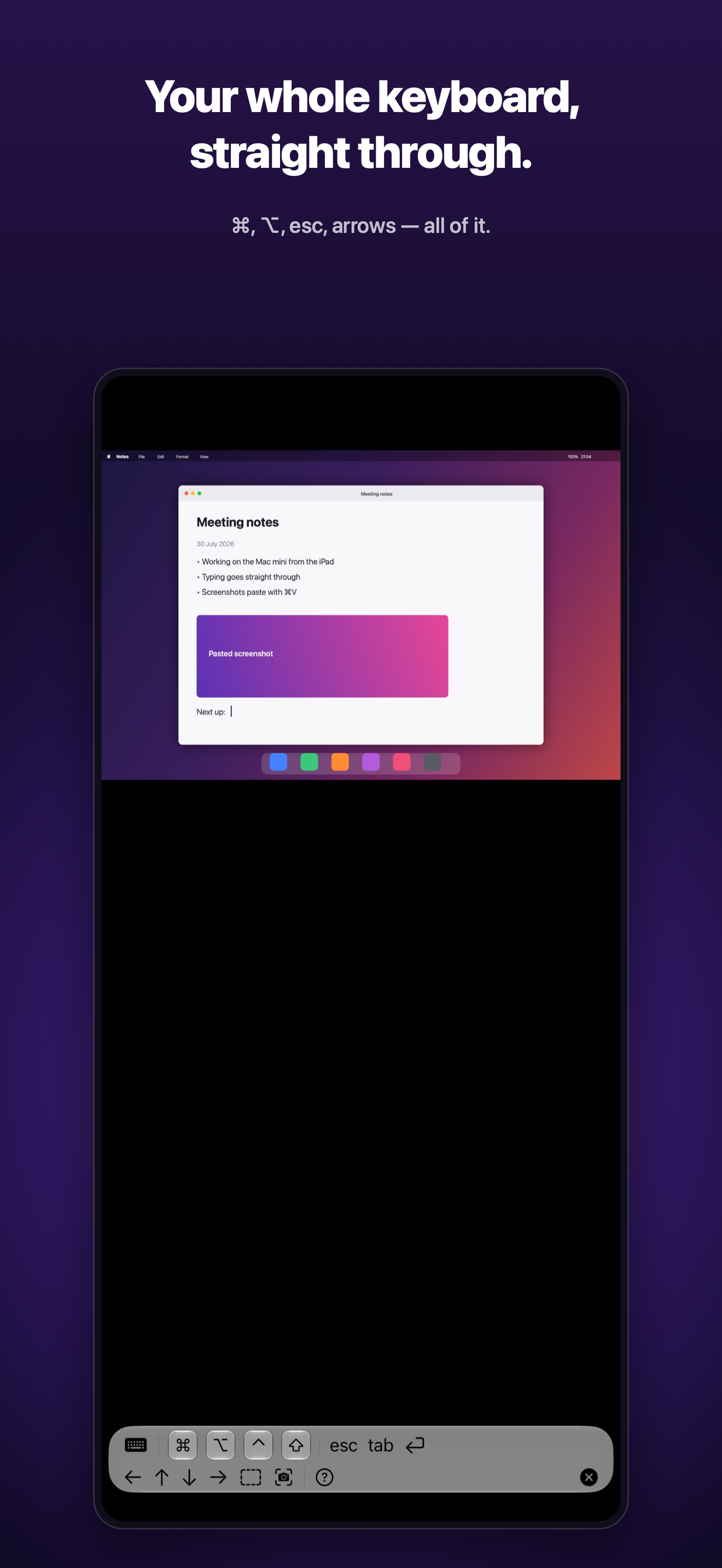
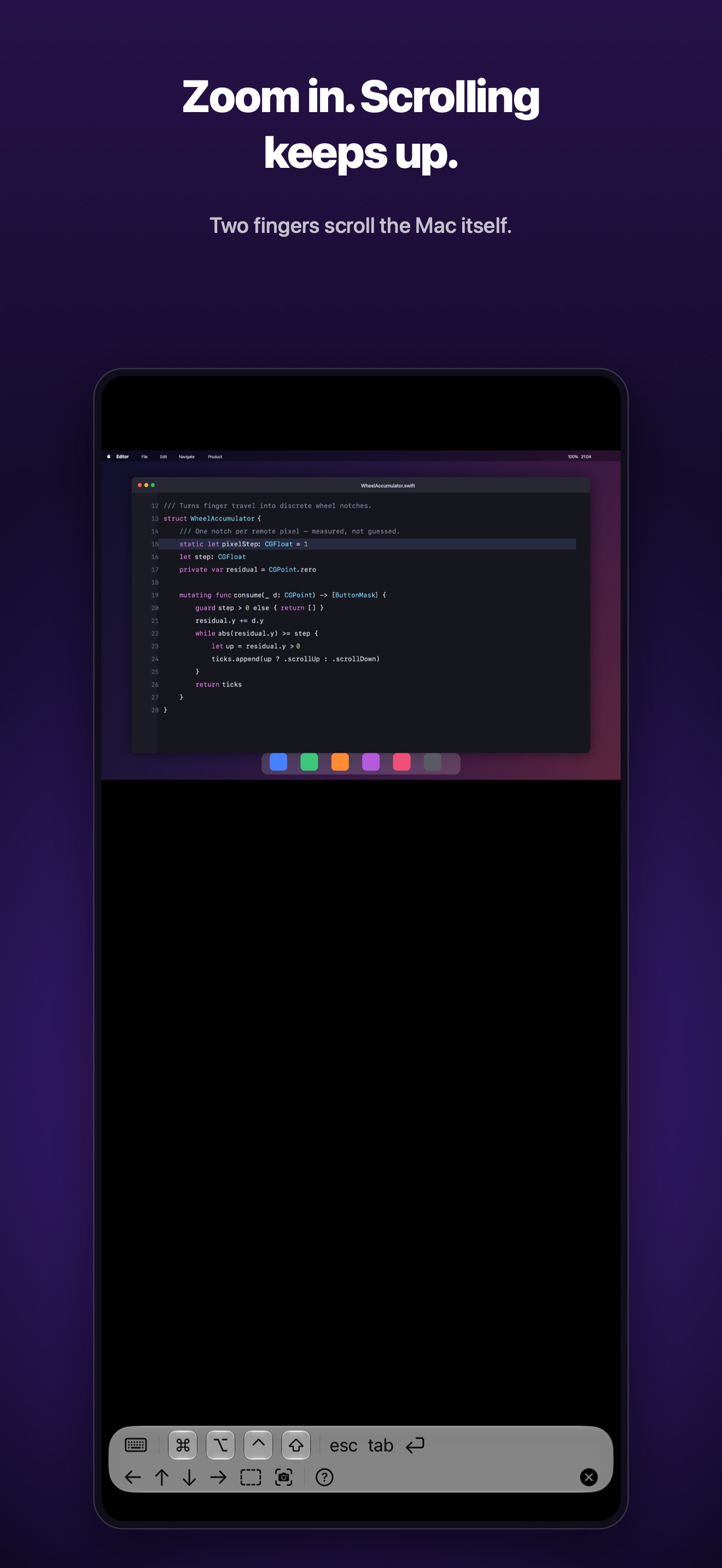
iPad
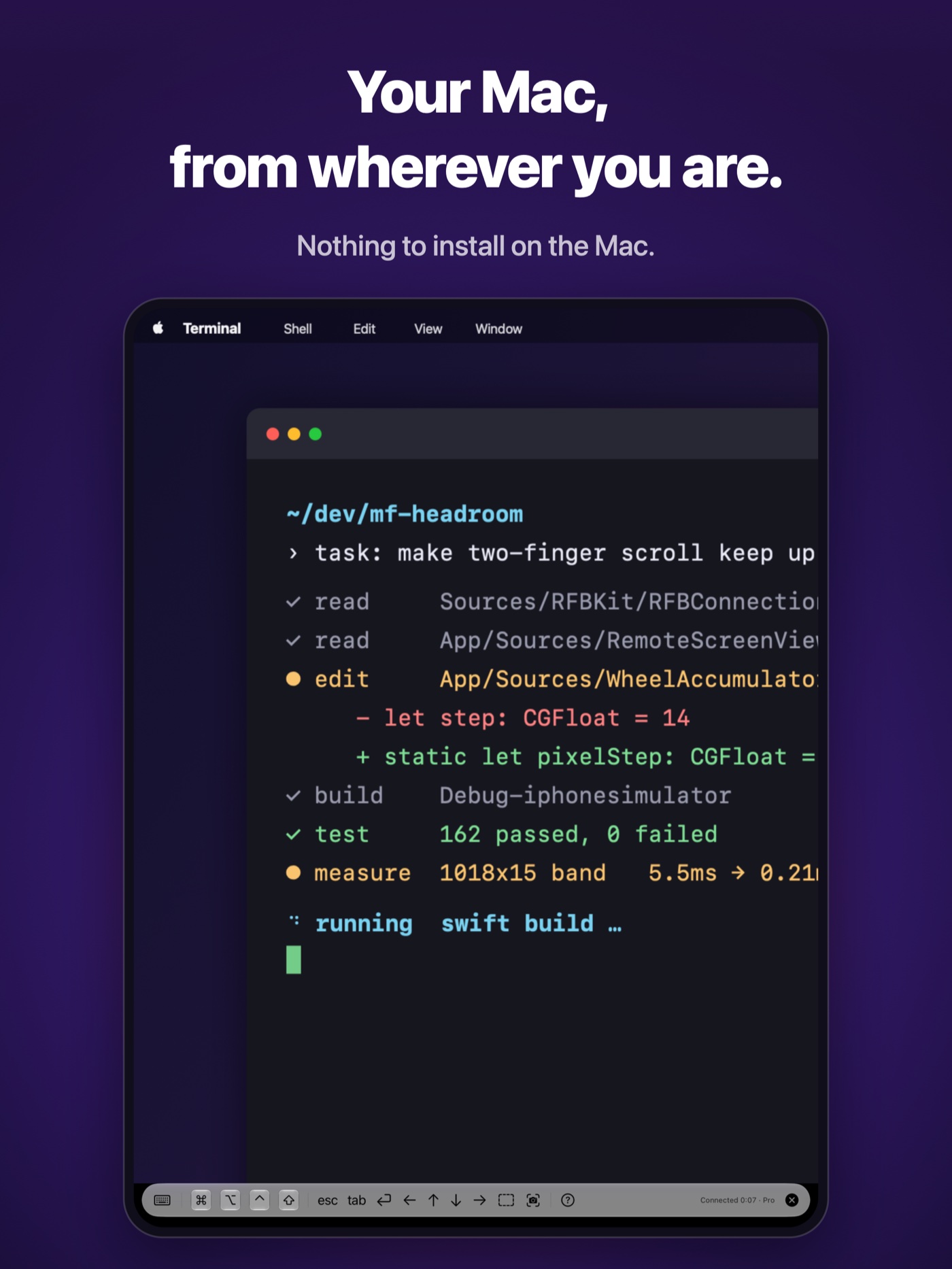
Mac
Contact
For interviews or anything else you need, please get in touch.
MusicFlow / Haruhiko Kishi