What it does
01
Learn Japanese art as you paint
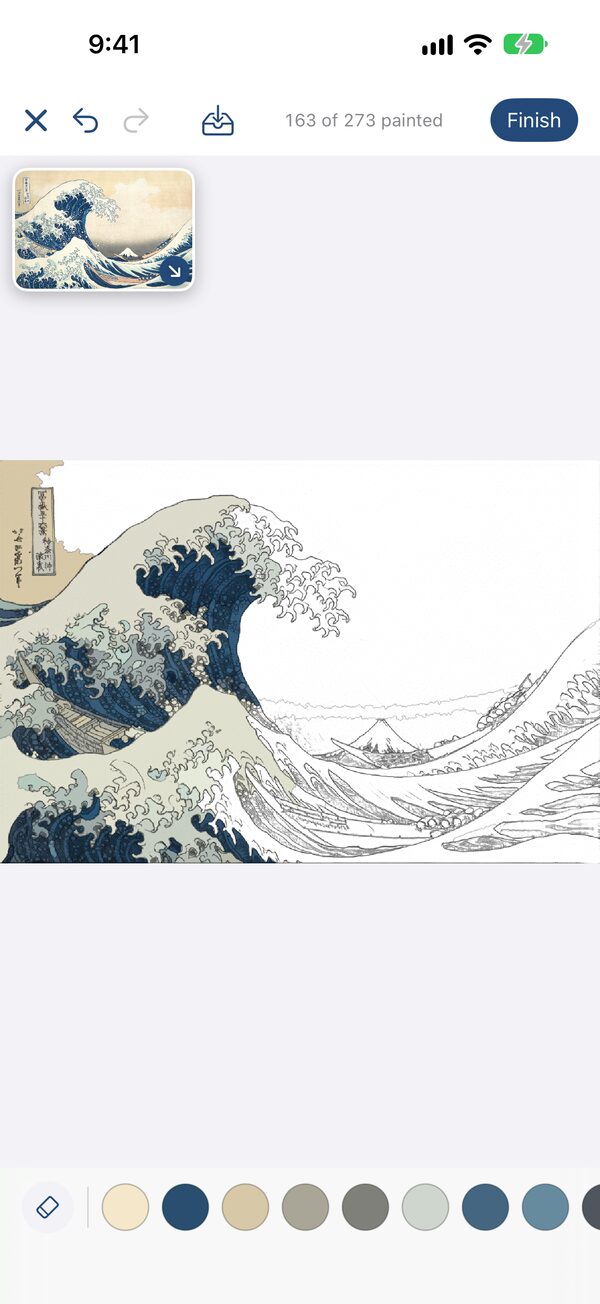
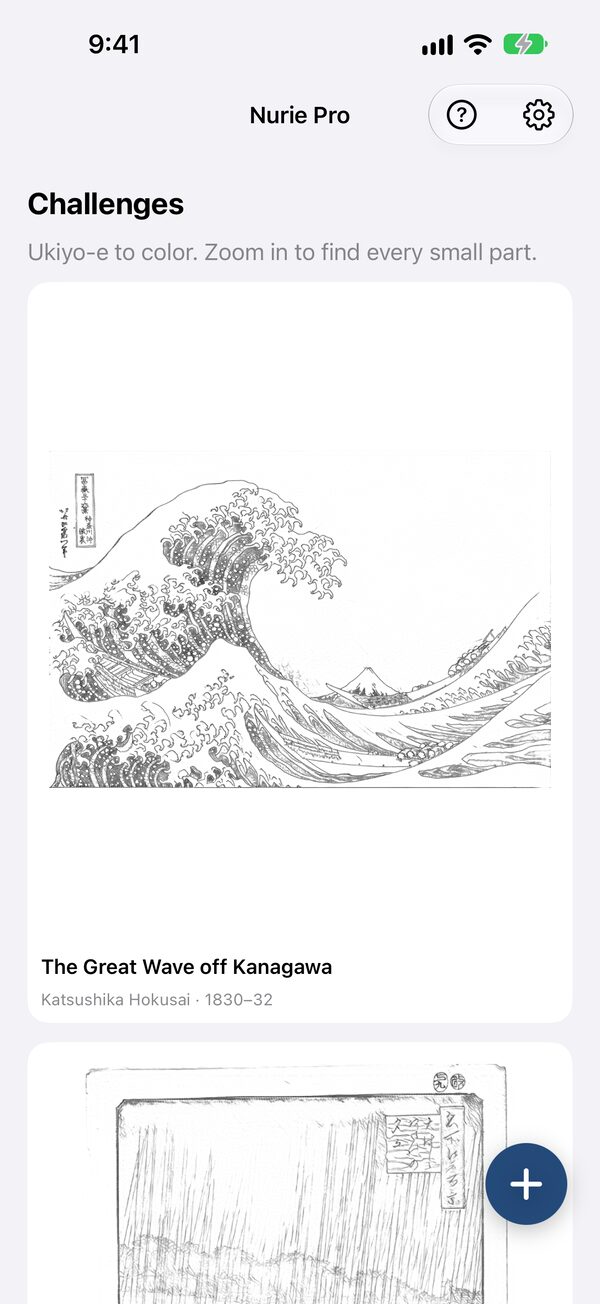
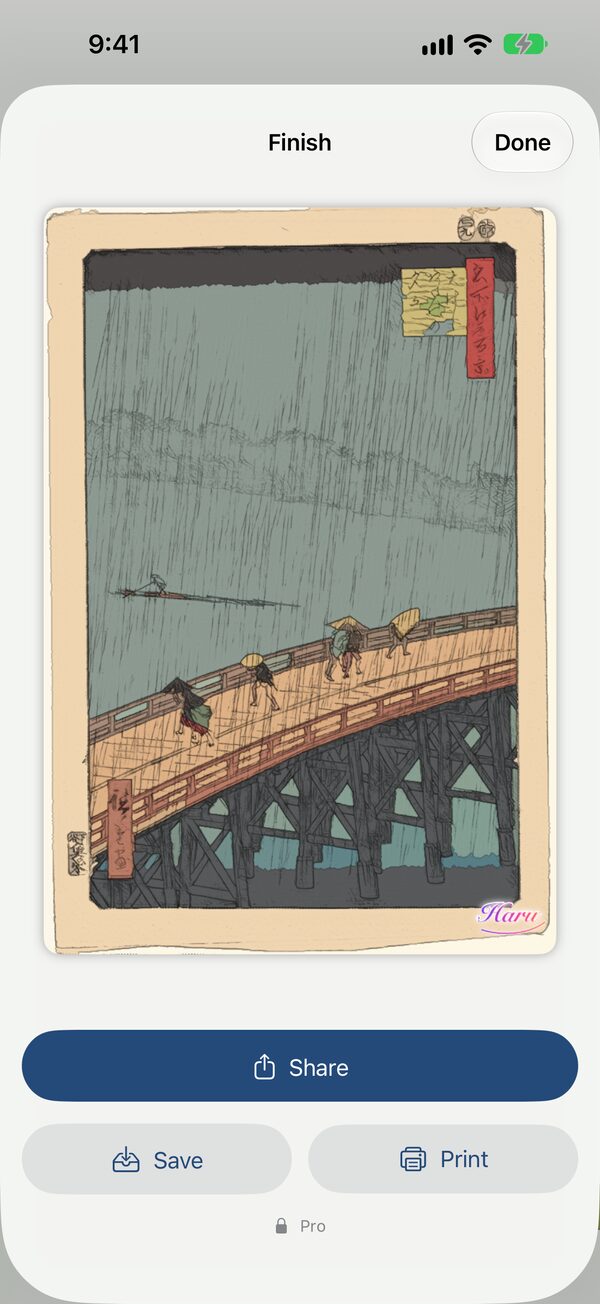
Hokusai's "The Great Wave off Kanagawa" and Hiroshige's "Sudden Shower over Shin-Ohashi Bridge and Atake" are ready to color. Zoom in, hunt for every tiny part, and move closer to the masters' palette. More challenges arrive with updates.
02
Turn a photo into a coloring page
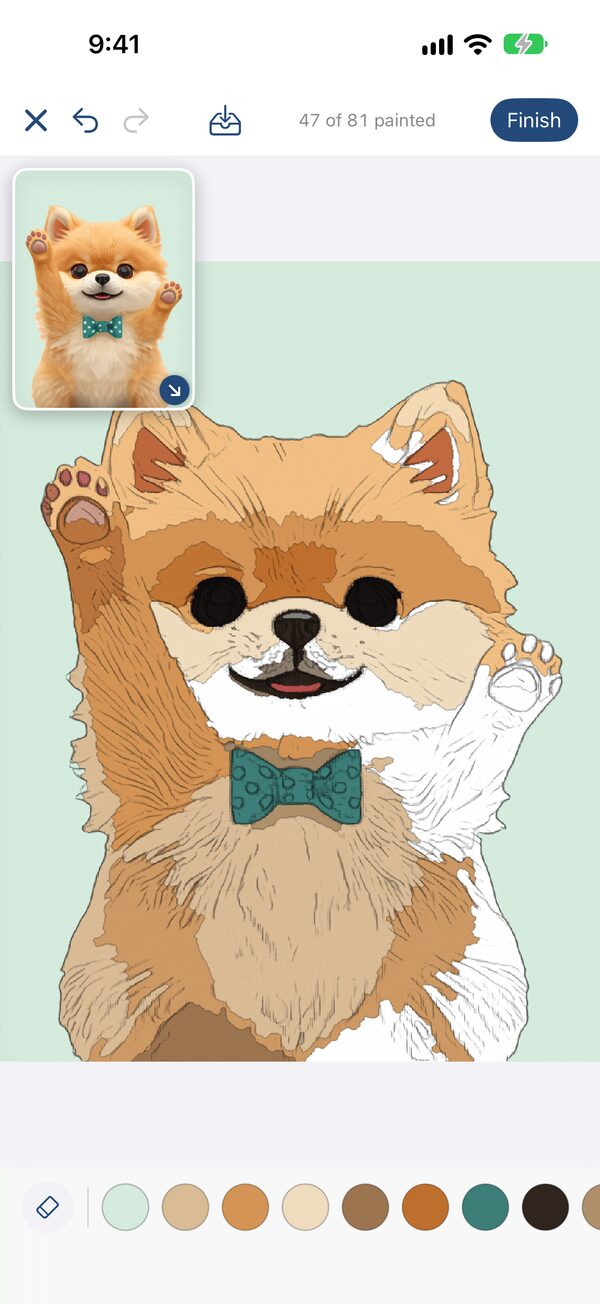
Pick a photo and on-device AI redraws it as pencil line art, then closes every outline into parts you can paint. The conversion runs on your iPhone, iPad or Mac.
03
Paint by rubbing
Rub a part with your finger and it fills with color, or press and hold to fill it at once. The reference picture floats beside your canvas and zooms along with it. Mix your own shades in three custom color slots.
04
Sign it, share it
Sign your page with your nickname and it is finished. Share a short video of your picture turning from line art into color; the caption is ready on your clipboard.
05
Save and come back
Nurie Pro (one-time purchase) saves your page any time, halfway or finished, lets you recolor it, and prints it. With the same Apple ID, your saved pages sync through iCloud, so you can keep painting on iPhone, iPad and Mac.
Made for iPhone Duo
Fully open, the large inner display lets you color prints and photos down to the finest detail. Close it and keep going on the outer display.
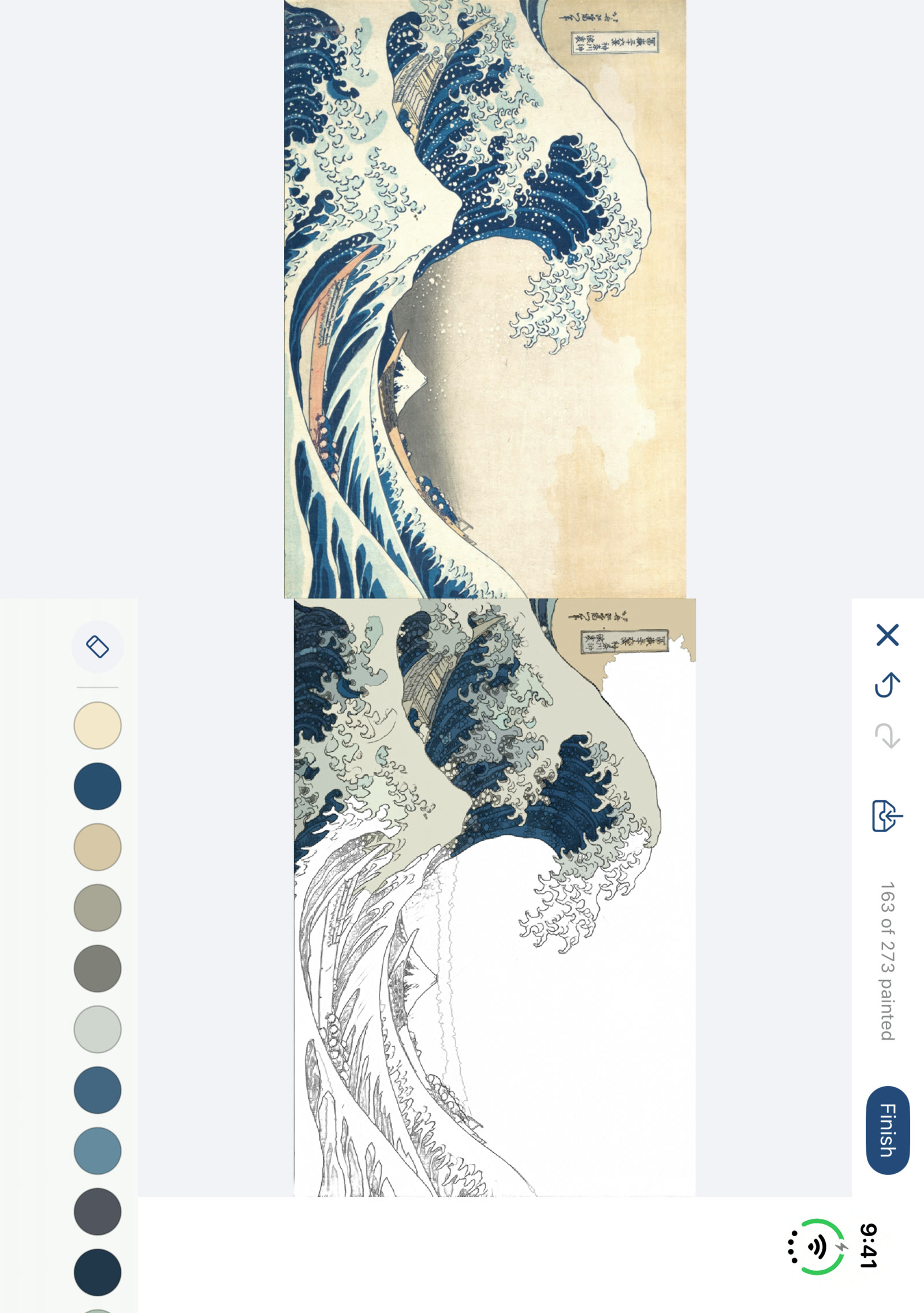
Fully open: ukiyo-e
The coloring page fills the large inner display, so even small parts are within reach of a finger.
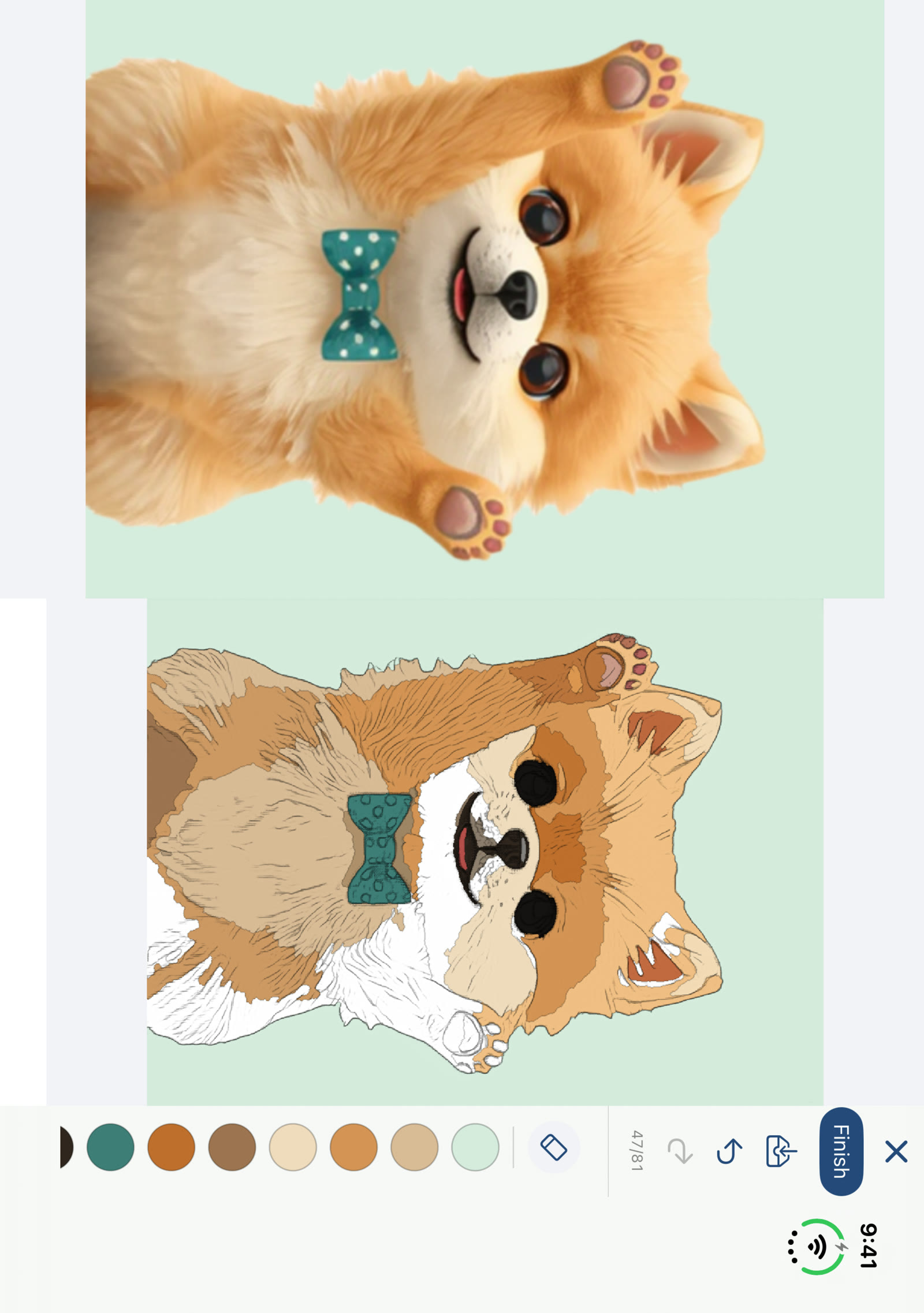
Fully open: your photo
Pages made from your own photos get the big screen too, with the reference floating in a small window.
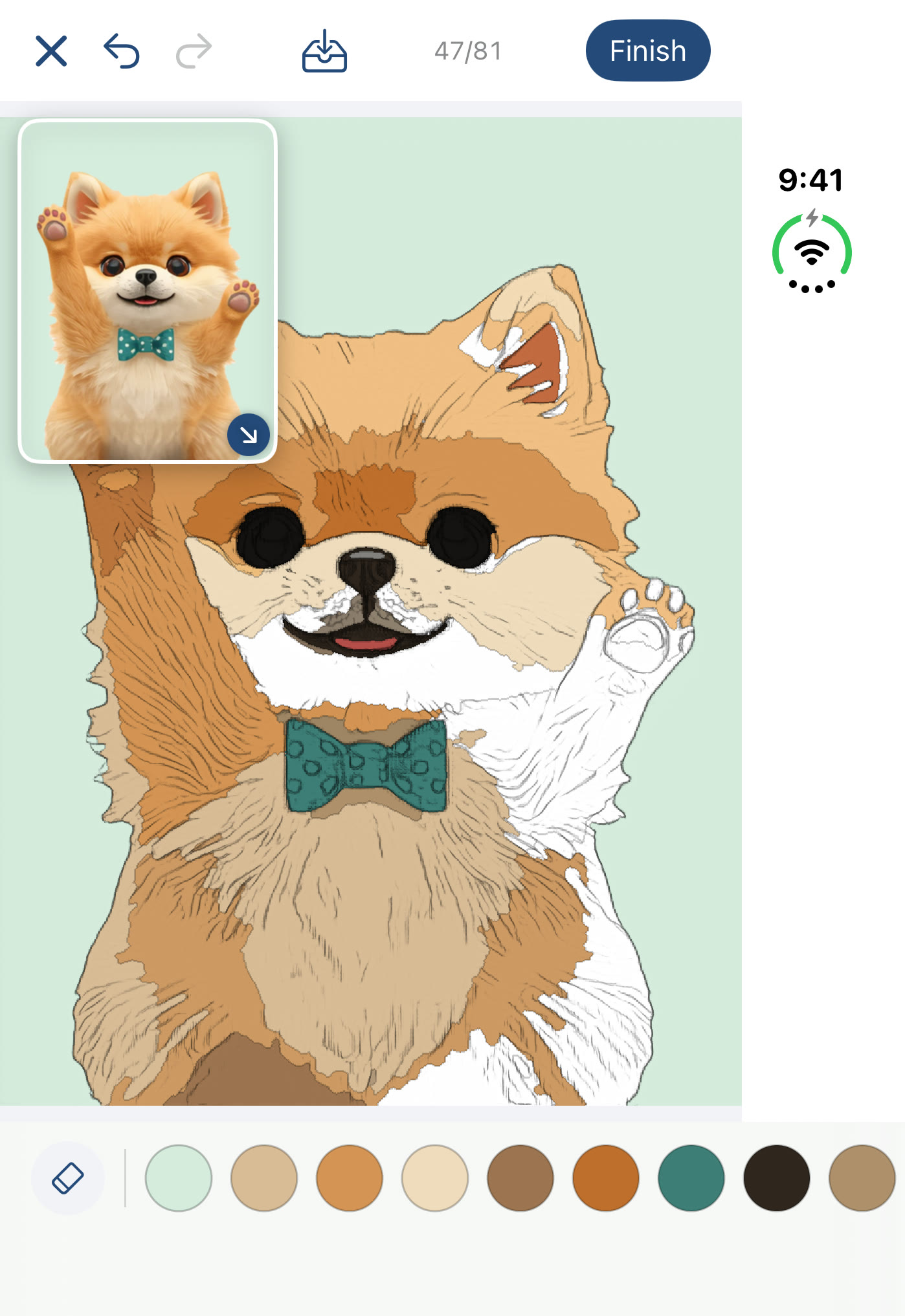
Closed
The outer display carries on with the same page.
Requirements
iPhone or iPad with iOS 17 or later, or a Mac with macOS 14 or later.