Press Kit
Nurie Press Kit
Everything you need to write about the app in one place. The text, the icon, the screenshots and the video are free to use as they are.
At a glance
- Name
- Nurie: Photo Coloring Book
- From
- MusicFlow (an independent developer)
- Runs on
- iPhone, iPad and Mac
- Why it’s different
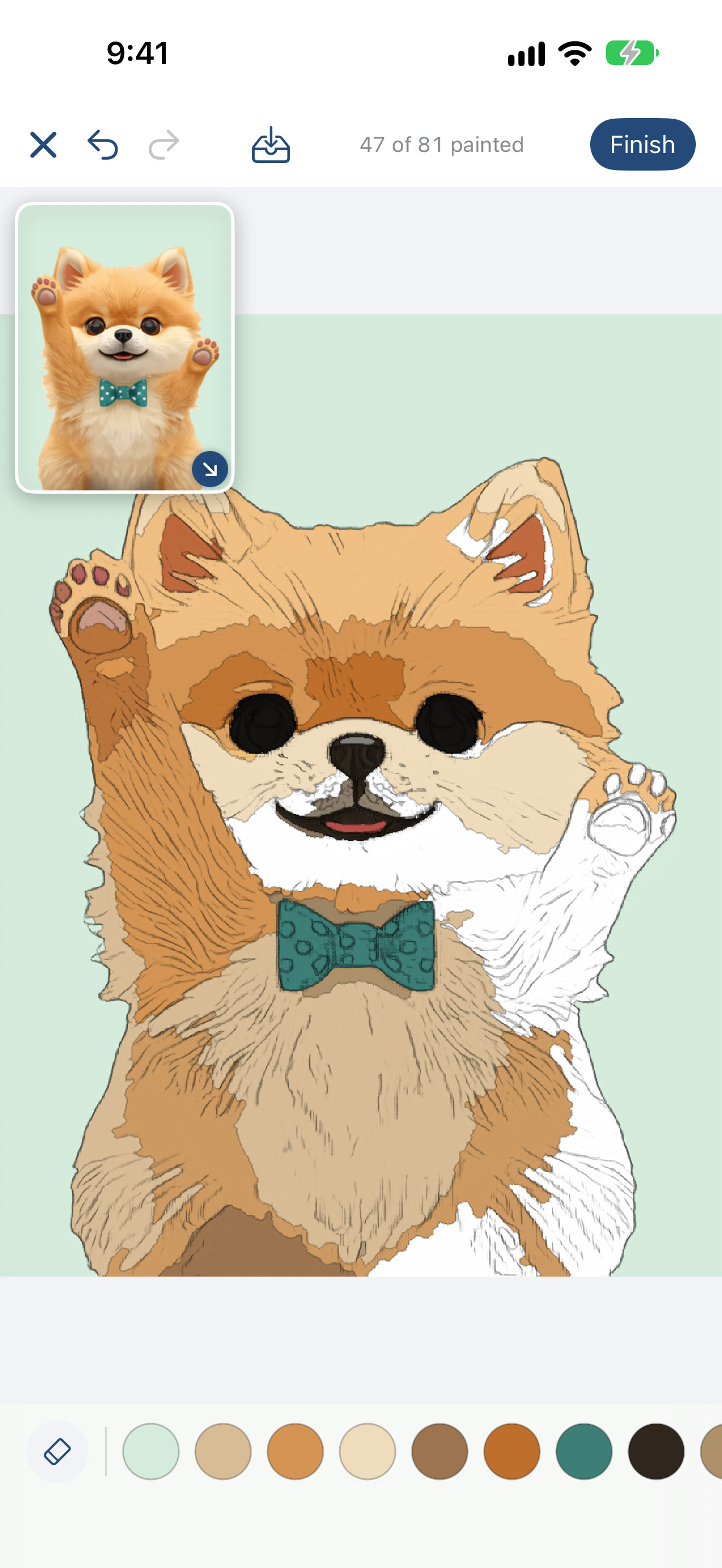
- Paint Japanese ukiyo-e such as Hokusai’s Great Wave, or your own photos, as pencil-drawn coloring pages, by rubbing with your finger. Photos are turned into line art on the device. Sign the finished page and share a video of it filling with color.
Descriptions
Three lengths. Use whichever fits.
One line
Nurie turns ukiyo-e prints and your own photos into pencil-drawn coloring pages.
Three lines
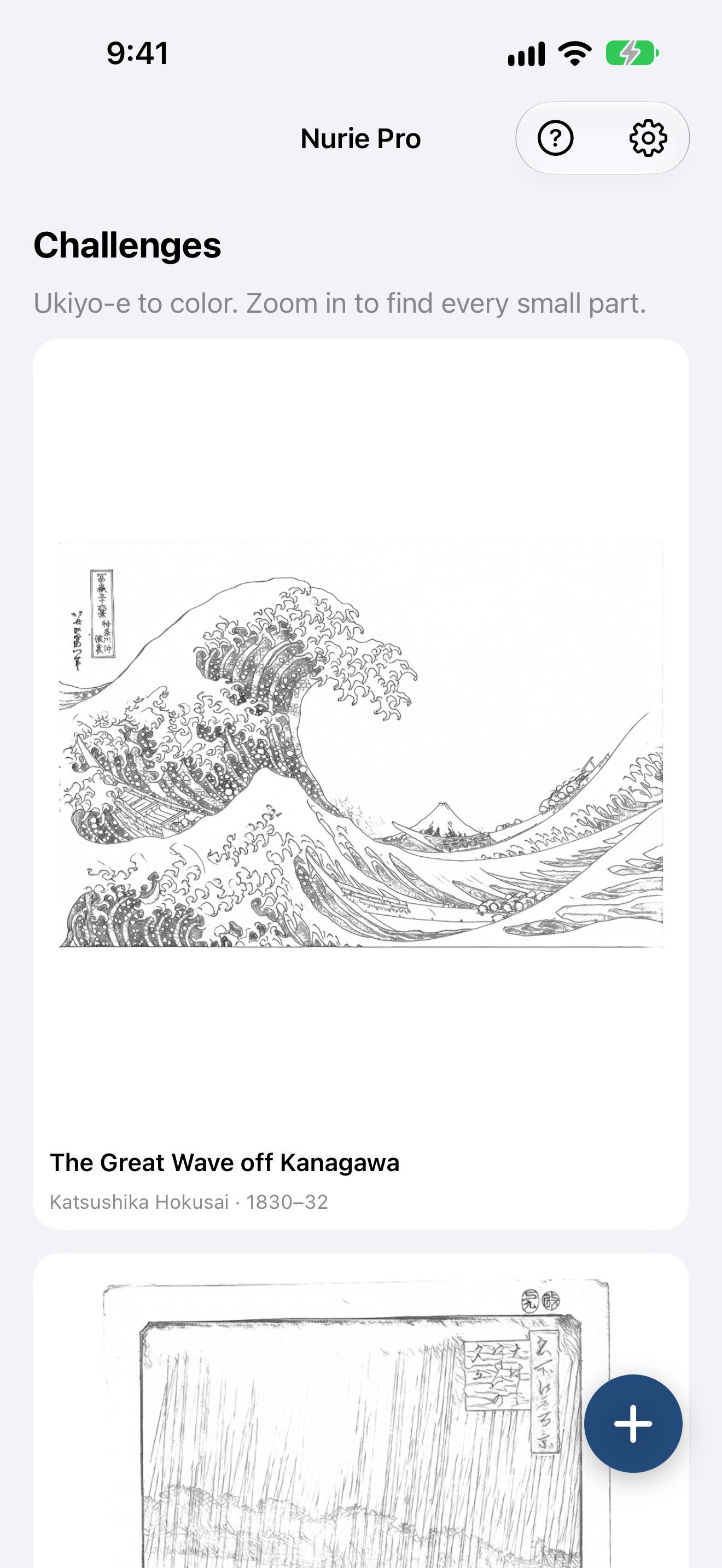
Hokusai and Hiroshige prints are ready to color.
Pick a photo and on-device AI redraws it as pencil line art.
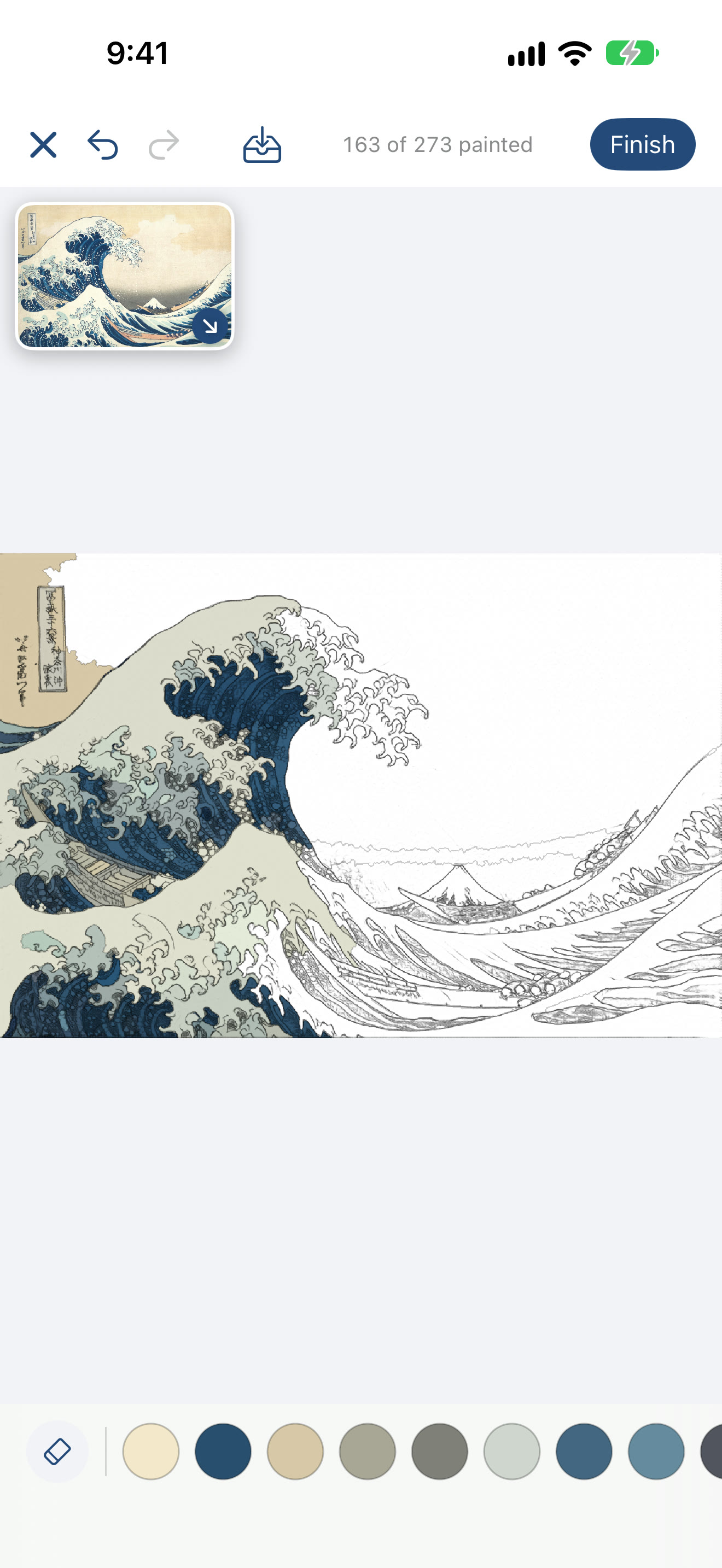
Rub to paint, sign it, and share a video of it filling with color.
One paragraph
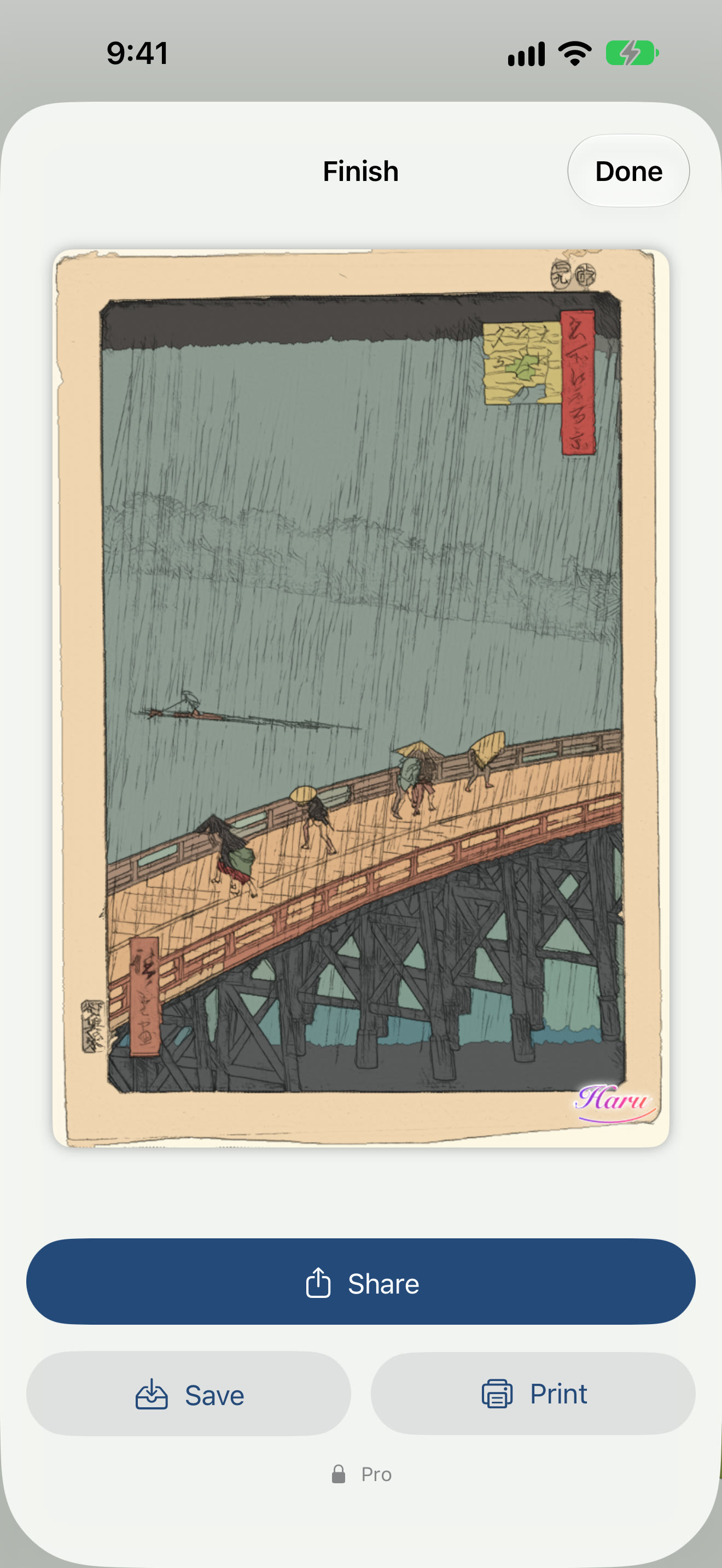
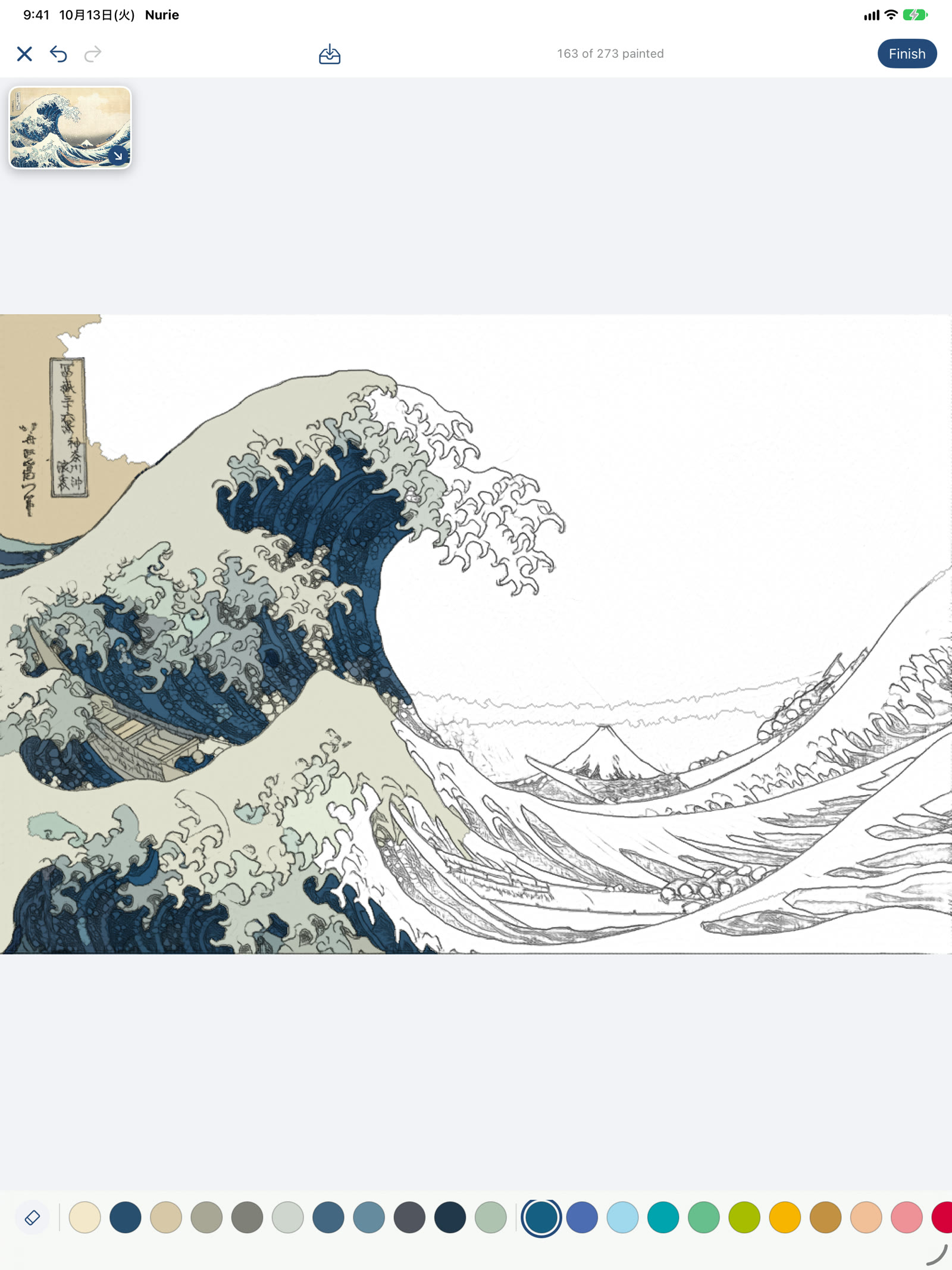
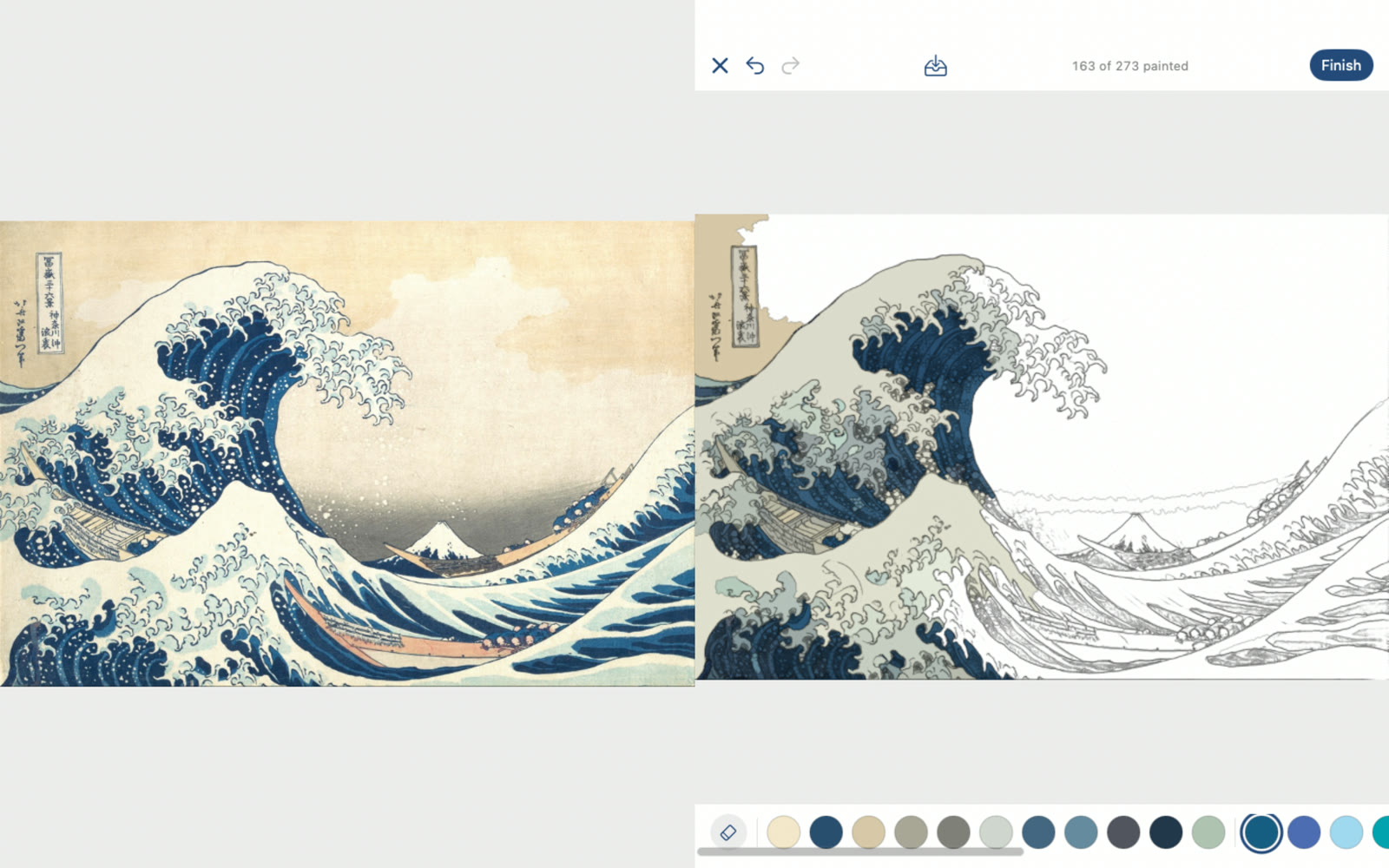
Nurie turns Japanese ukiyo-e masterpieces and your own photos into pencil-drawn coloring pages. Hokusai’s “The Great Wave off Kanagawa” and Hiroshige’s “Sudden Shower over Shin-Ohashi Bridge and Atake” are ready to color; zoom in, hunt for every tiny part, and move closer to the masters’ palette. Pick a photo and on-device AI redraws it as pencil line art and closes every outline into parts you can paint. Rub a part with your finger to fill it, sign the finished page with your nickname, and share a short video of it turning from line art into color. Nurie Pro, a one-time purchase, saves a page halfway, lets you recolor and print, and syncs through iCloud across iPhone, iPad and Mac.
Icon
1024 × 1024 px (PNG).
Download the iconScreenshots
The English set from the App Store. Click one to open it at full size.
iPhone
iPad
Mac
iPhone Duo (Nurie 1.3.5)
Open iPhone Duo fully and the large inner display lets you color prints and photos down to the finest detail. Close it and keep going on the outer display.
- Fully open — The coloring page fills the large inner display, so even small parts are within reach of a finger.
- Closed — The outer display carries on with the same page.
Screenshots and a video on iPhone Duo. Click a screenshot to open it at full size.
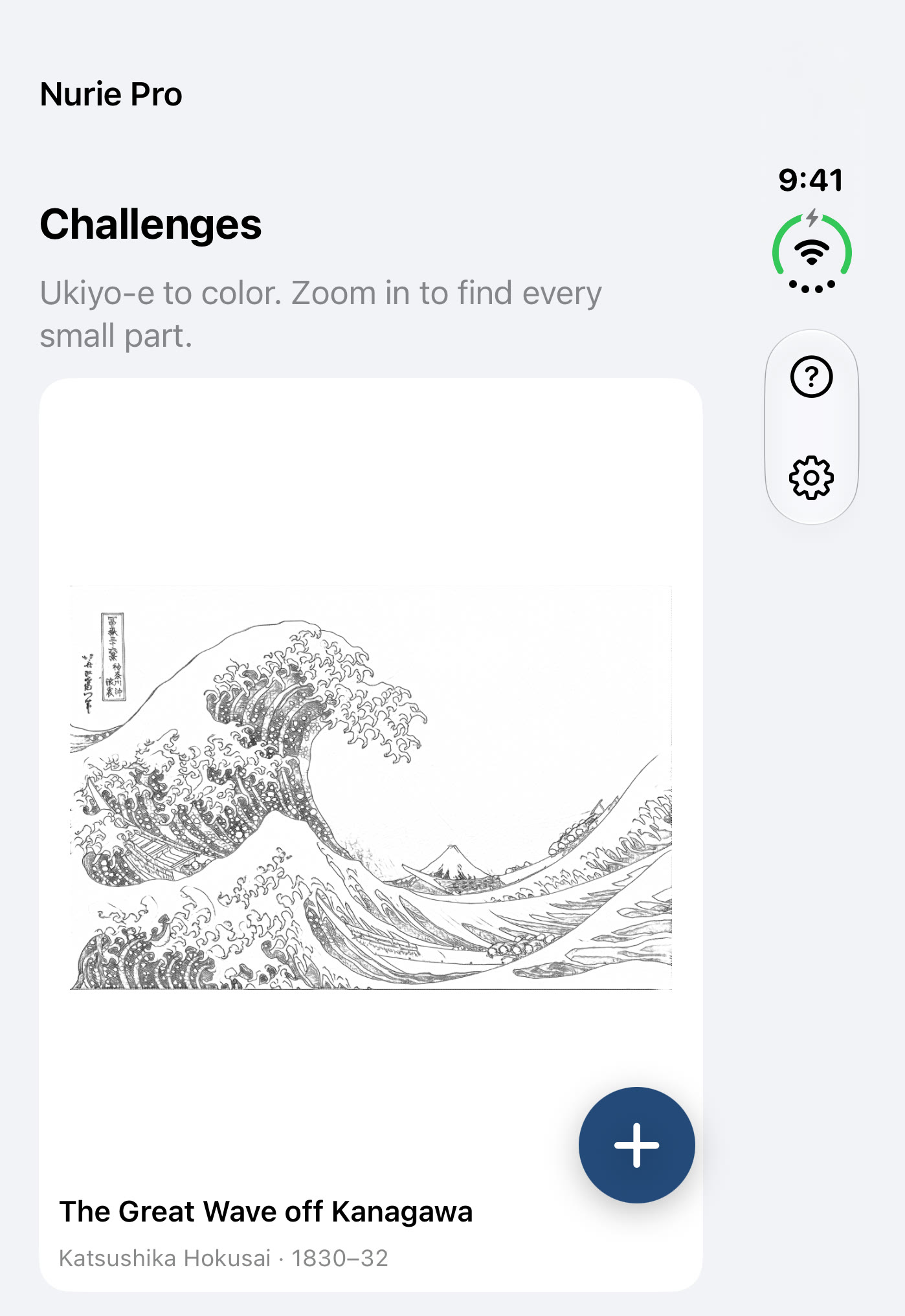 Closed (outer display): the challenges
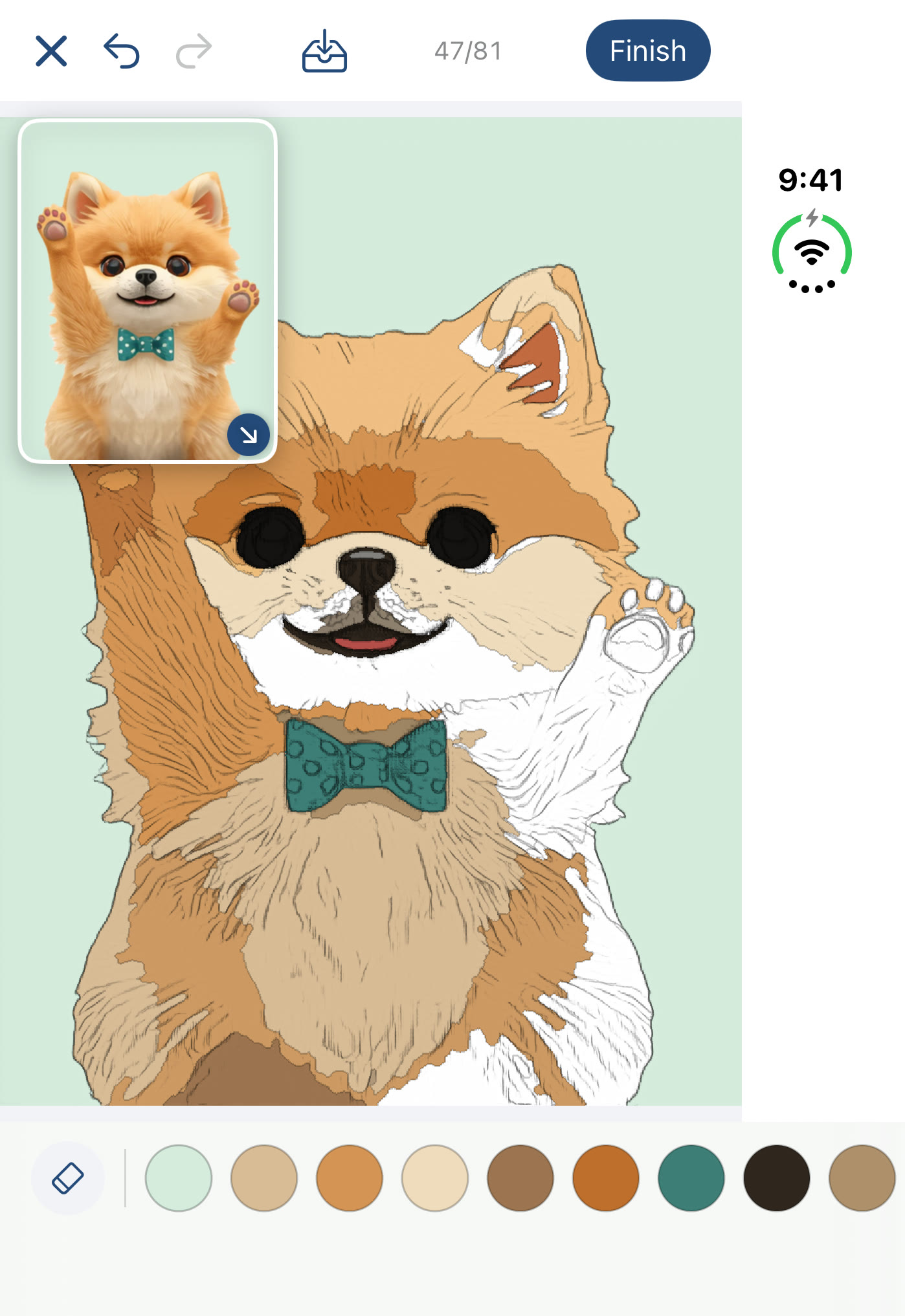 Closed (outer display): a photo page
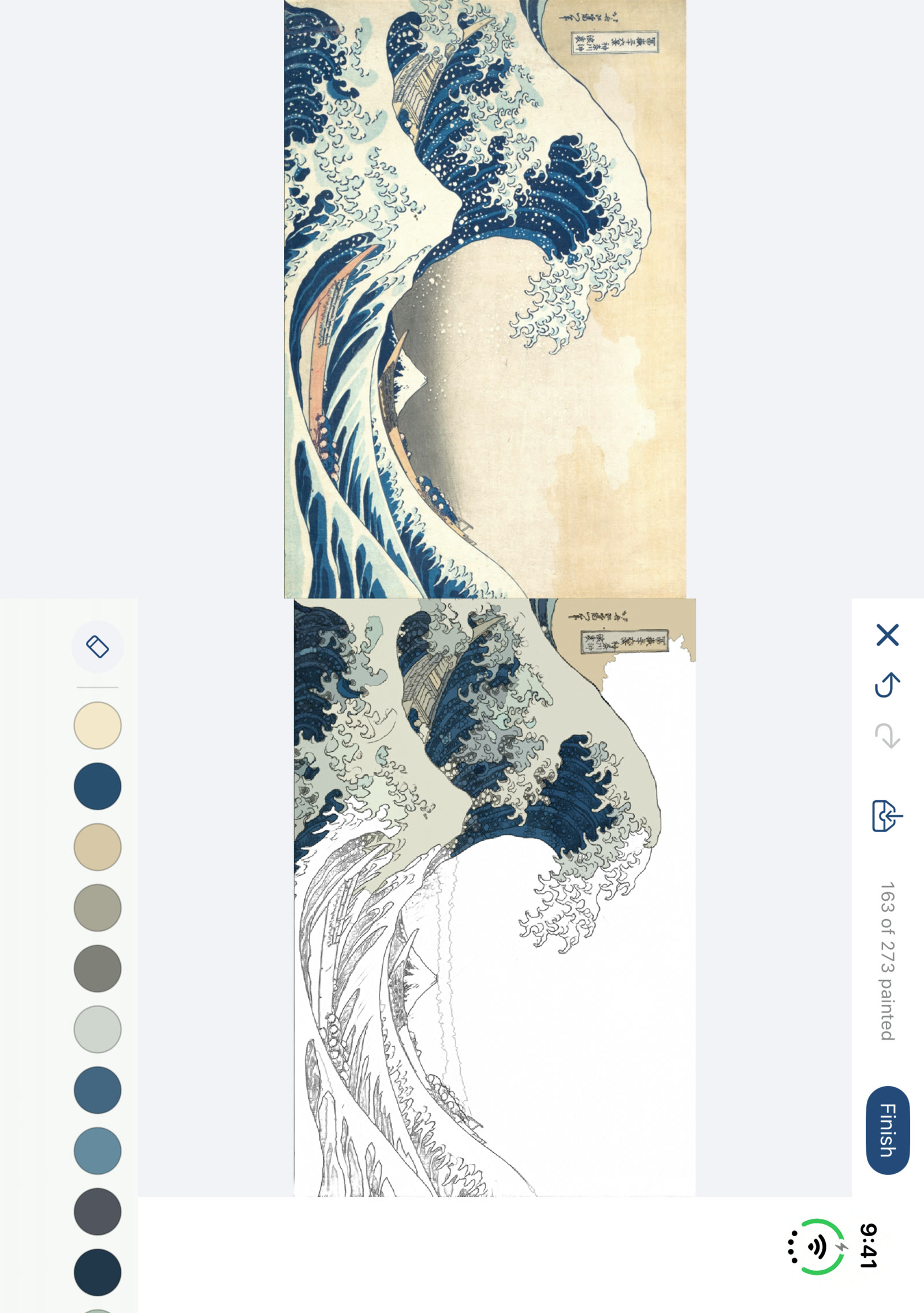 Fully open: The Great Wave
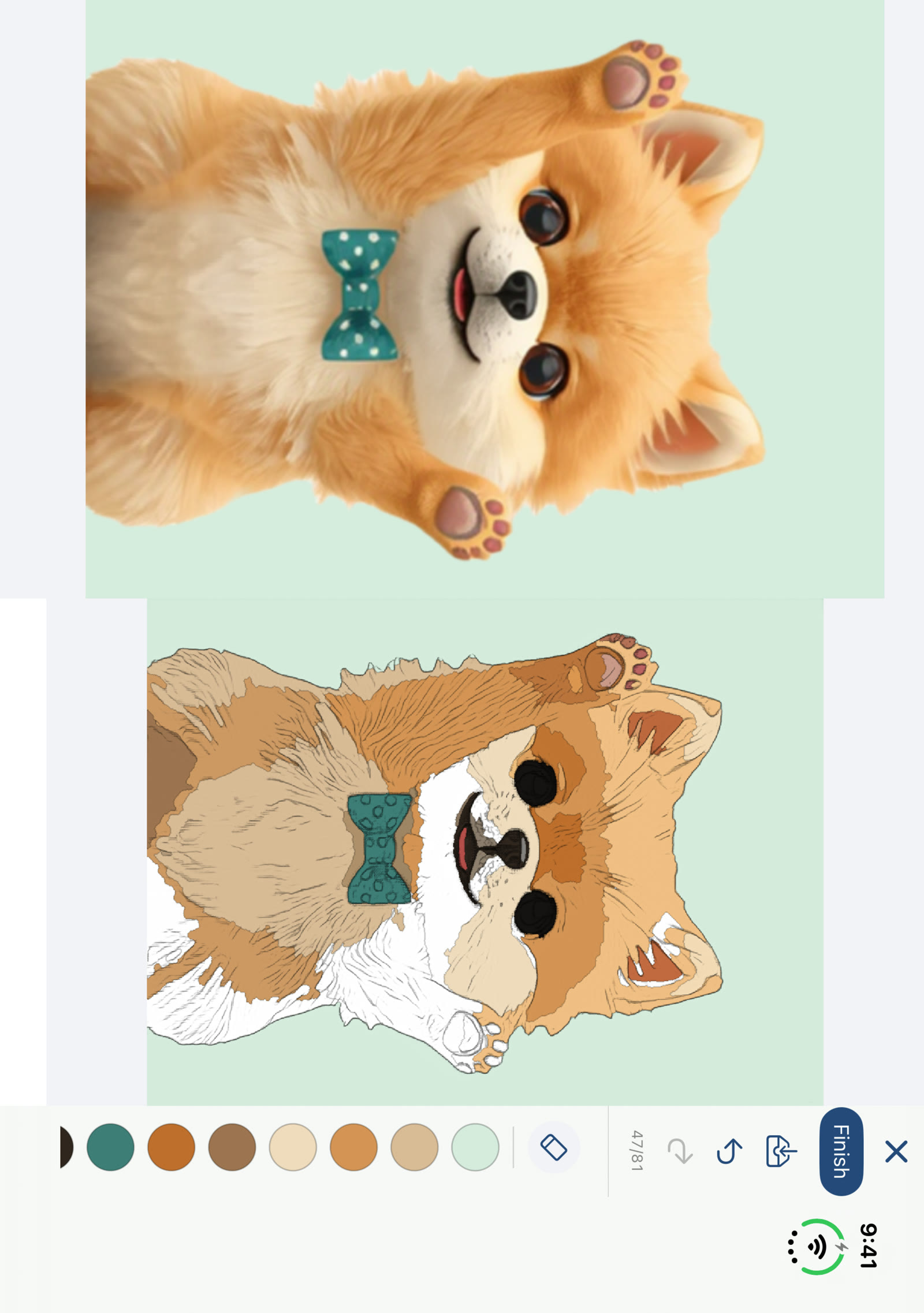 Fully open: a photo page
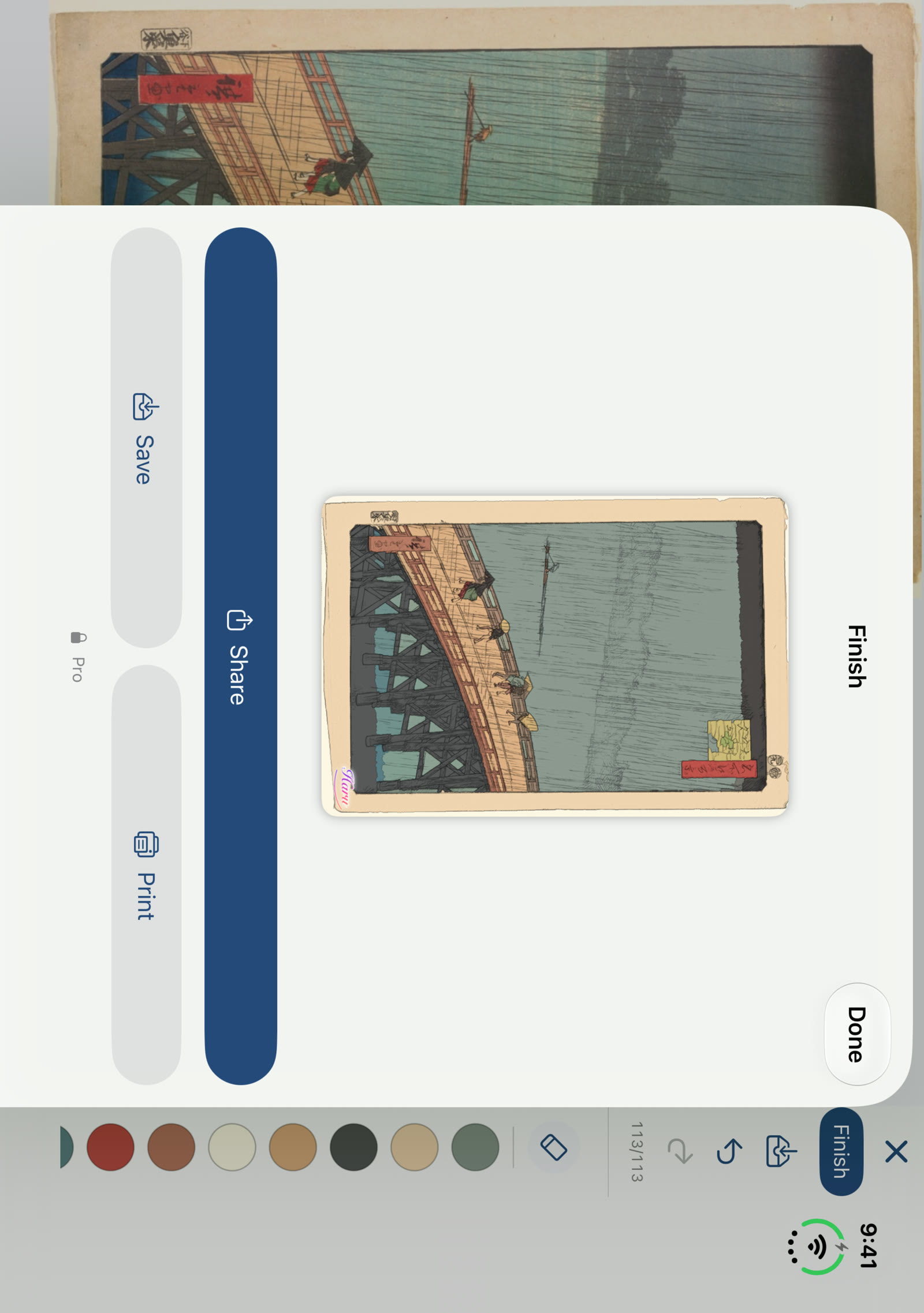 Fully open: finished
Promo video
Open the video (MP4)Contact
For interviews or anything else you need, please get in touch.
MusicFlow