Press Kit
Old Maid Press Kit
Everything you need to write about Old Maid in one place. The text, the icon and the images are free to use as they are.
At a glance
- Name
- Old Maid (on the App Store: “Old Maid: Classic Card Game”)
- In a line
- Draw, pair up, dodge the Joker.
- From
- MusicFlow (an independent developer)
- Runs on
- iPhone, iPad and Mac
- Languages
- Nine: English, Japanese, Simplified Chinese, Traditional Chinese, Korean, German, Spanish, French and Brazilian Portuguese
- Release
- Version 1.3.0, planned for October 23, 2026 — the app’s first release
- Privacy
- No account, no network connection, no data collected.
Descriptions
Three lengths. Use whichever fits.
One line
Old Maid is the classic card game, played one-on-one against the AI: draw, pair up, and dodge the Joker.
Three lines
Hold your device sideways and take turns drawing a card from each other’s hand; every pair you make is tossed onto the table.
Whoever is left holding the Joker loses — a win brings confetti, fireworks and a fanfare, a loss a thumbs-down and a boo.
Moko the Pomeranian is on every card back. No account, no network, no data collected.
One paragraph
Old Maid is the card game everyone already knows, played one-on-one against the AI with the device held sideways. On your turn the AI’s cards are laid out face down and you pick one, hoping it isn’t the Joker; on the AI’s turn your own hand turns face up and you watch it choose. Whenever two cards match, the pair is thrown onto the table with an animation, and whoever is left holding the Joker loses. Winning brings confetti, fireworks and a fanfare; losing gets a thumbs-down and a boo. Every card back carries Moko, a Pomeranian. After a win you can share a 14-second video that replays the winning draw. There is no account and no network connection, and no data is collected. Old Maid comes in nine languages and plays on iPhone, iPad and Mac.
Icon
1024 × 1024 px (PNG).
Download the iconScreenshots
The App Store screenshots are coming soon.
iPhone Duo (Old Maid 1.3.0)
Version 1.3.0, planned for October 23, is made for iPhone Duo. The layout follows the way you hold it. The split follows the regions iOS 27.1 reserves around the fold, not the device name.
- Half open, like a notebook — The hand you draw from is on the upper display; the table and your own hand are on the lower one, so no card ever sits on the fold. Held like a book, the two become the left and right pages. The home, result, how-to-play and settings screens move to the lower (or right) page.
- Fully open — The large inner display gets the big table.
- Closed — The outer display plays the regular iPhone game.
Screenshots and a video on iPhone Duo. Click a screenshot to open it at full size.
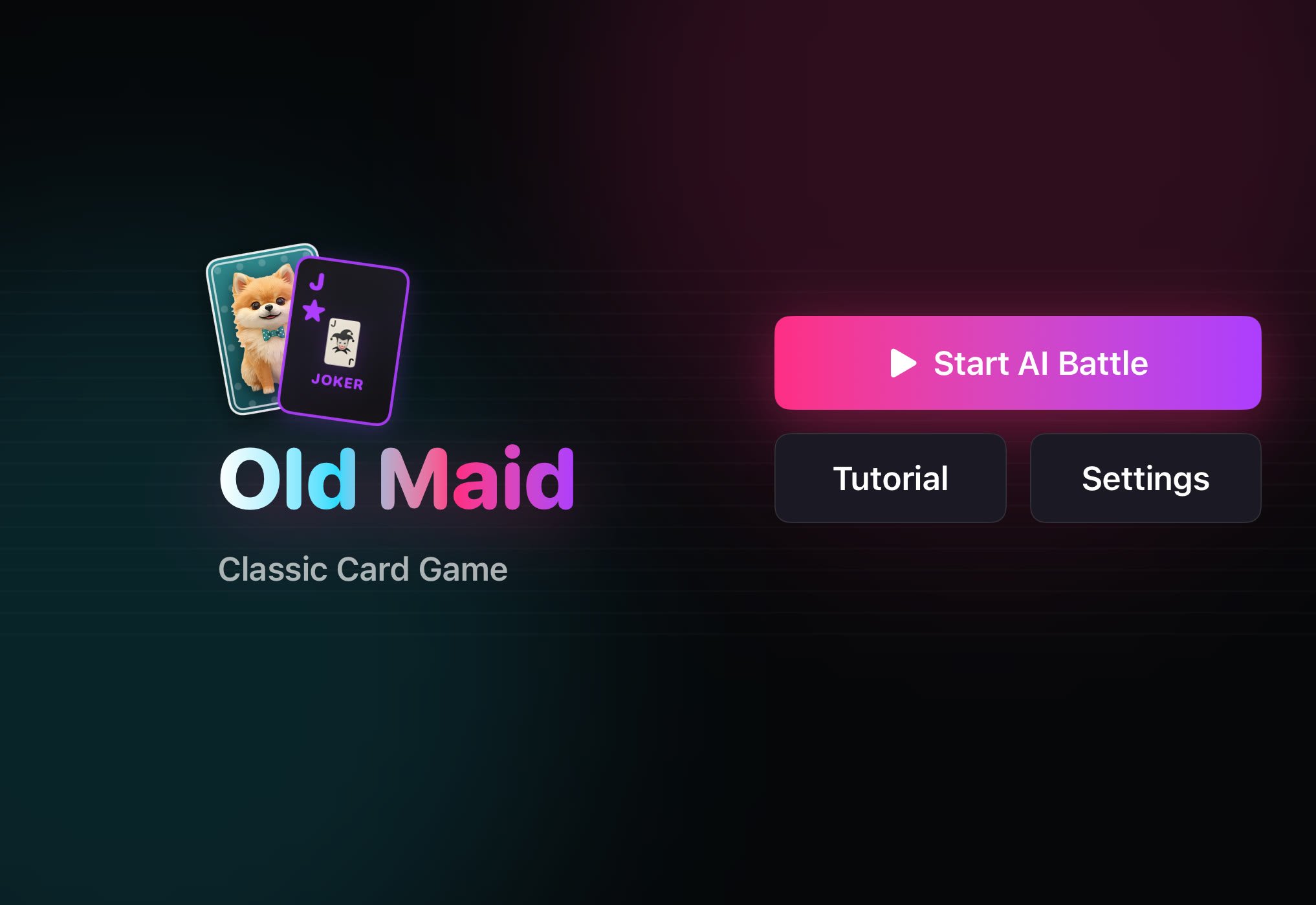 Closed (outer display): home
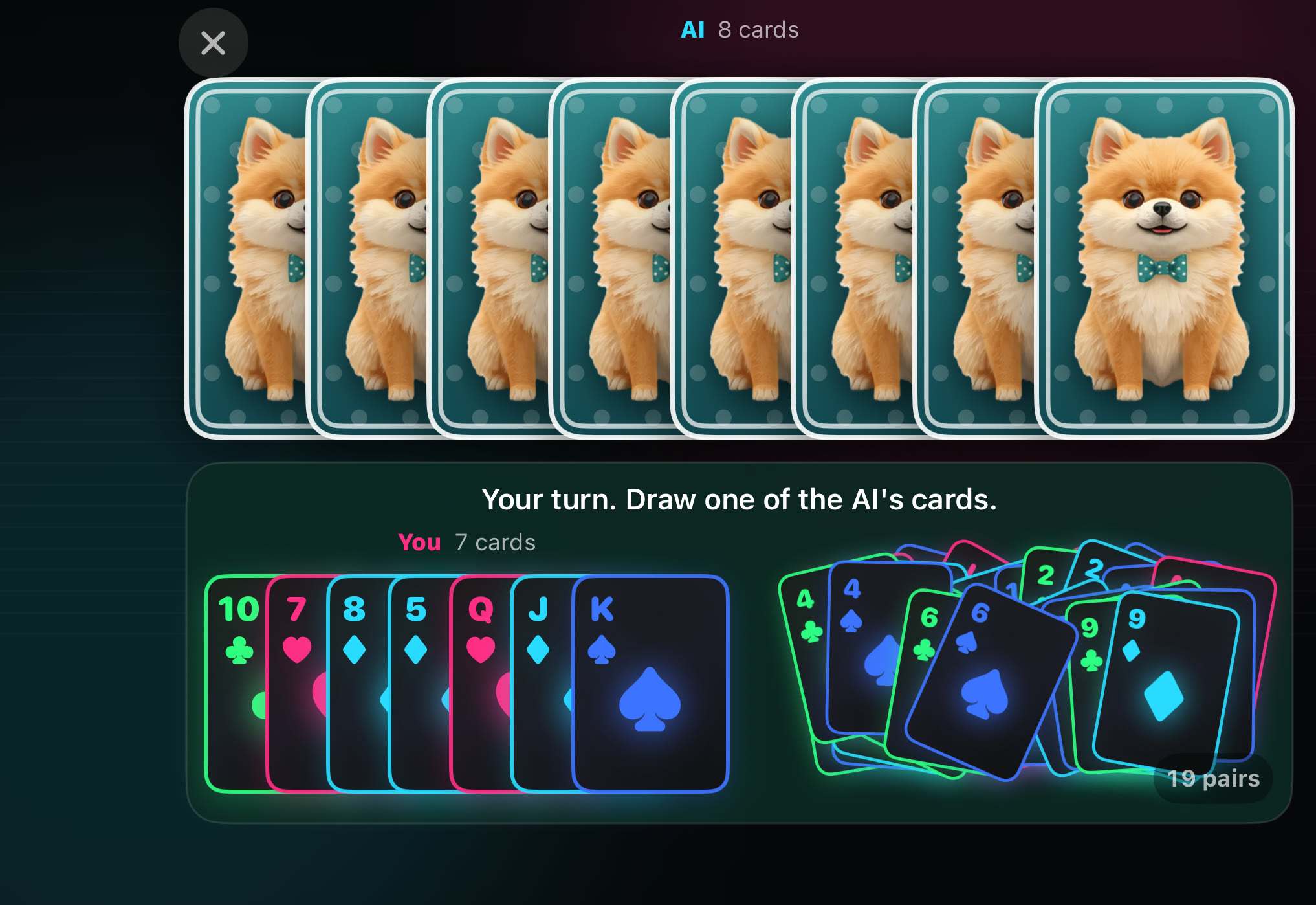 Closed (outer display): playing
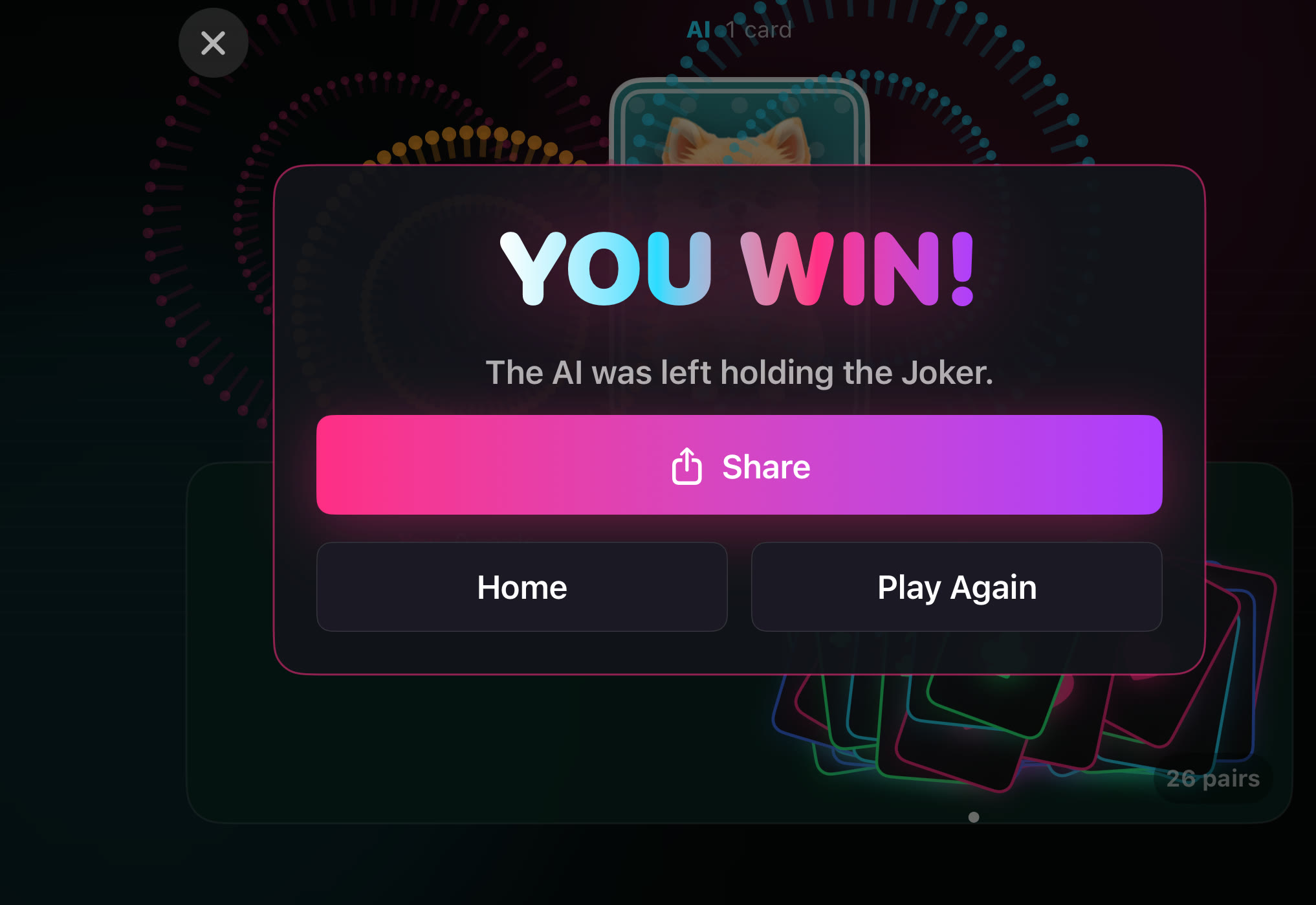 Closed (outer display): result
Video: half open, drawing from the hand above and pairing up on the table below