
Press Kit
Pianoman Press Kit
Everything you need to write about Pianoman in one place. The text, the icon, the screenshots and the video are yours to use as they are.
At a glance
- Name
- Pianoman: Street Jazz Piano
- From
- MusicFlow
- Runs on
- iPhone and iPad with iOS 18 or later, and Mac (made for iPhone Duo)
- Why it’s different
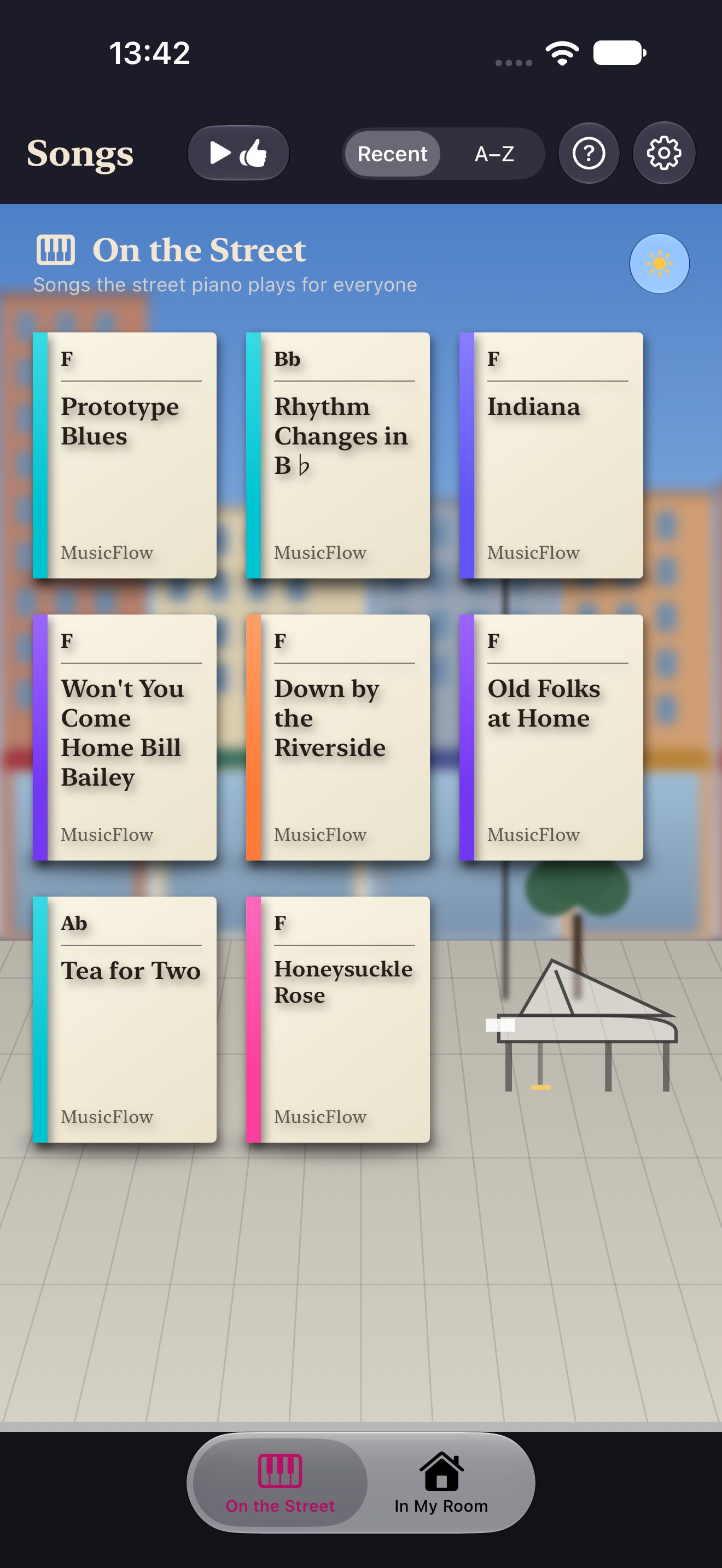
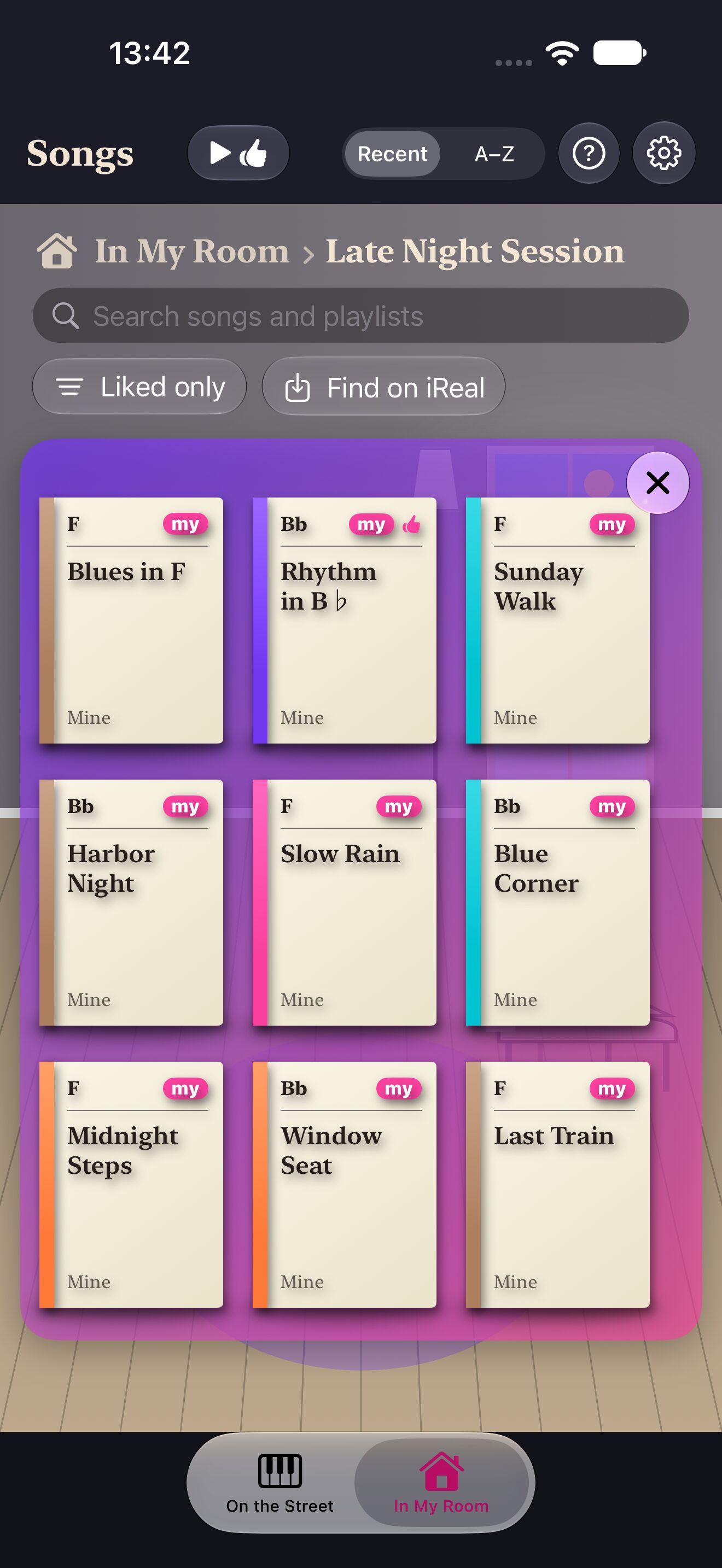
- An AI piano man who starts improvising as soon as you hand him chord changes. A composing engine of music theory alone, with no training data, so even the same song has new phrases every time. Two spaces: In My Room at home, and On the Street, where everyone listens and likes.
- Availability
- Coming soon to the App Store.
Descriptions
Three lengths. Use whichever fits.
One line
Pianoman, the glass street piano: an AI piano man who starts improvising as soon as you hand him chord changes.
Three lines
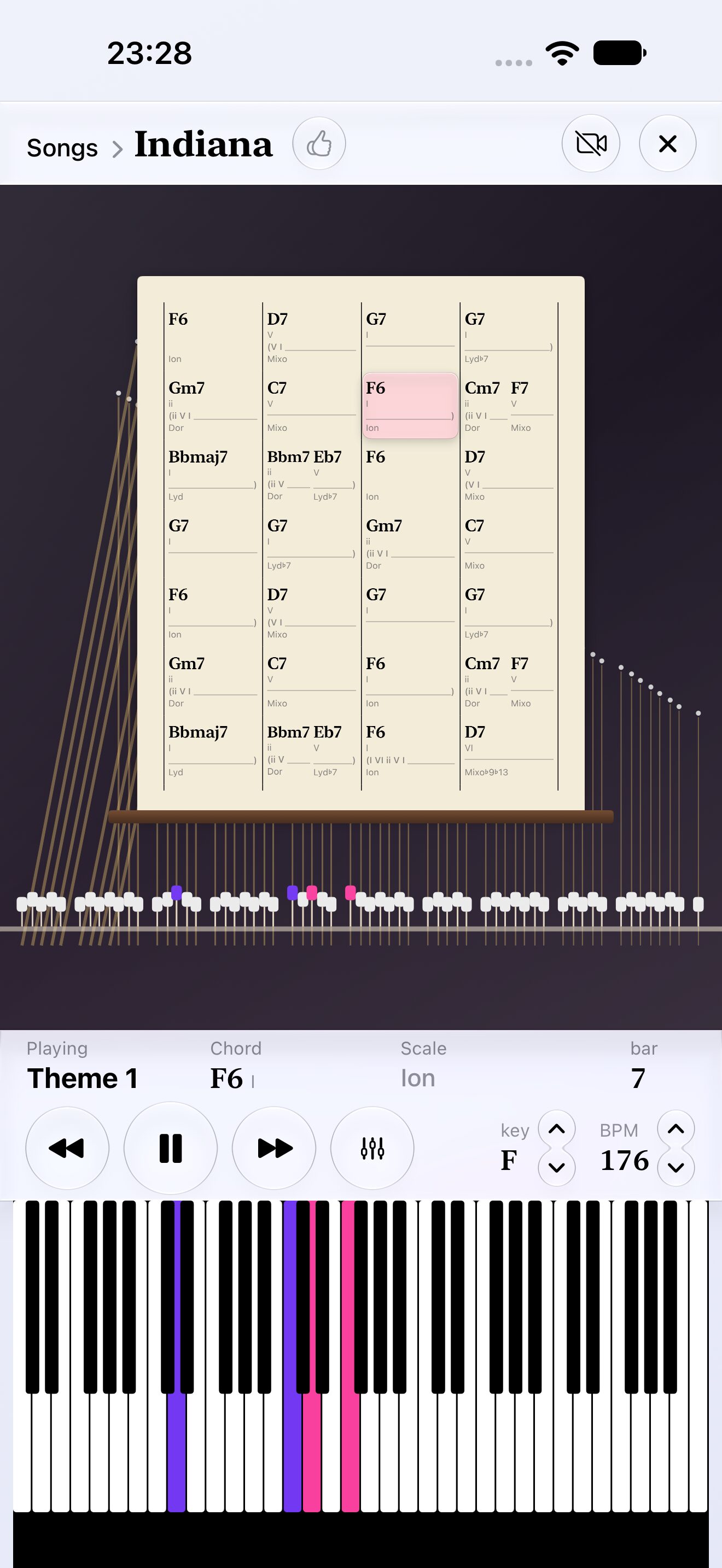
A composing engine of music theory alone, with no training data: even the same song has new phrases every time you listen.
In My Room solos over chord changes from iReal Pro; On the Street is where everyone listens and likes. A song you gave a theme can debut On the Street from social media.
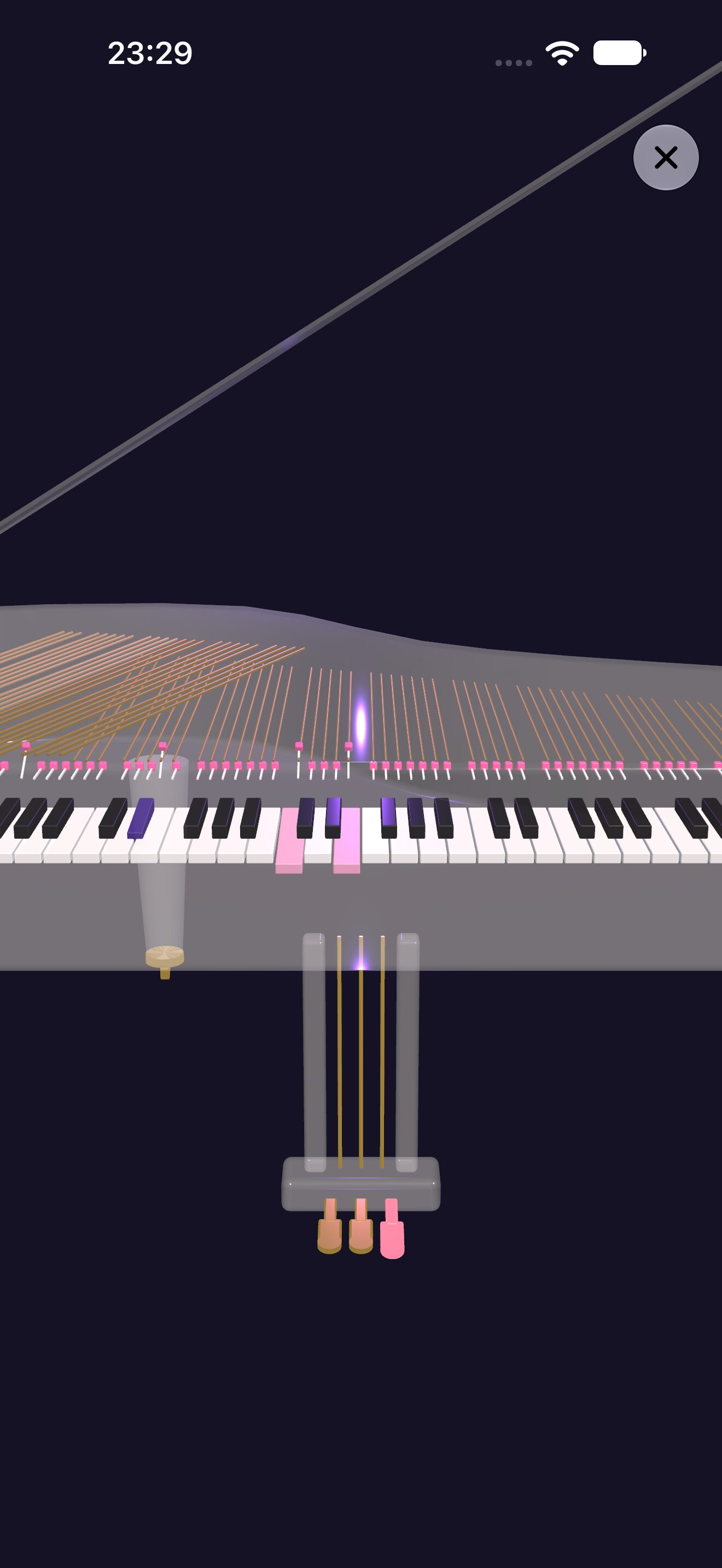
The upright’s front board is glass, and on iPad and iPhone there is a grand piano in 3D. On iPhone Duo, the piano changes with how you hold it.
One paragraph
Pianoman is a glass street piano: an AI piano man who starts improvising as soon as you hand him chord changes. Pick a chart and he plays from the theme into the solos. Unlike AI composing so far, it uses no training data: MusicFlow’s engine builds each solo by the rules of music theory alone, so even the same song has new phrases every time you listen. In My Room, at home, Pianoman solos over chord changes you bring in from iReal Pro, and you can play a theme of your own on the keys. On the Street holds songs everyone can hear; like the ones you love, and each song shows everyone’s likes. Post 30 seconds of a song you gave a theme, with Pianoman’s video, to social media: people who open it hear it in Pianoman, and it lines up On the Street. Choose the piano’s tone and the hall it plays in; night mode plays relaxed. The upright’s front board is glass, with the back camera’s view behind it. On iPad and iPhone you can turn a grand piano in 3D with a finger as it plays, and on iPhone Duo it is a grand when opened flat, and an upright above the keys when opened like a notebook.
Icon

1024 × 1024 px (PNG).
Download the iconScreenshots
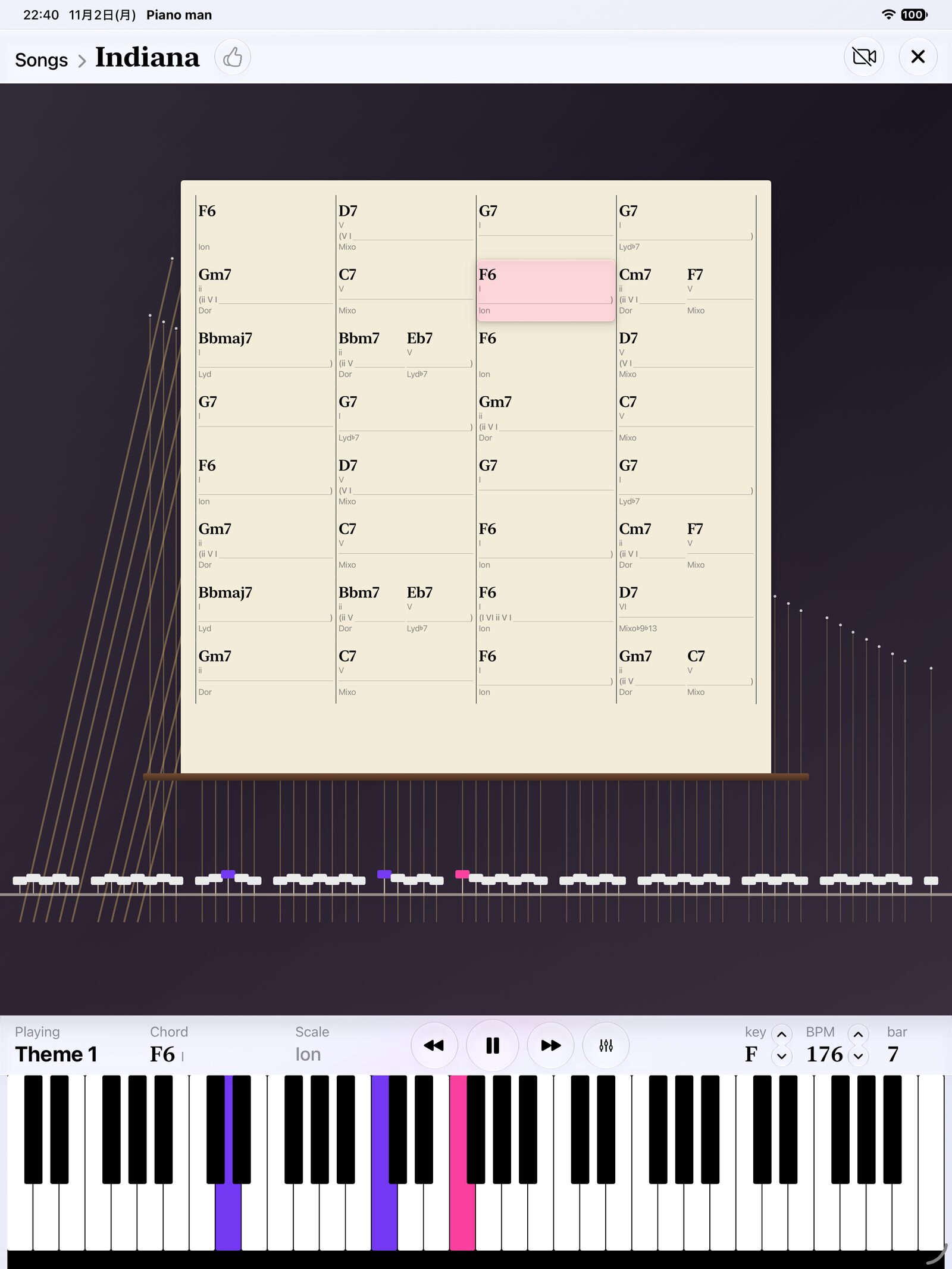
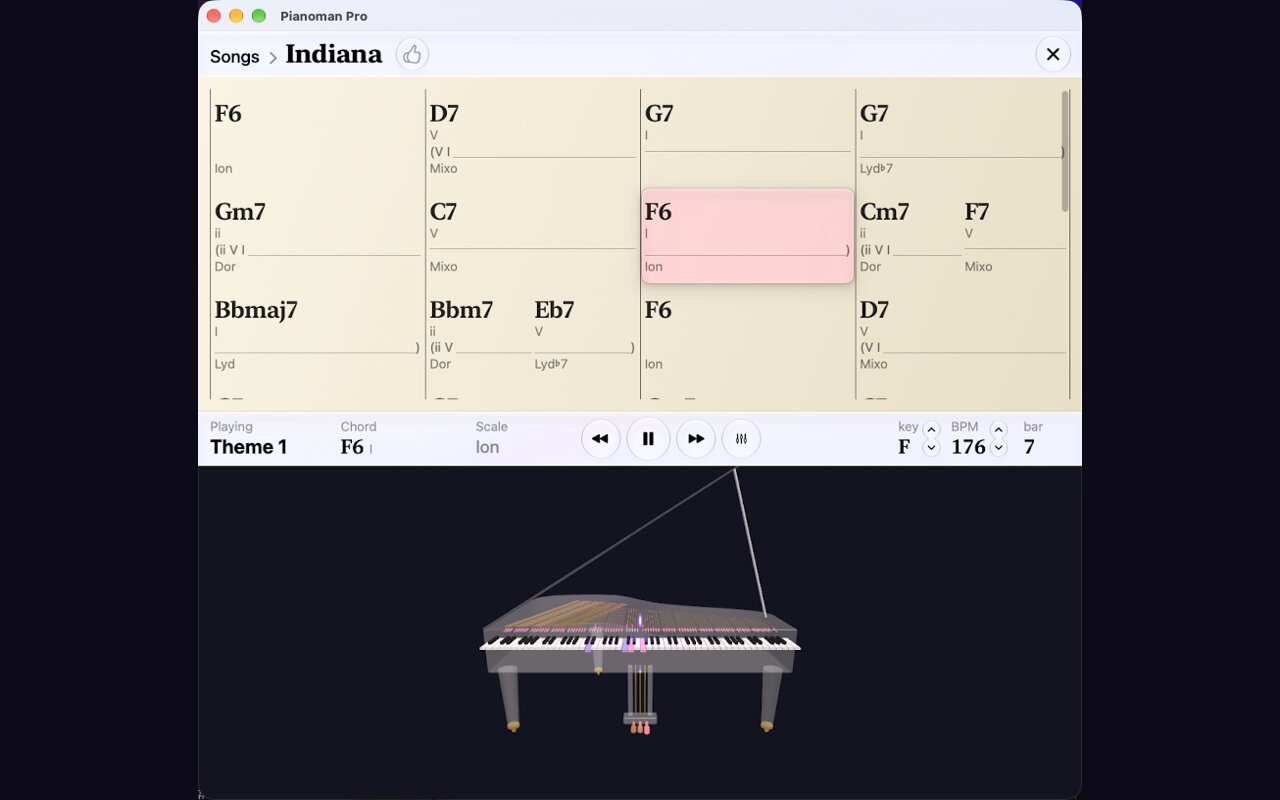
The English set from the App Store. Click one to open it at full size.
iPhone
iPad
Mac
iPhone Duo
On iPhone Duo, the piano changes with how you hold it. Open flat for a grand; open like a notebook for an upright above and the keys below. The look changes with the hinge, and as a notebook it becomes a glass piano the back camera sees through.
- Open like a notebook — An upright above and the keys below, with the back camera’s view showing through the glass. The camera button stops it at any time.
- Open flat — A grand piano in 3D fills the large inner display.
- Pick a song — On the Street above, In My Room below. Just pick a chart and it starts playing.
Screenshots and a video on iPhone Duo. Click a screenshot to open it at full size.
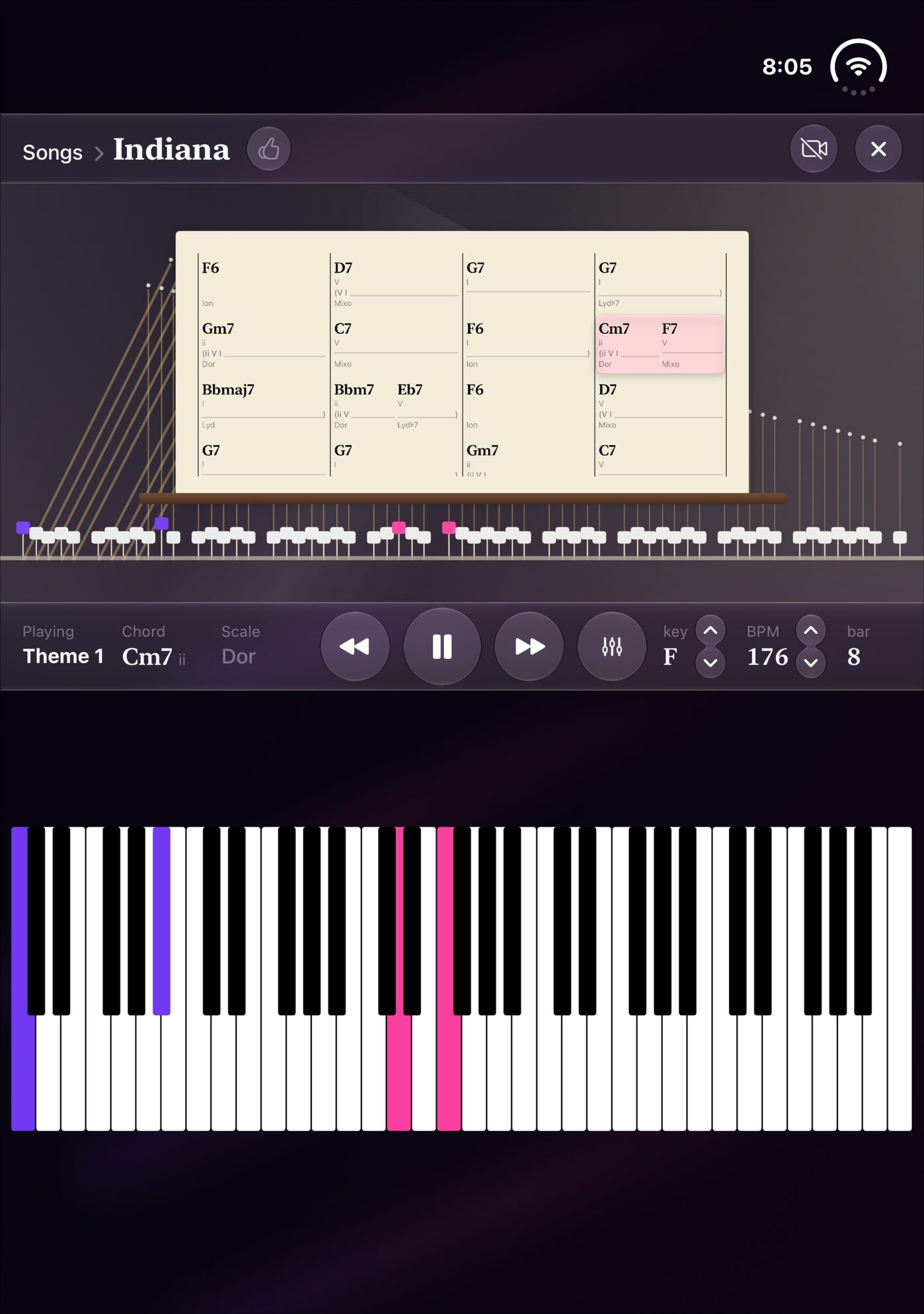 Open like a notebook: playing
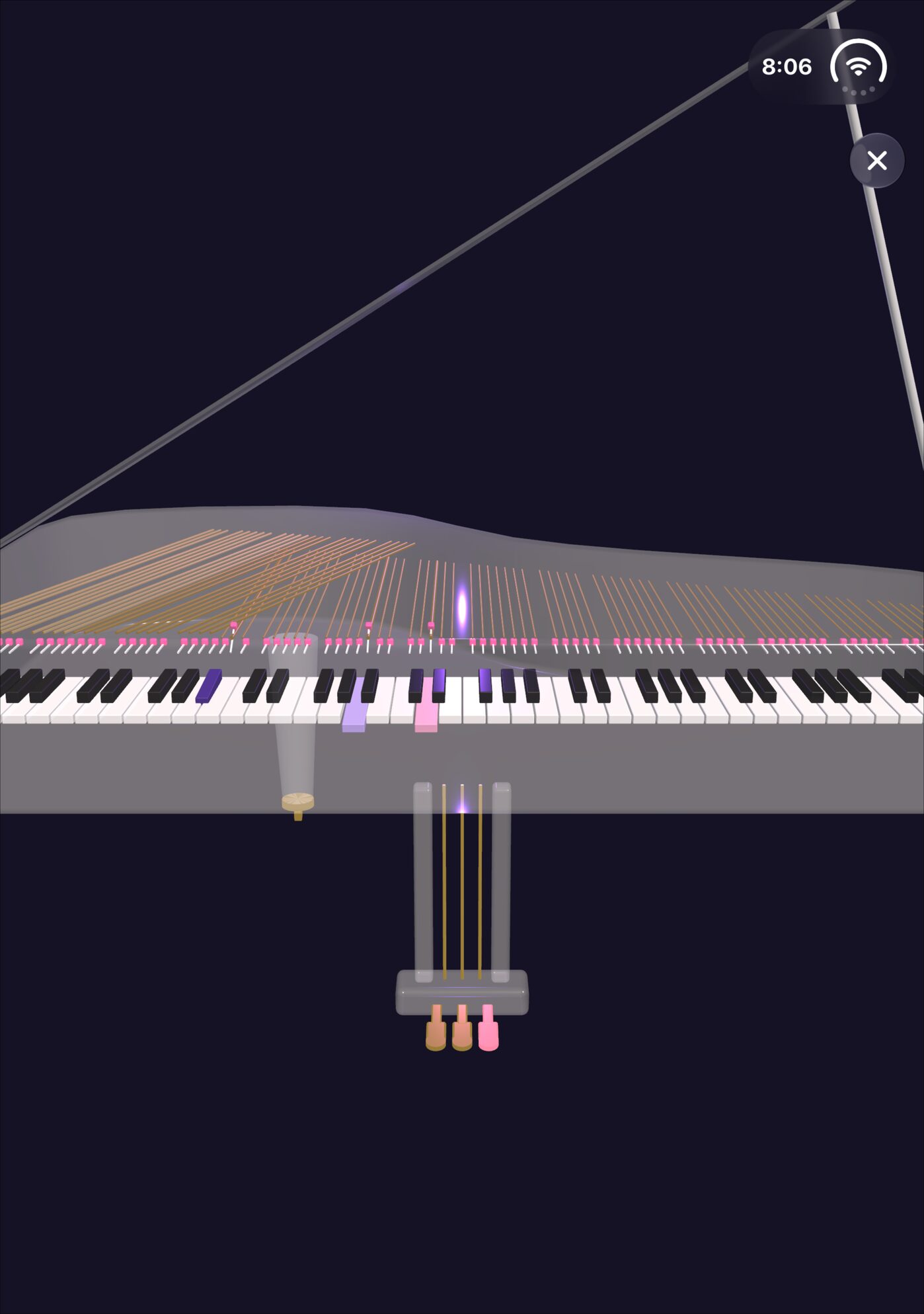 Open flat: the grand piano in 3D
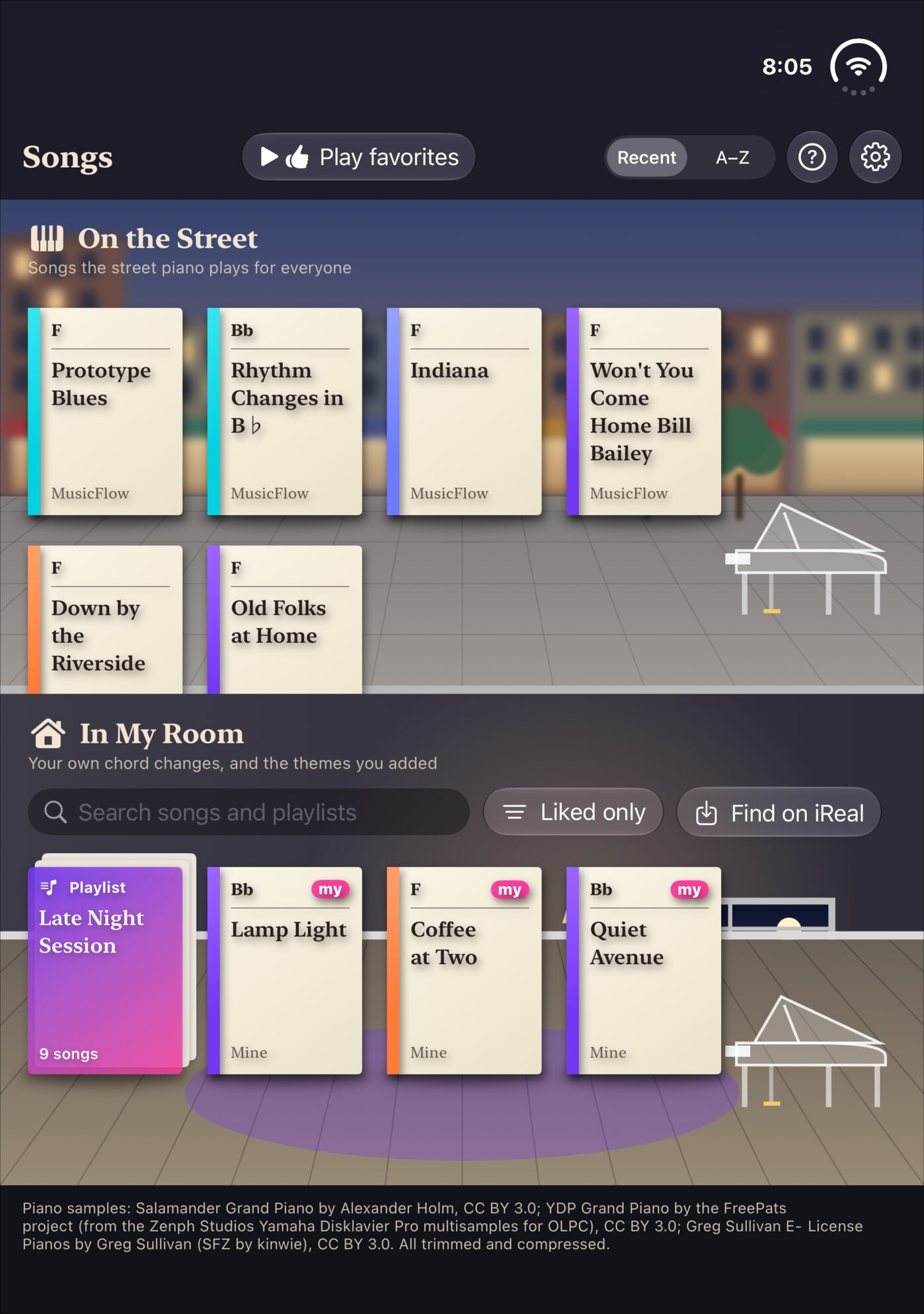 Open like a notebook: picking a song
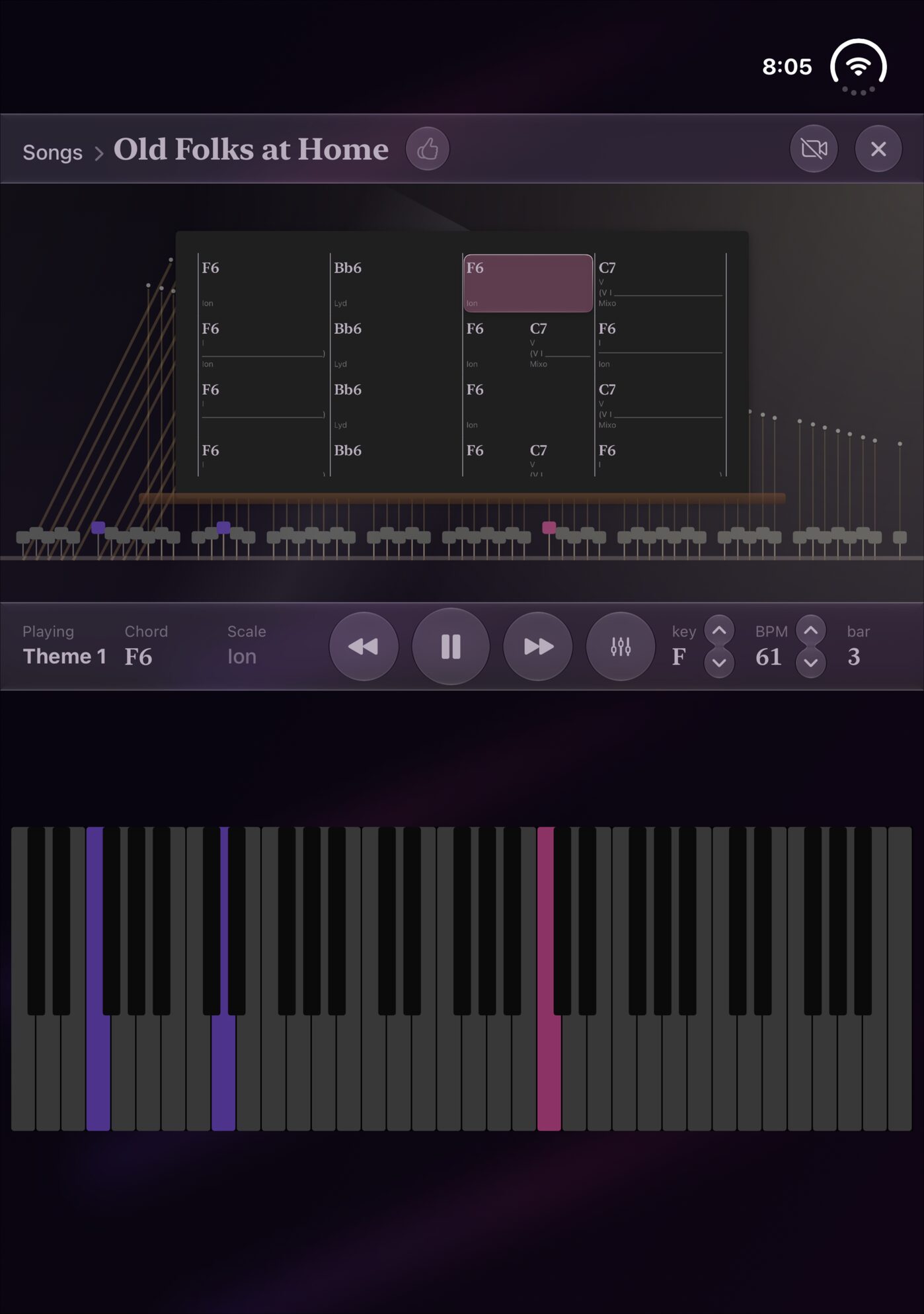 Open like a notebook: night mode
Promo video
Open the video (MP4)Contact
For interviews or anything else you need, please get in touch.
MusicFlow